Intervals
Every interval out to a double octave, ascending, descending and harmonic.
9 levels · 4 freeEar training for iPhone
Recognize the interval. Follow the harmony. Play the melody back. Build a more musical ear with short daily workouts that adapt to you.
Coming to the App Store. iPhone and iPad, iOS 17 or later.
Inside Tritave
Take a look around. Real app screens, from your daily workout to the Pro plans. Progress screens show example practice data.
Choose a screen to take a closer look.
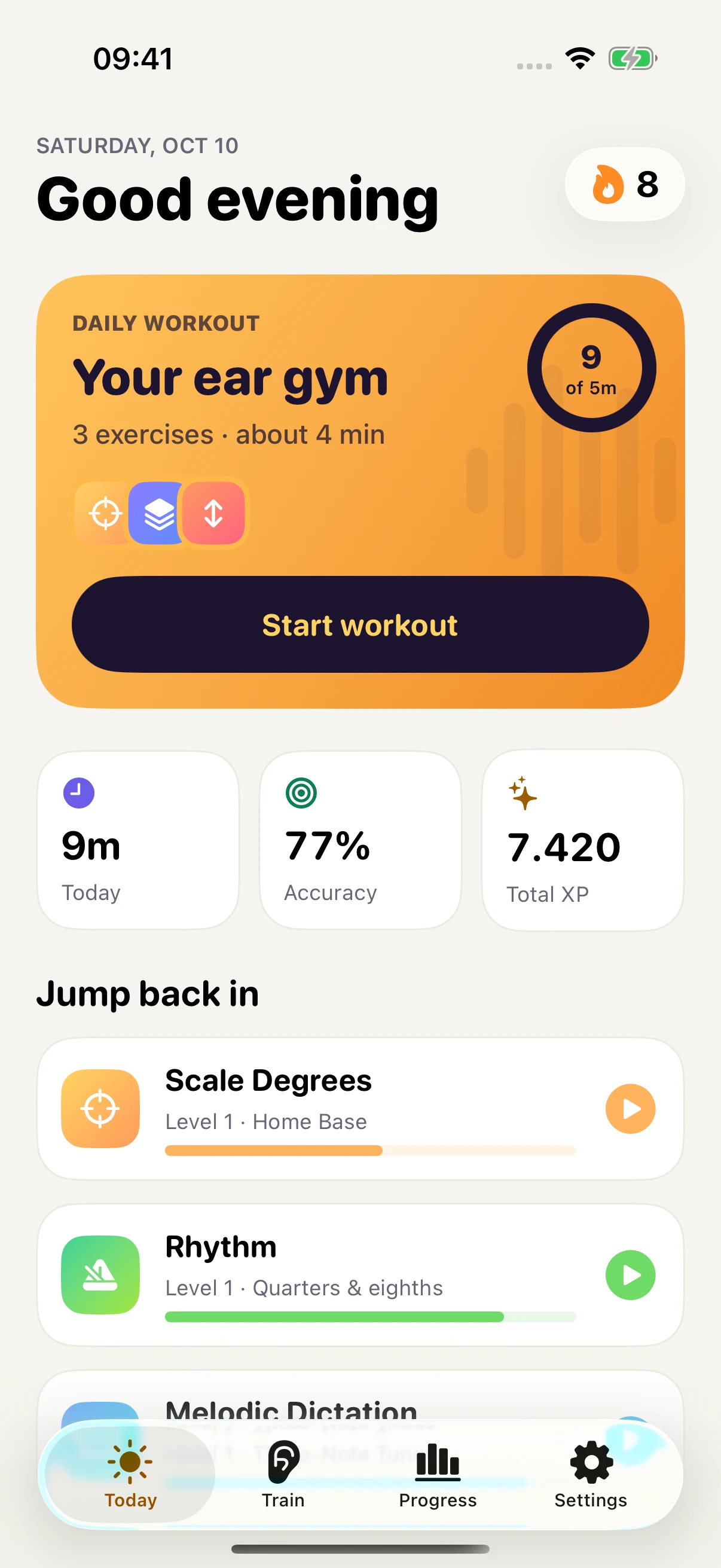
A goal, a streak, and a workout picked for you.
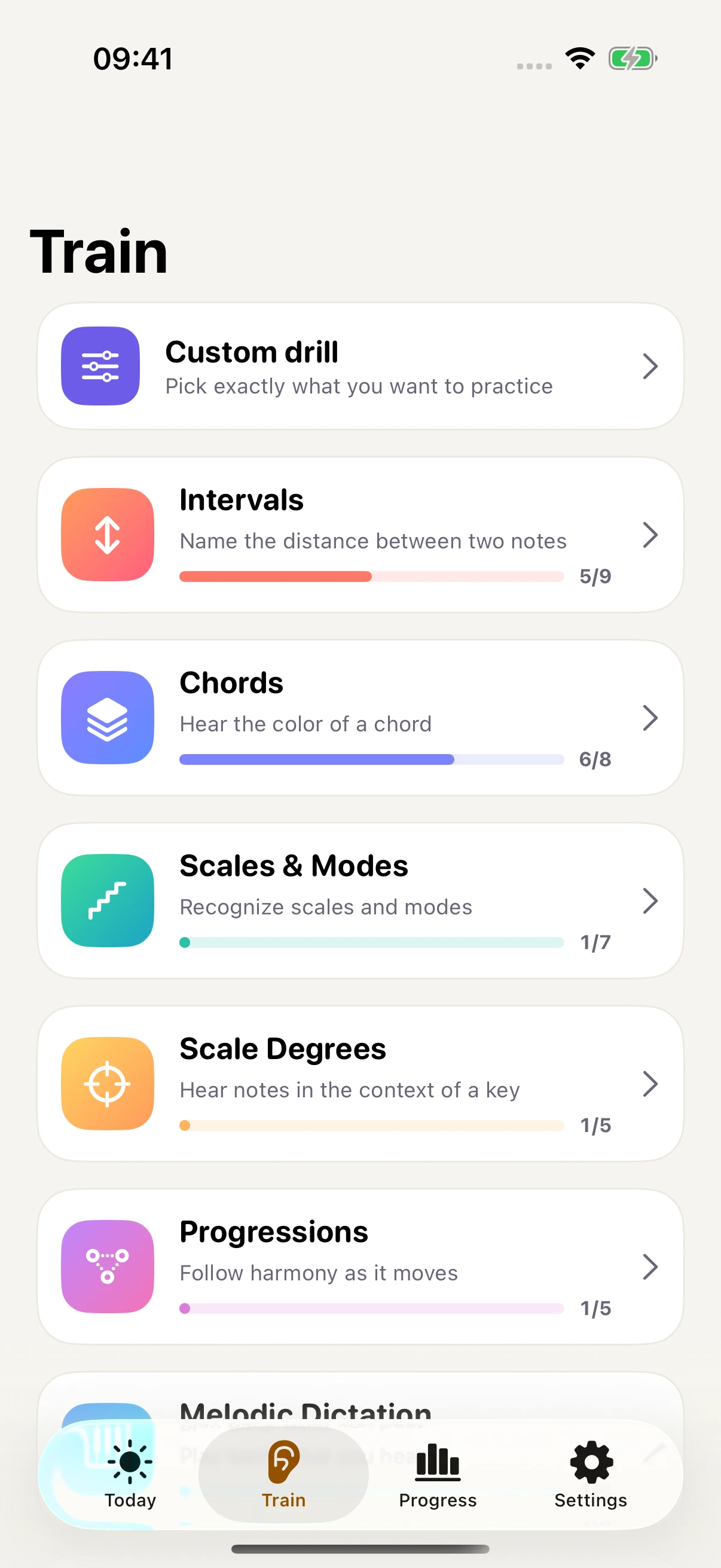
Browse exercises and build a custom drill.
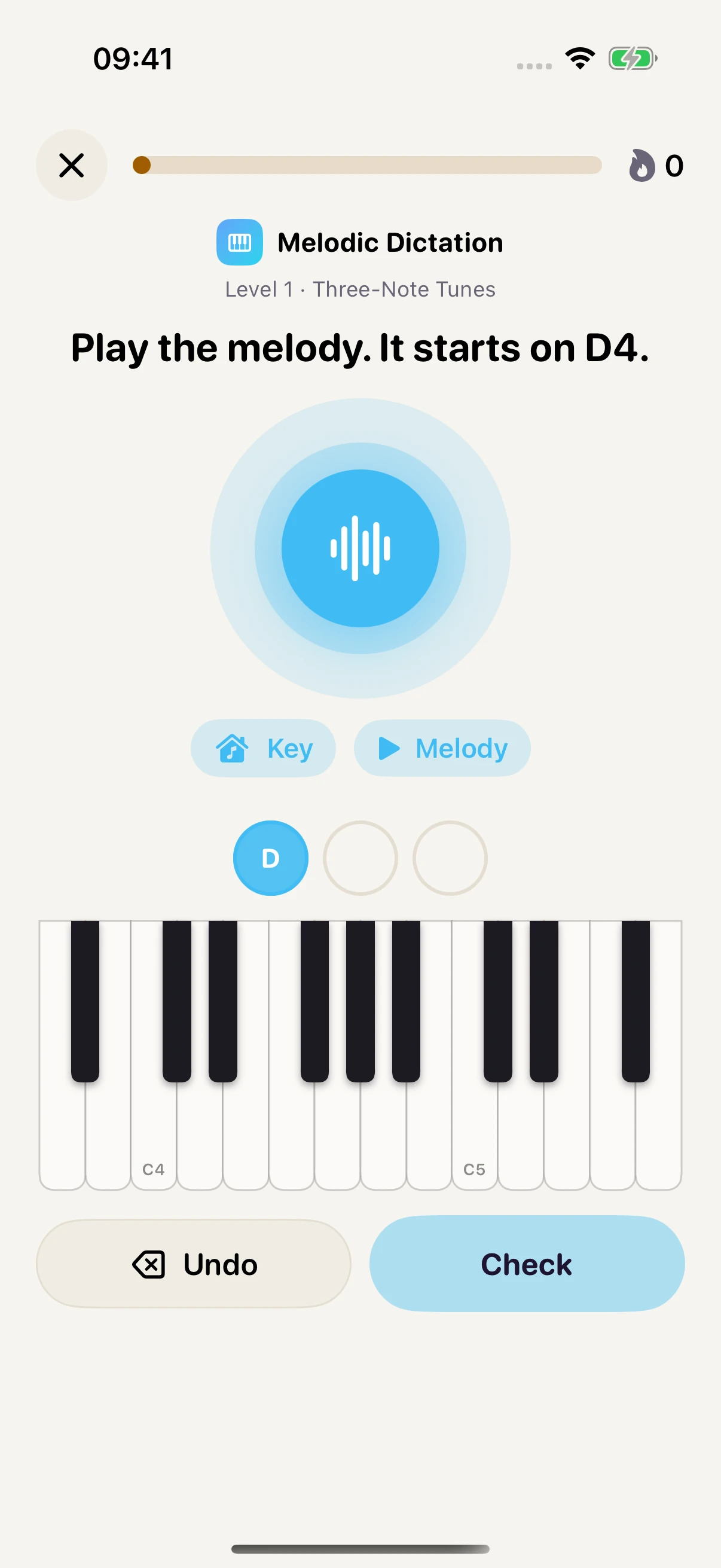
Answer melodic dictation on a piano keyboard.
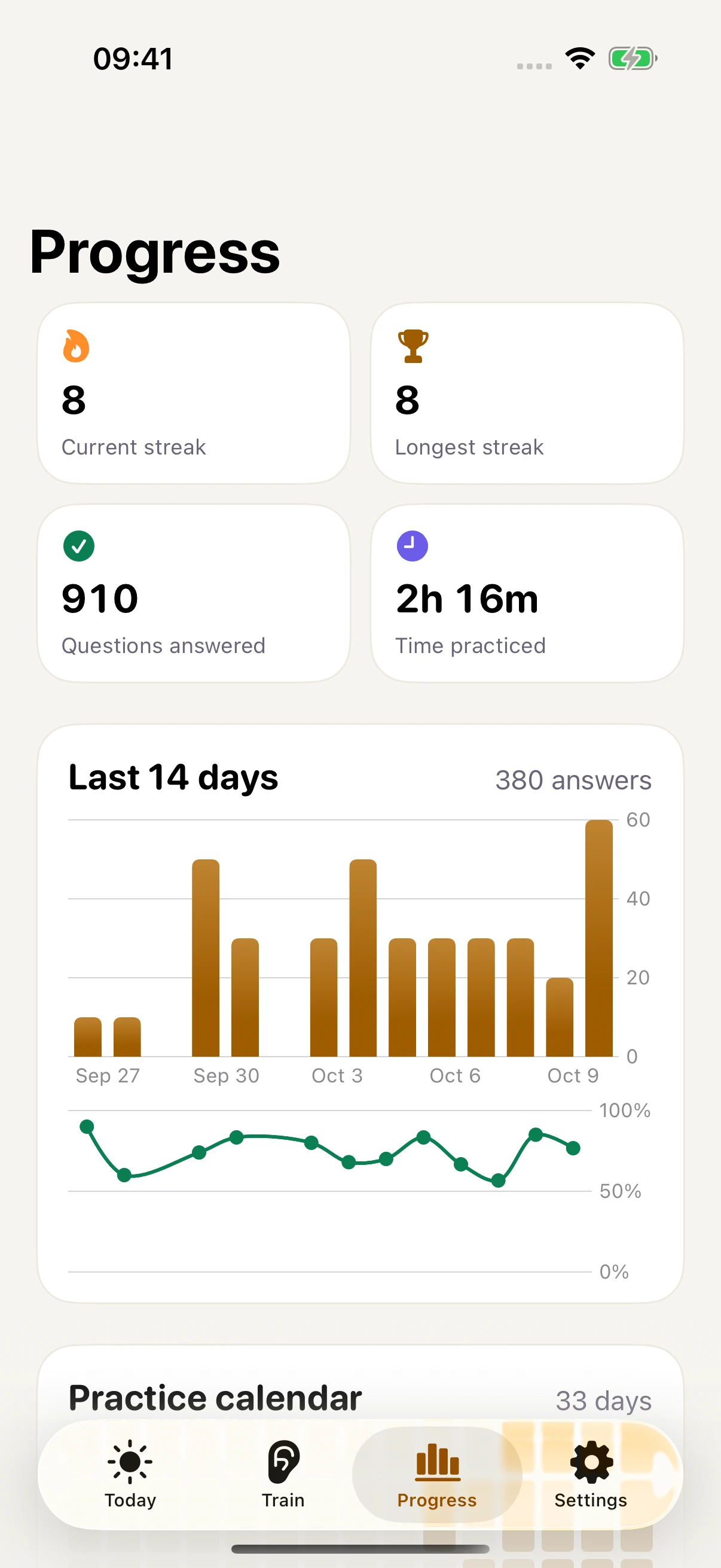
Daily activity, accuracy, streaks, and practice time.
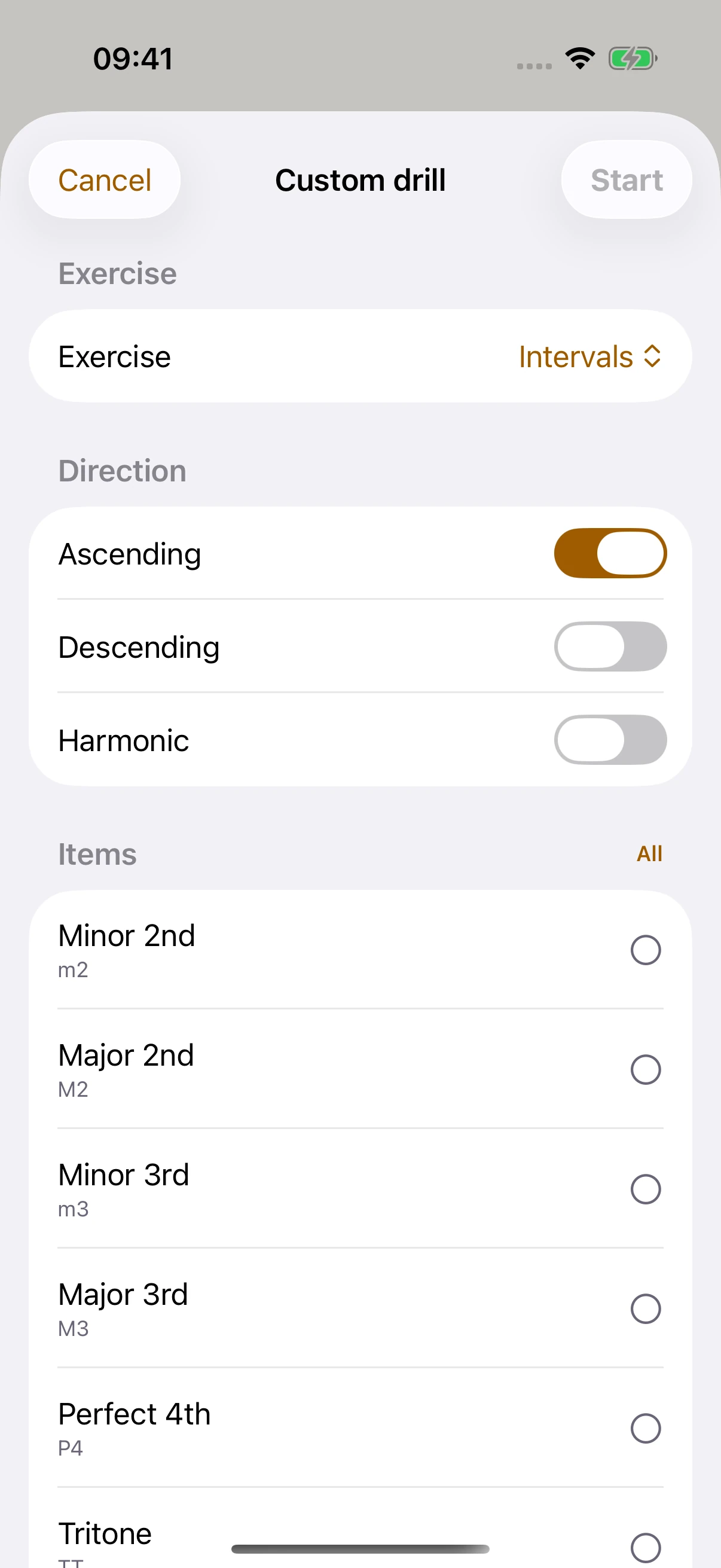
Choose the sounds you want to work on.
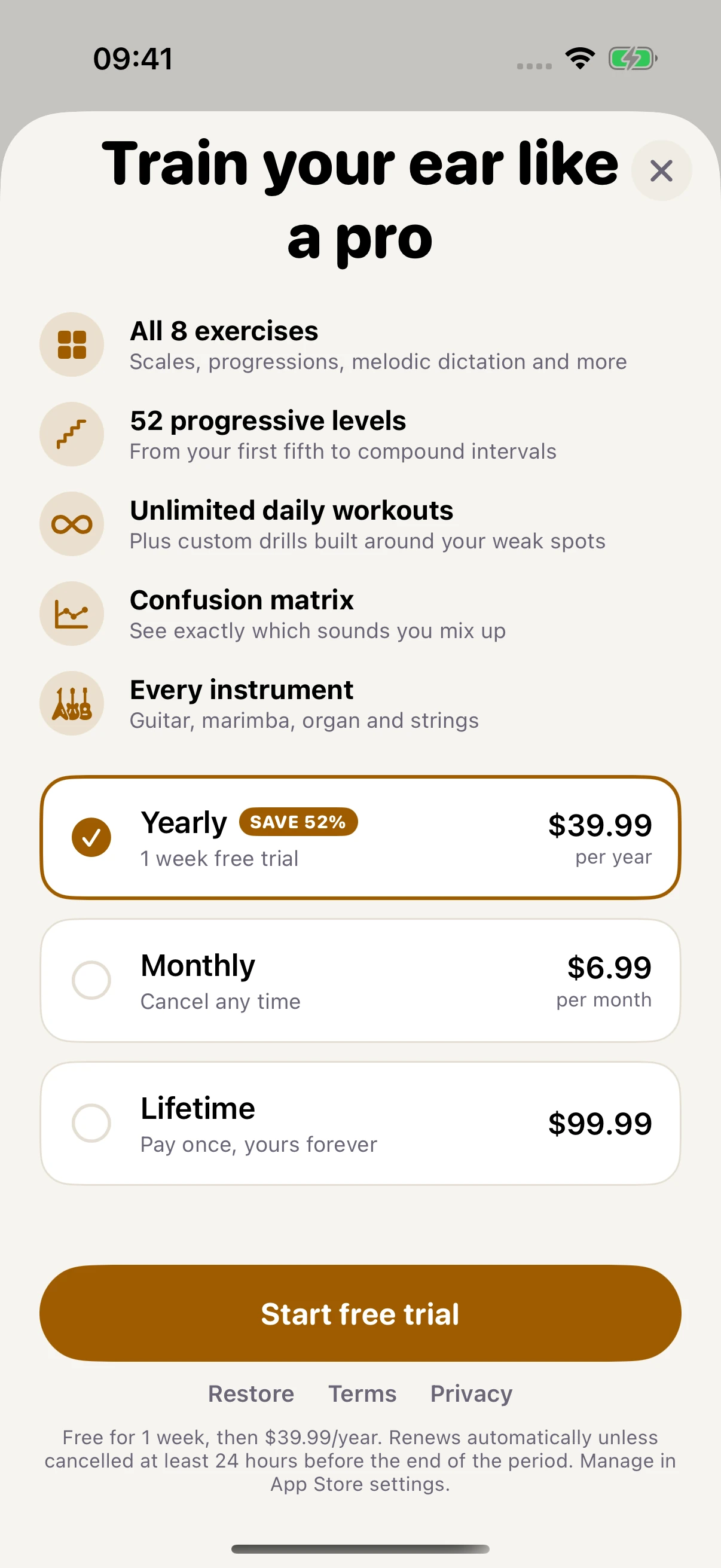
Yearly, monthly, and lifetime plans in the app.
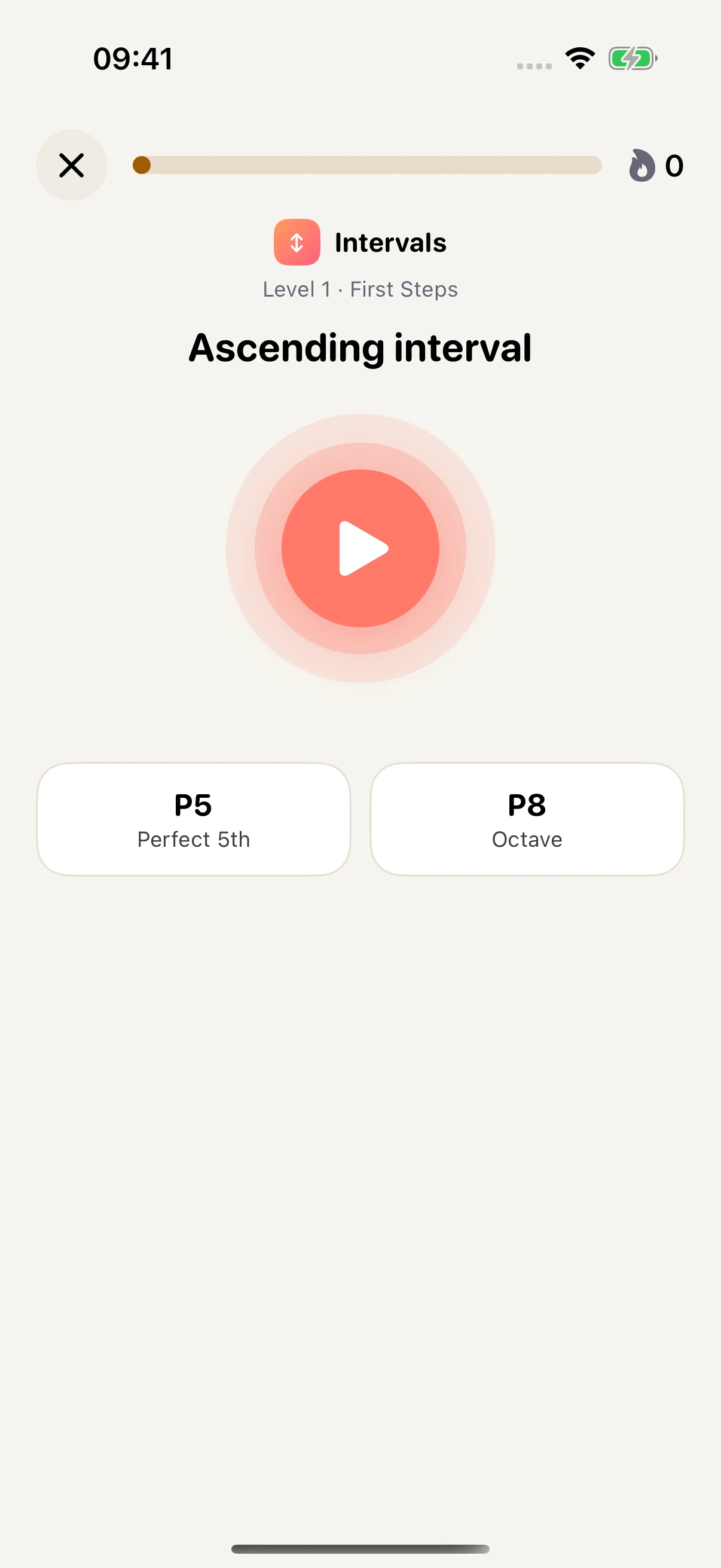
Name the distance between two notes.
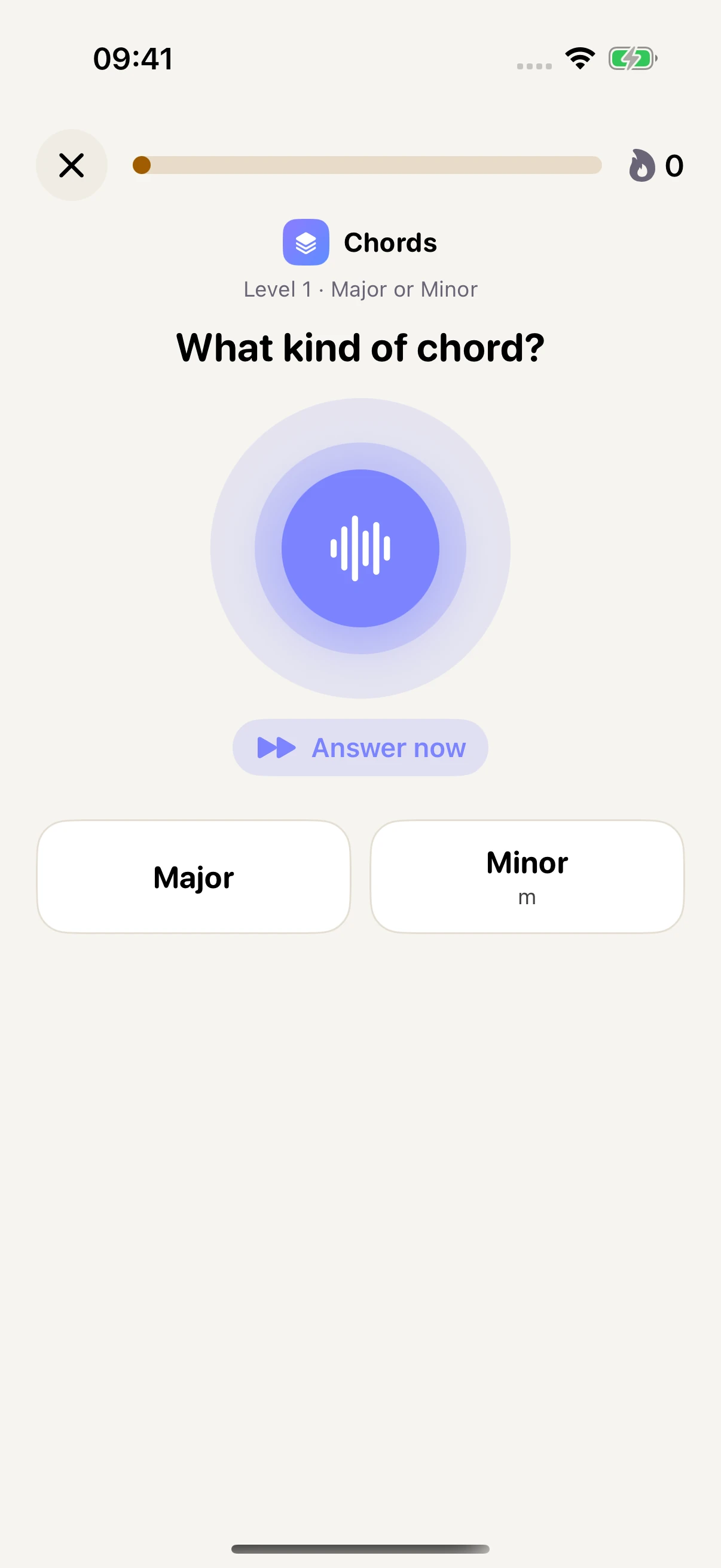
Recognize the quality of the chord you hear.
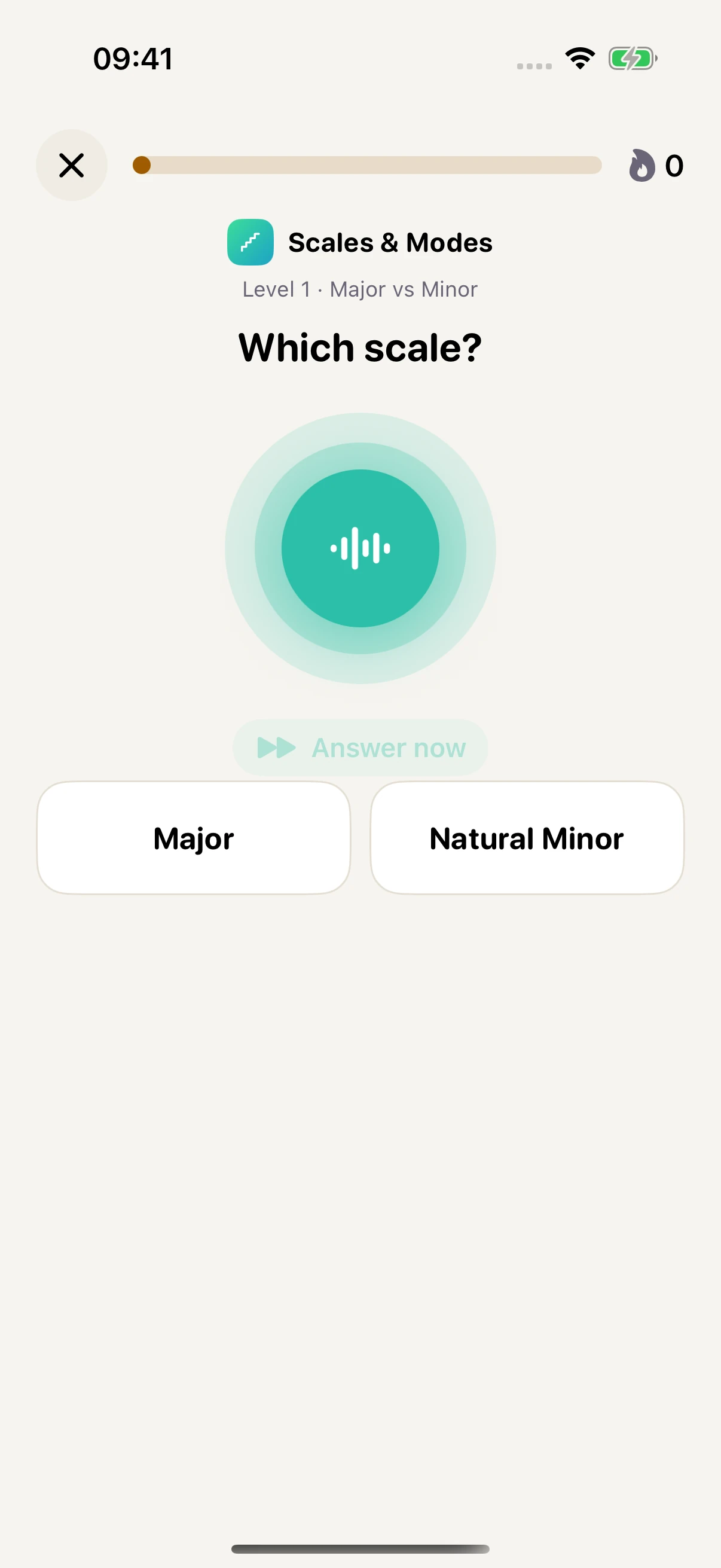
Hear a scale and identify its character.
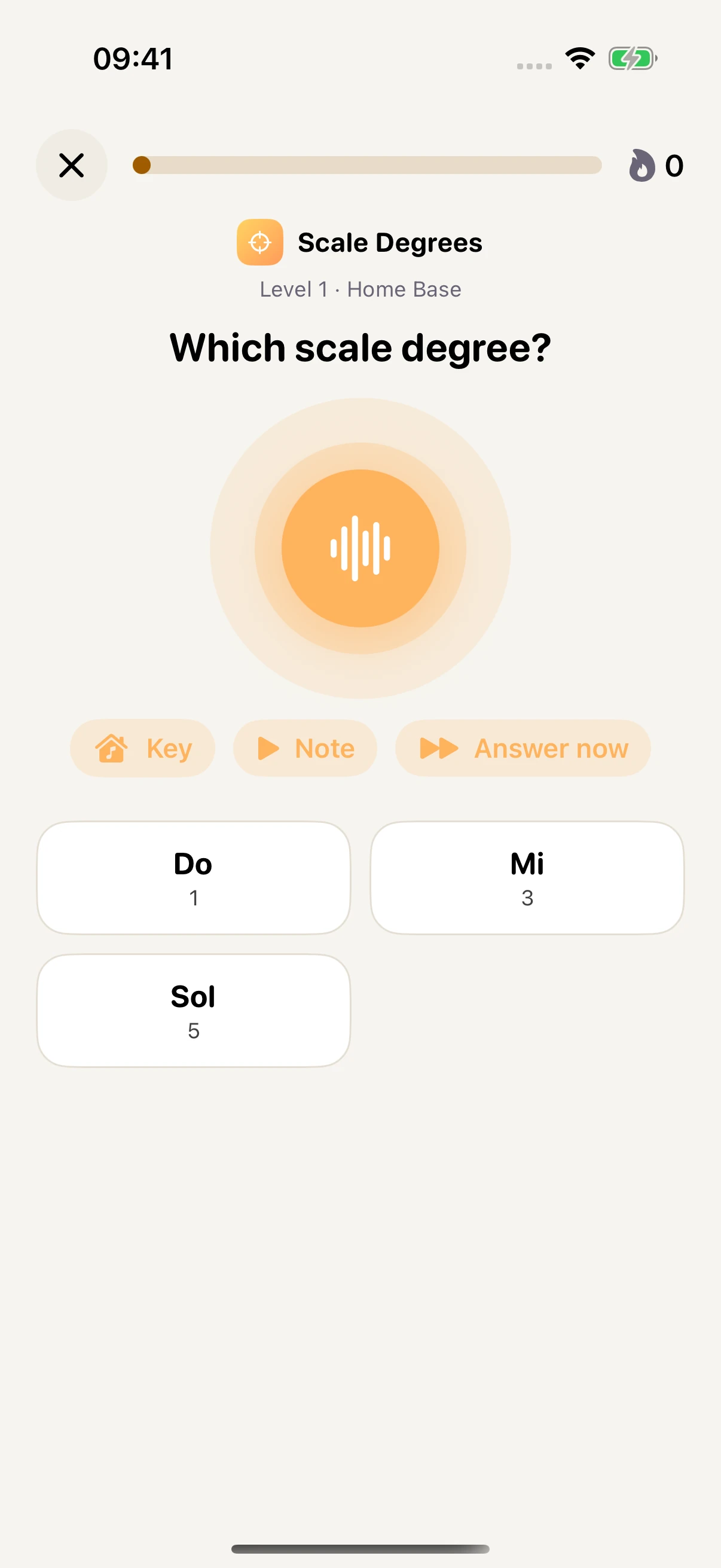
Place a note inside an established key.
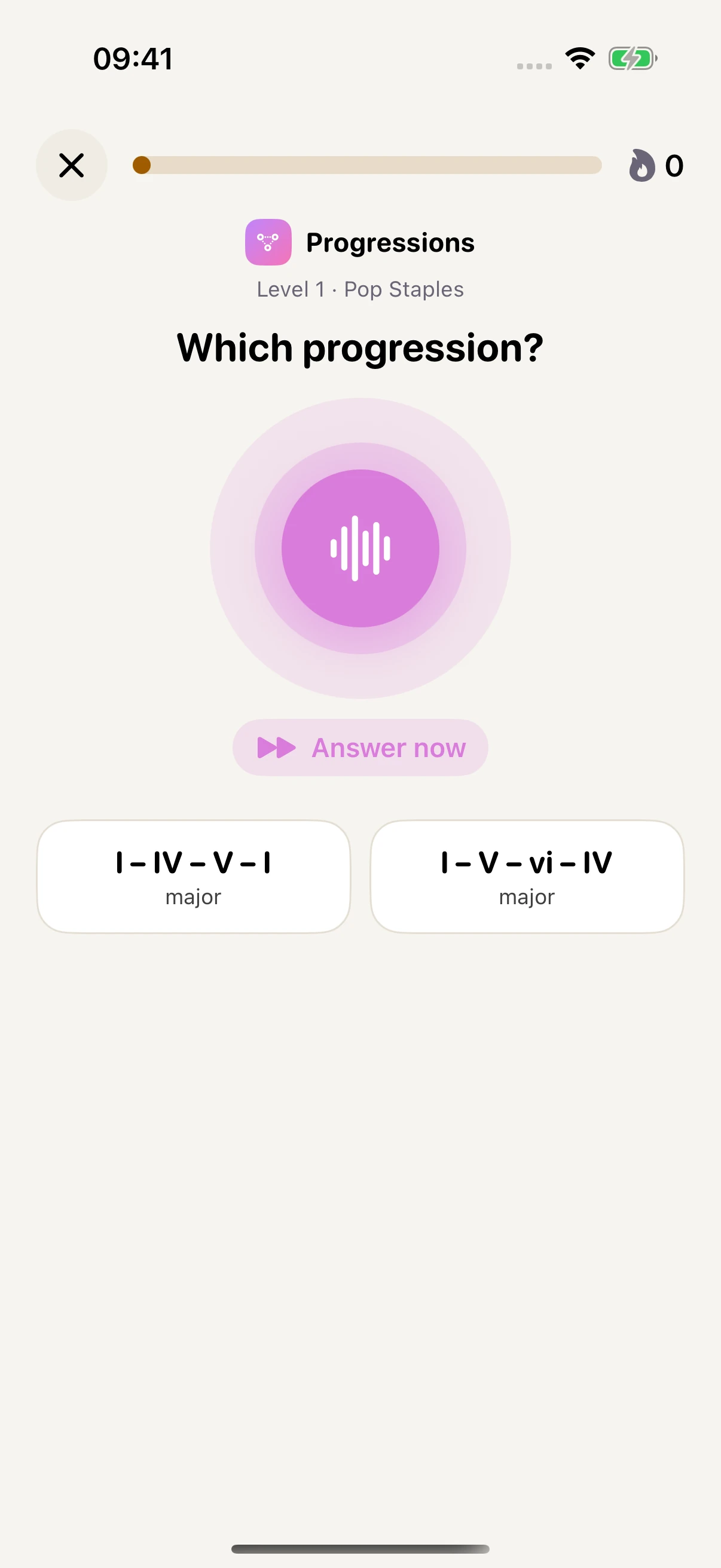
Follow the movement of the harmony.
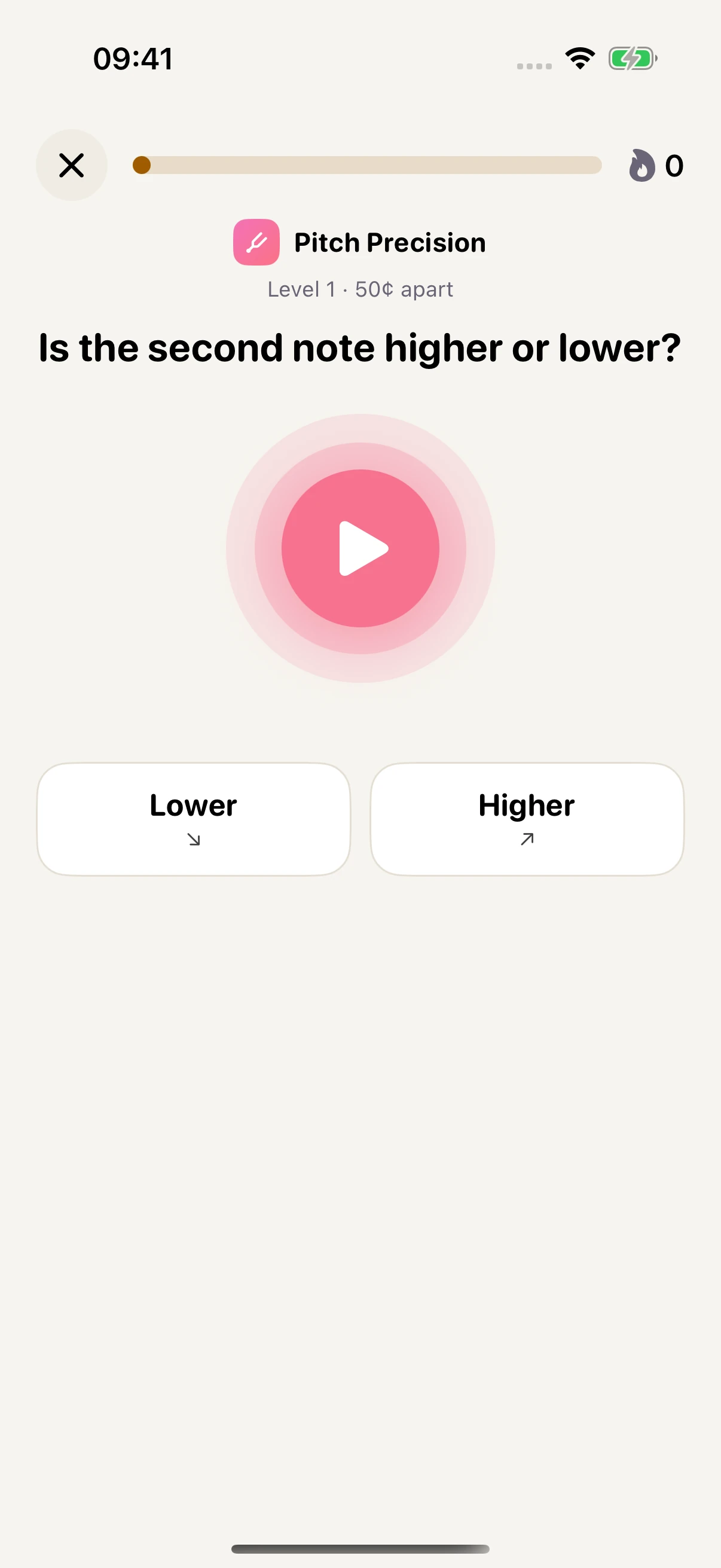
Hear a small difference in tuning.
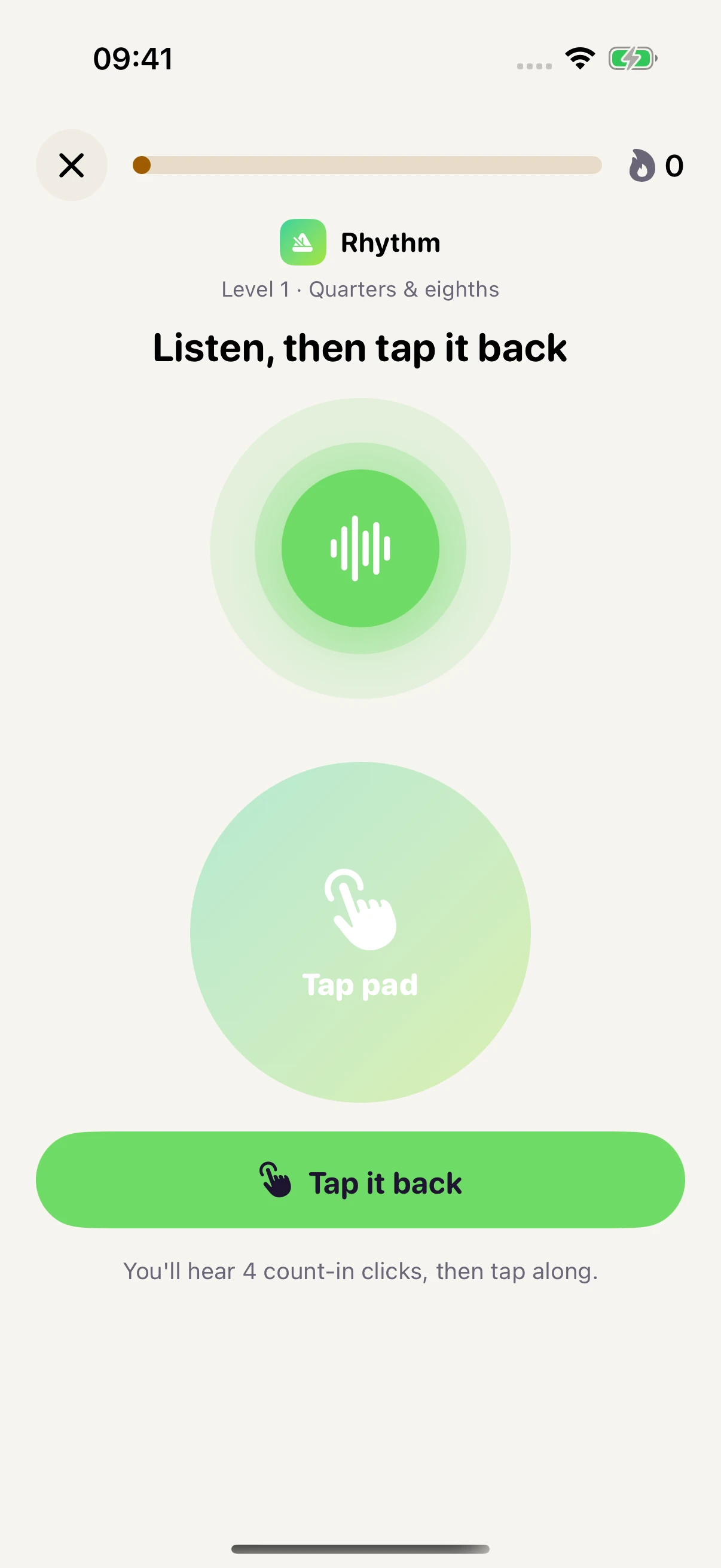
Listen to the pattern, then tap it back.
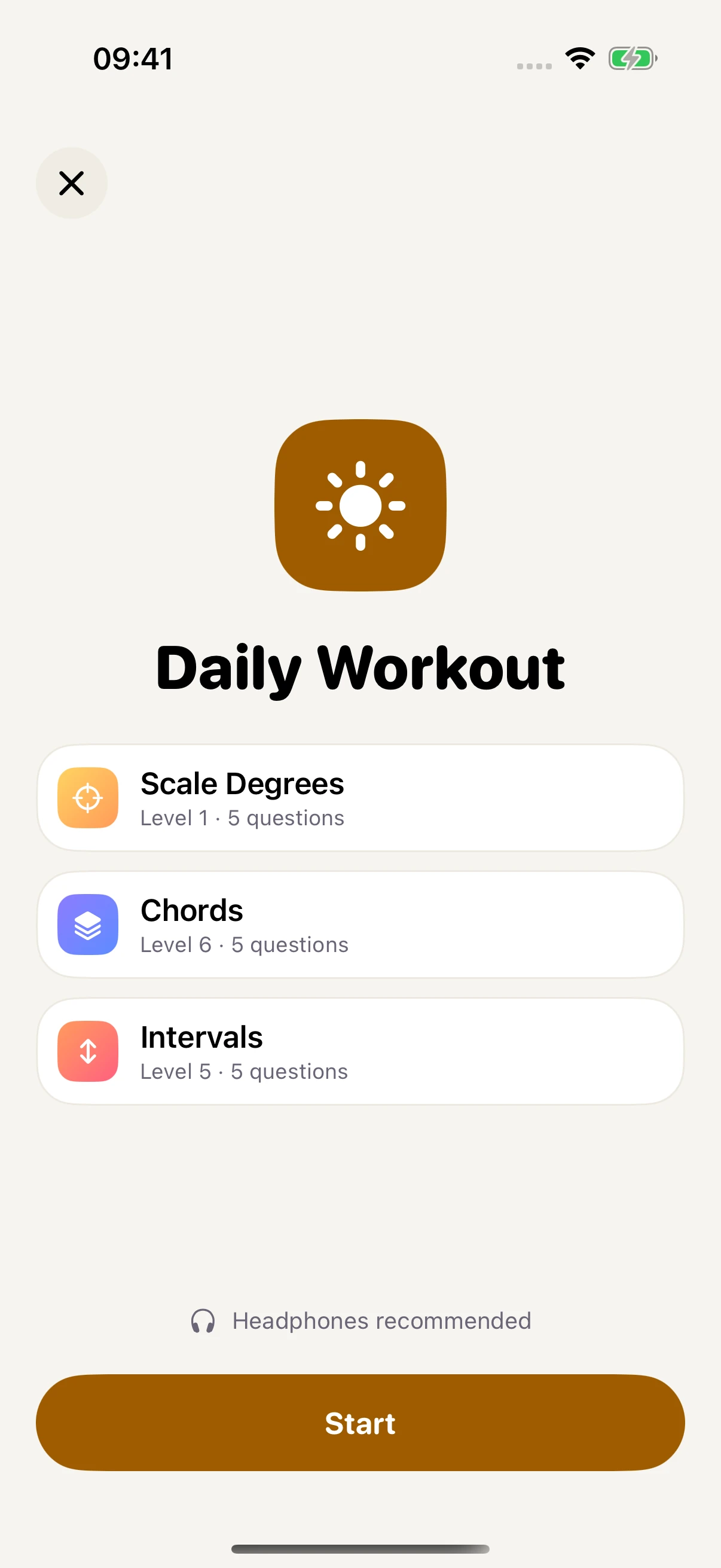
Three short blocks for focused daily practice.
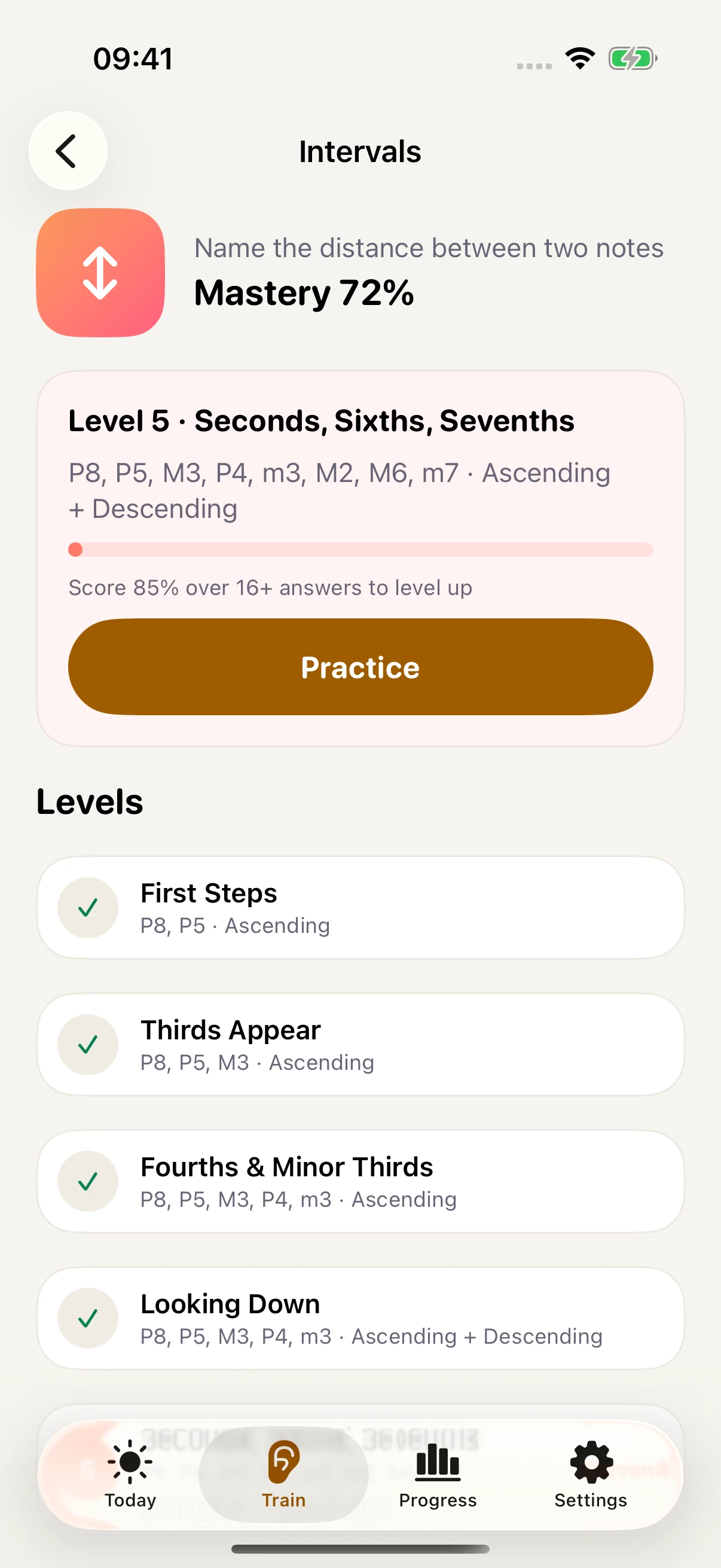
A progressive curriculum with levels you earn.
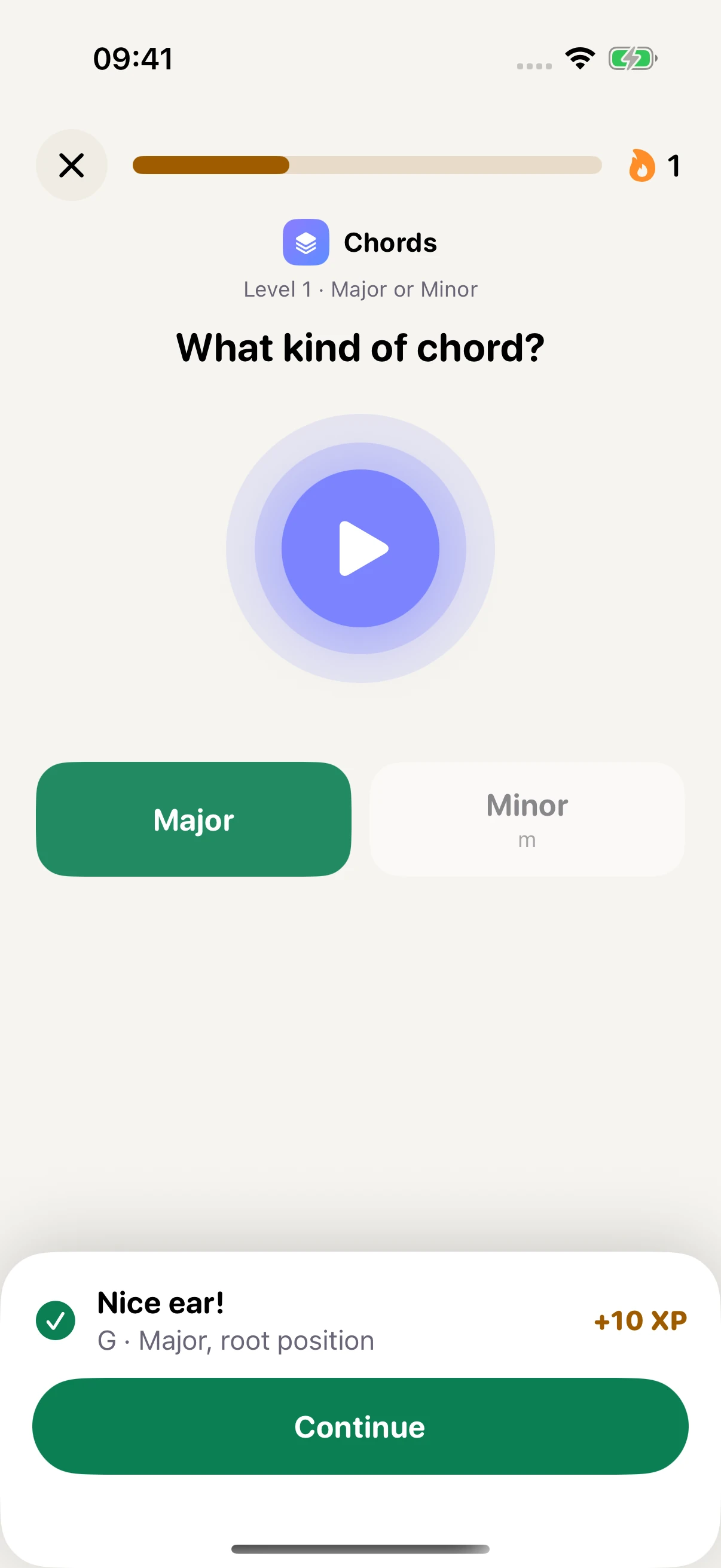
An explanation and a chance to compare sounds.
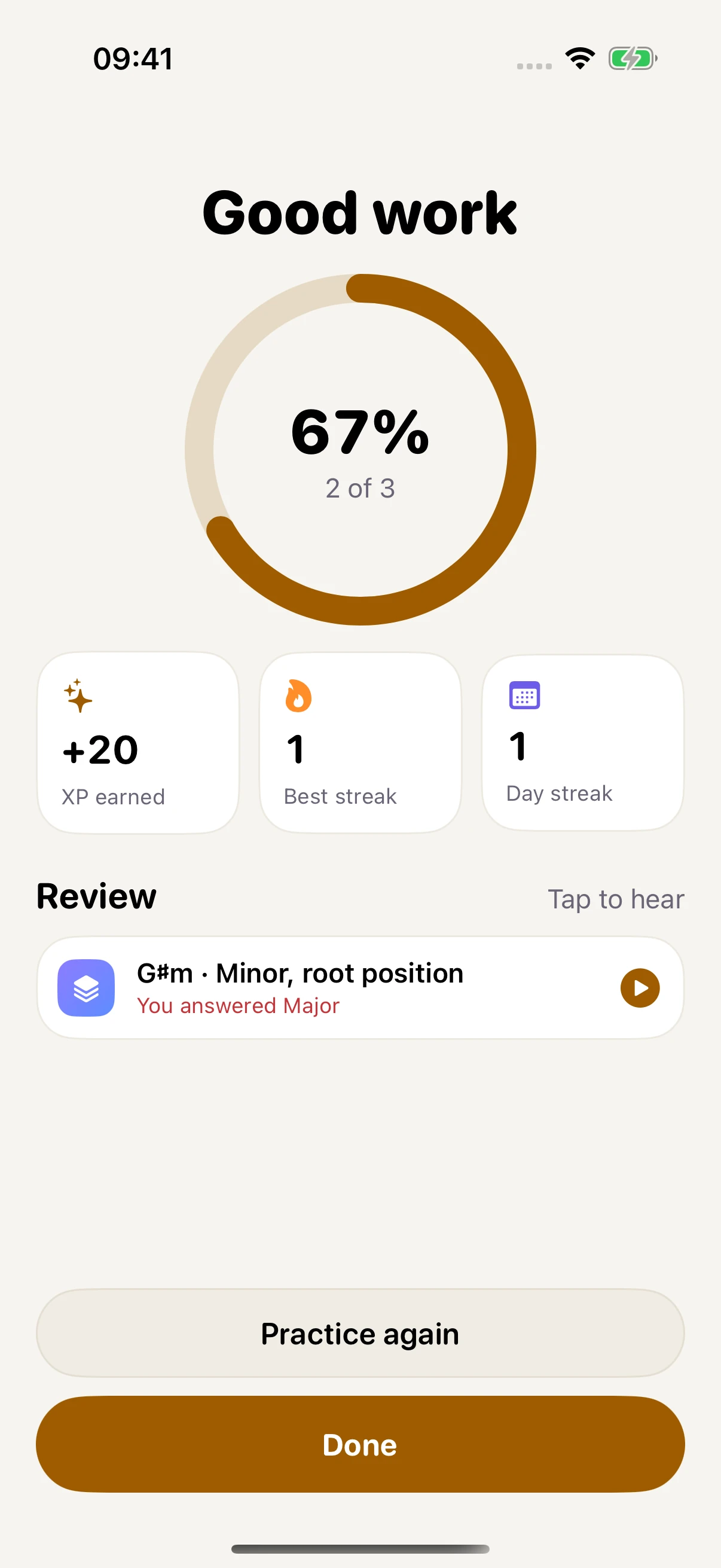
Review accuracy, XP, and the sounds to revisit.
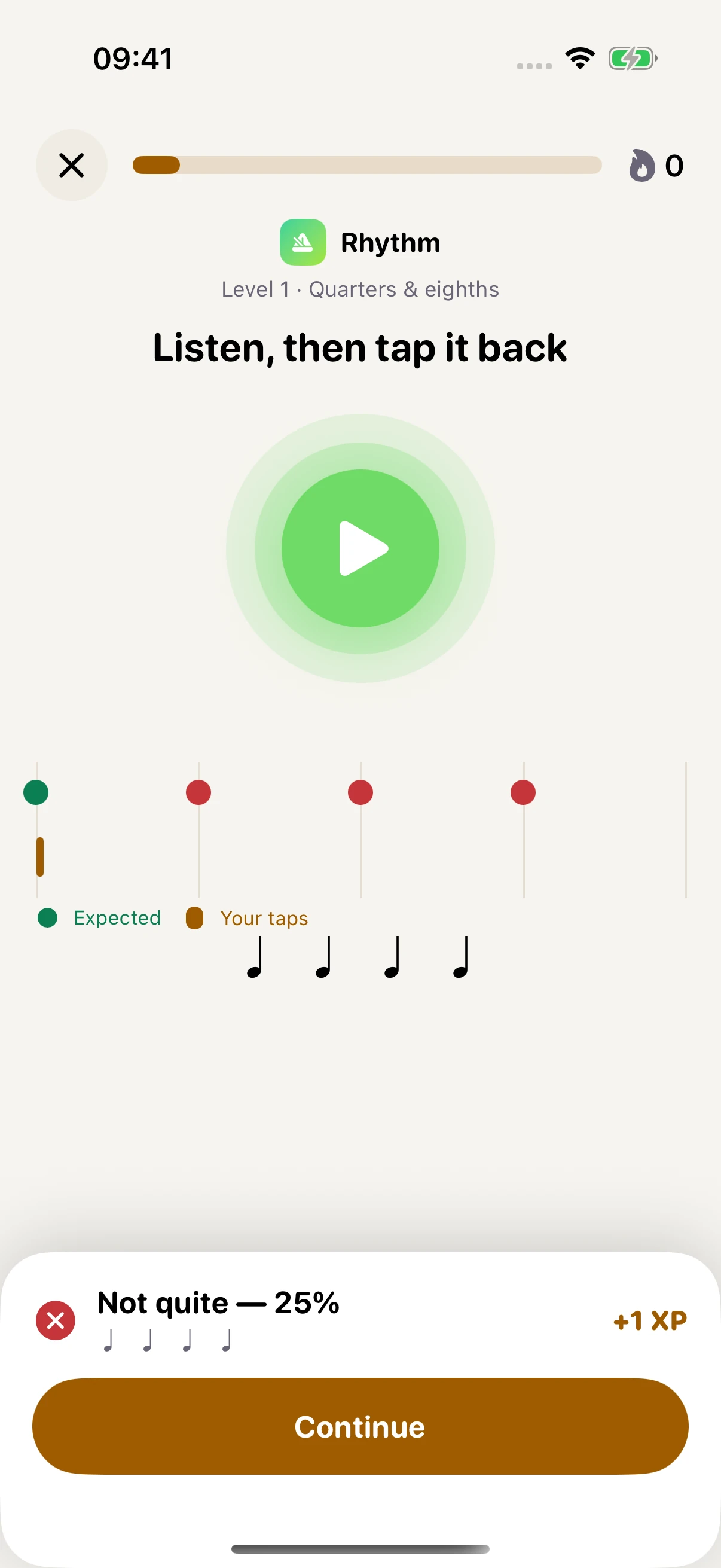
Review how your taps lined up with the rhythm.
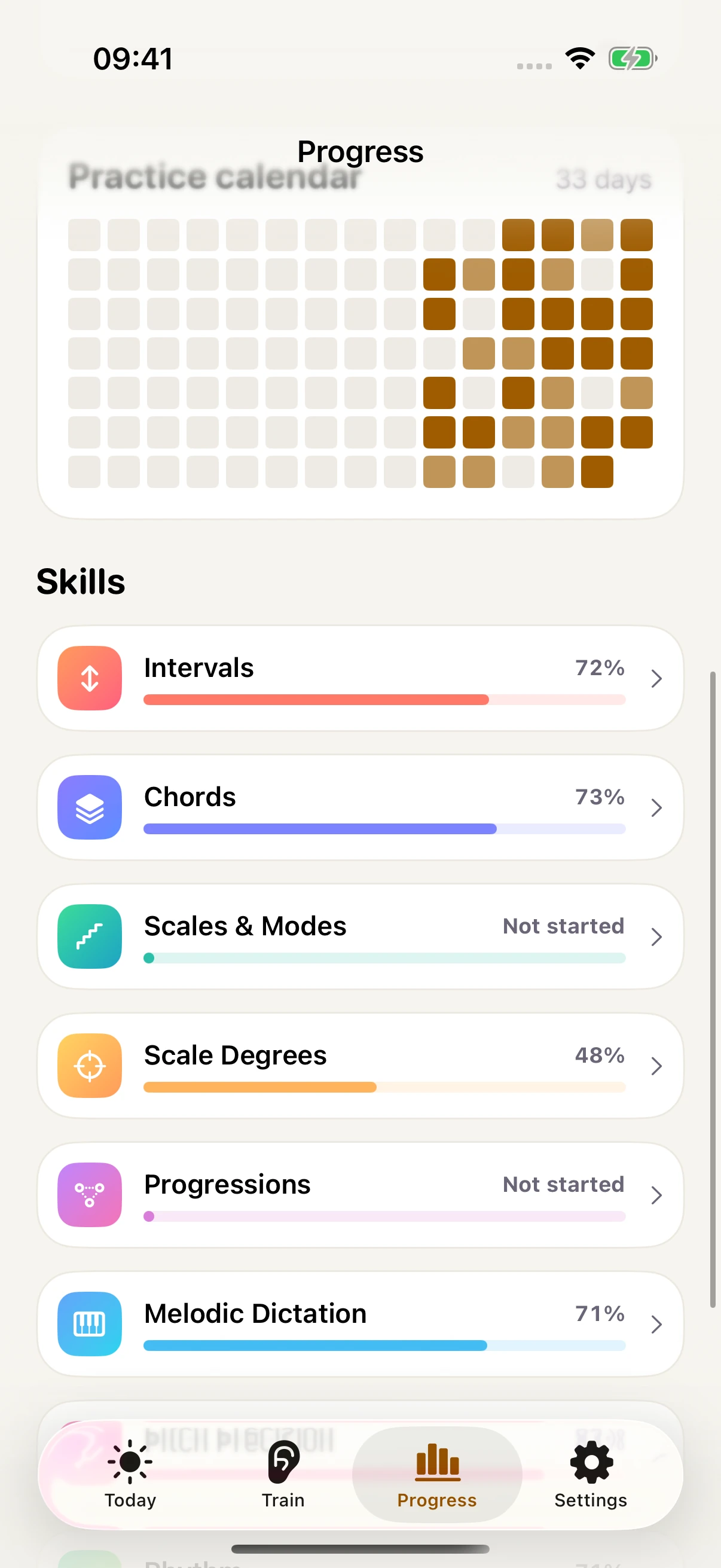
See your activity and mastery across skills.
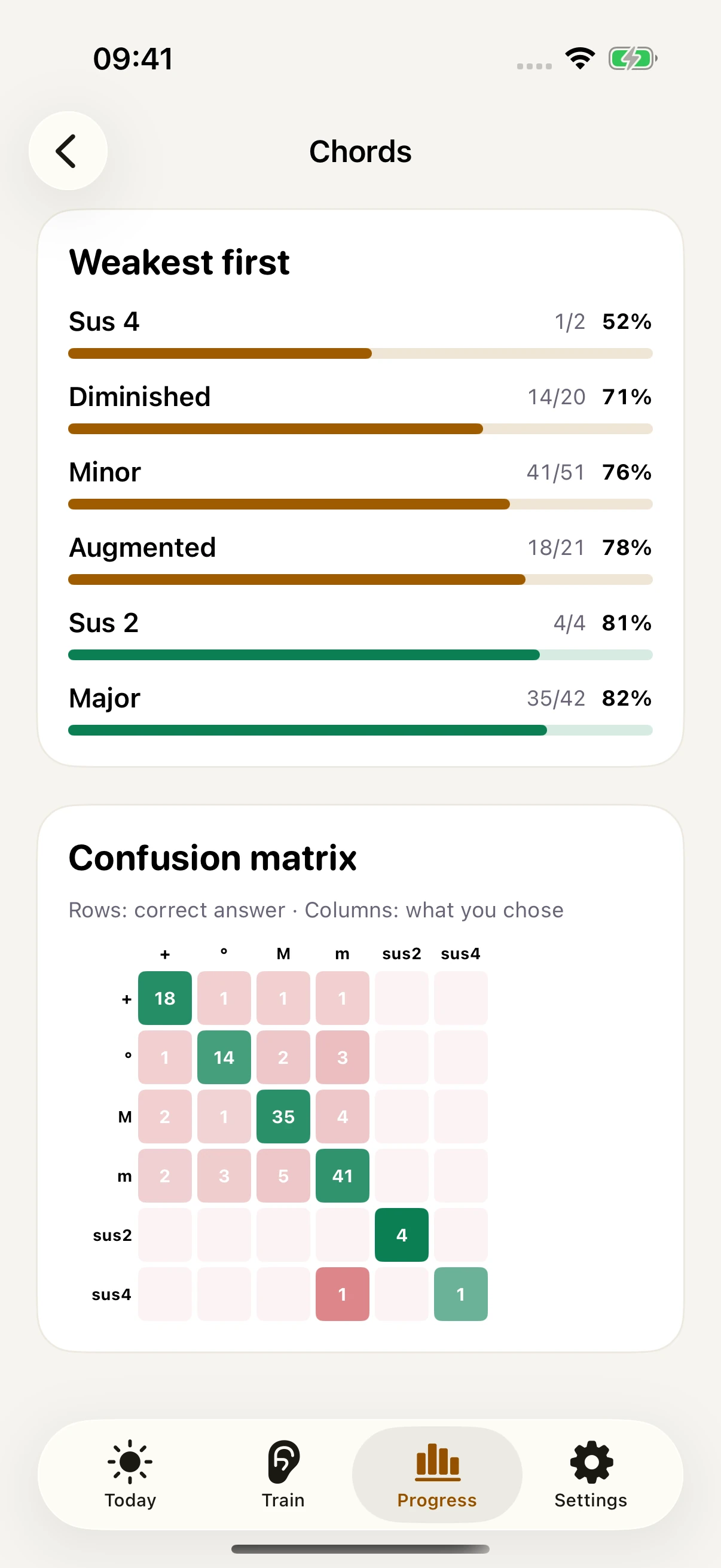
Per-item mastery, with your weakest items first.
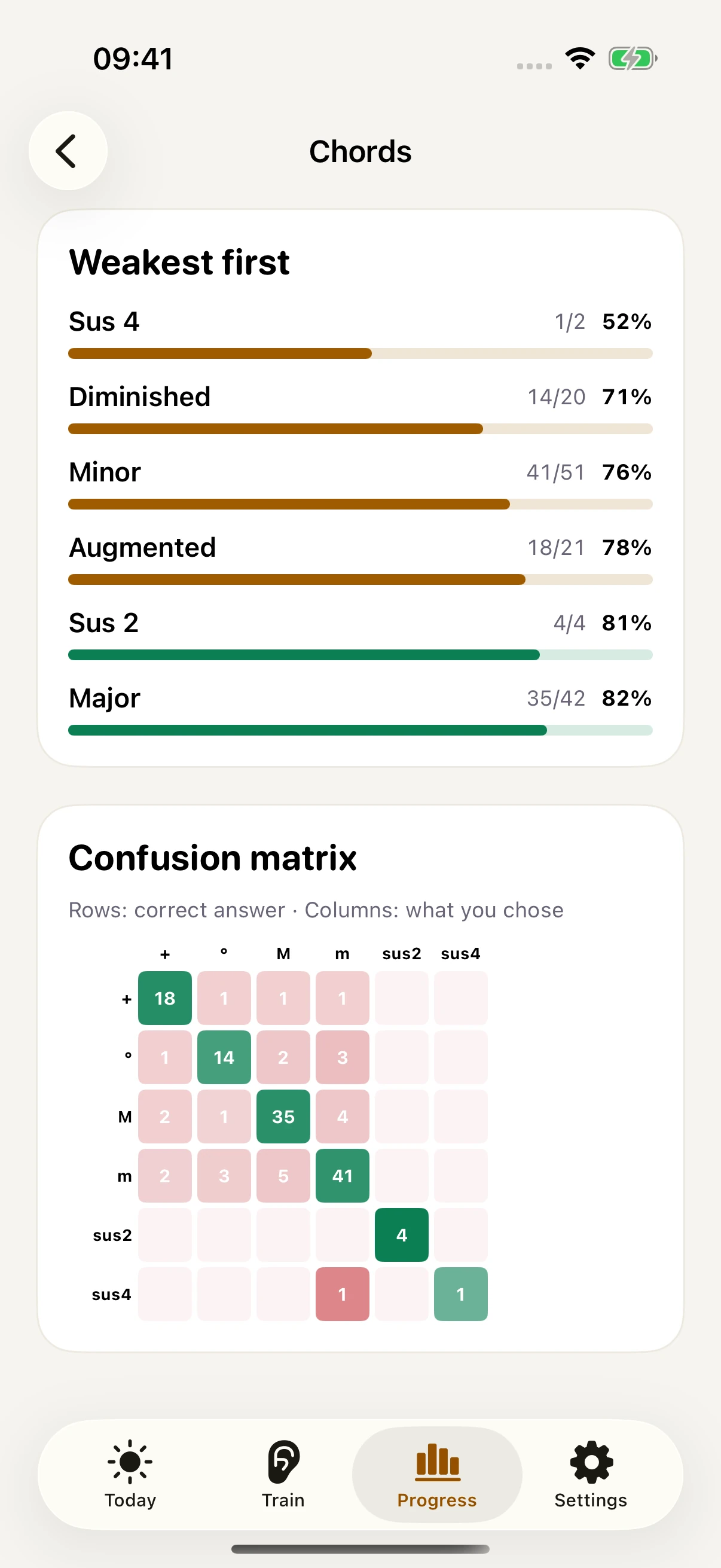
The Pro confusion matrix compares expected and chosen answers.
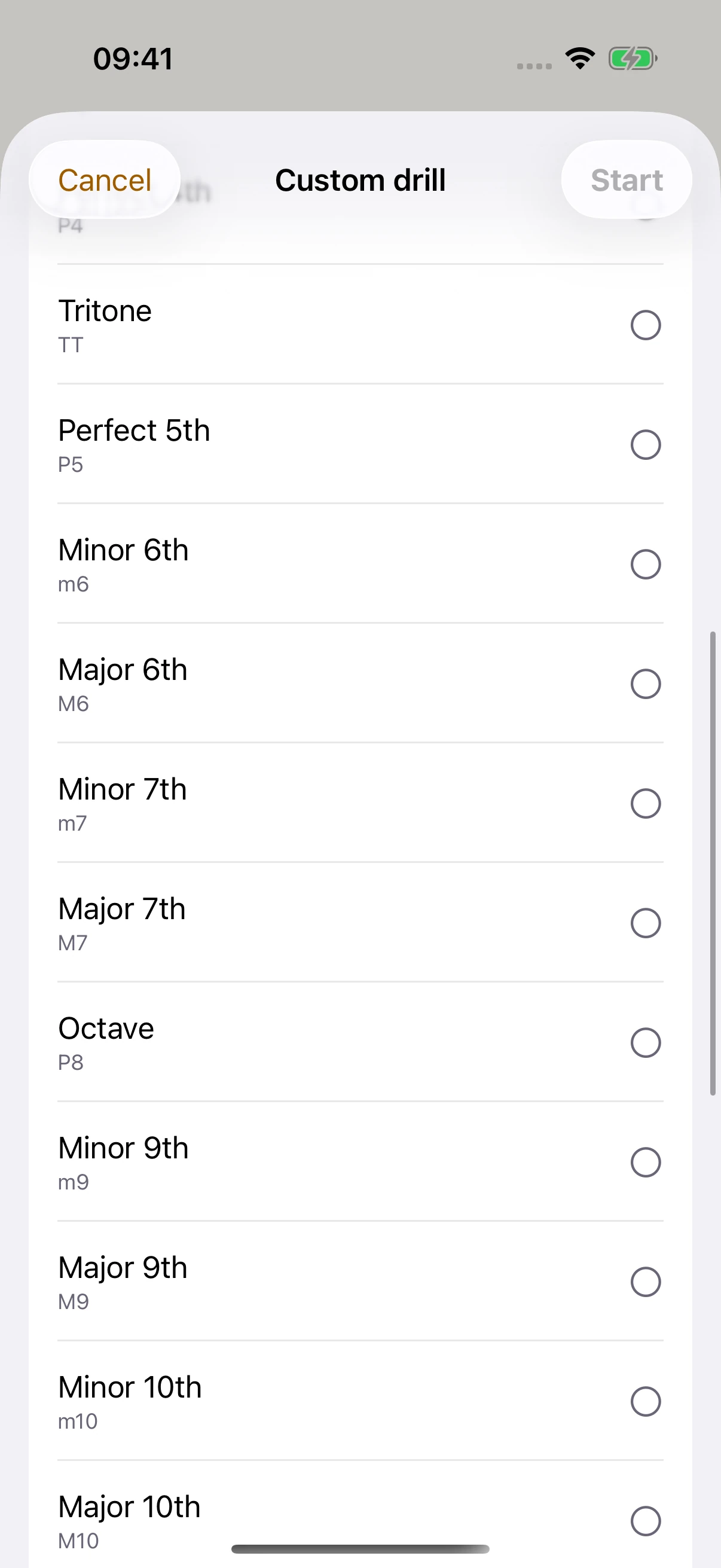
Adjust pitch range, pace, and instrument.
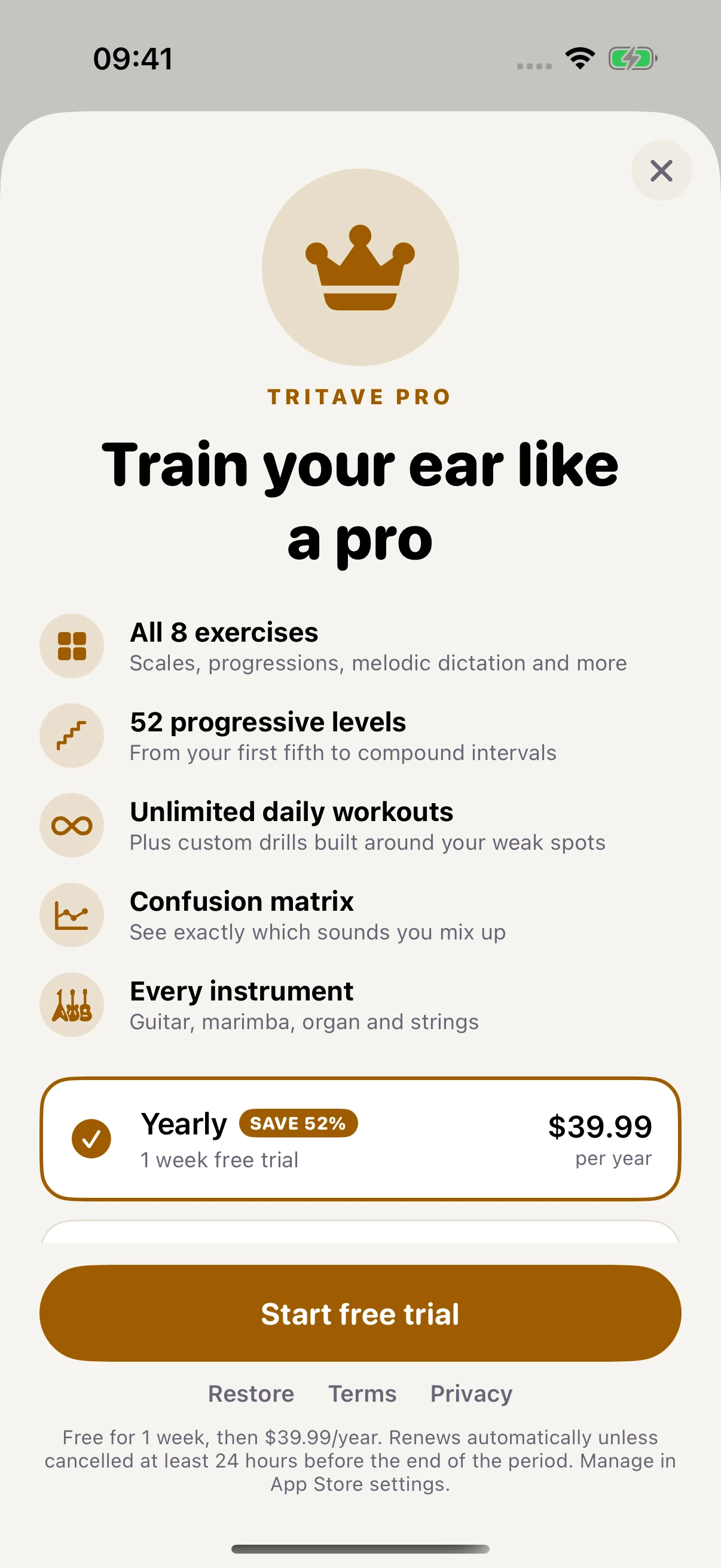
See the exercises, levels, and tools included in Pro.
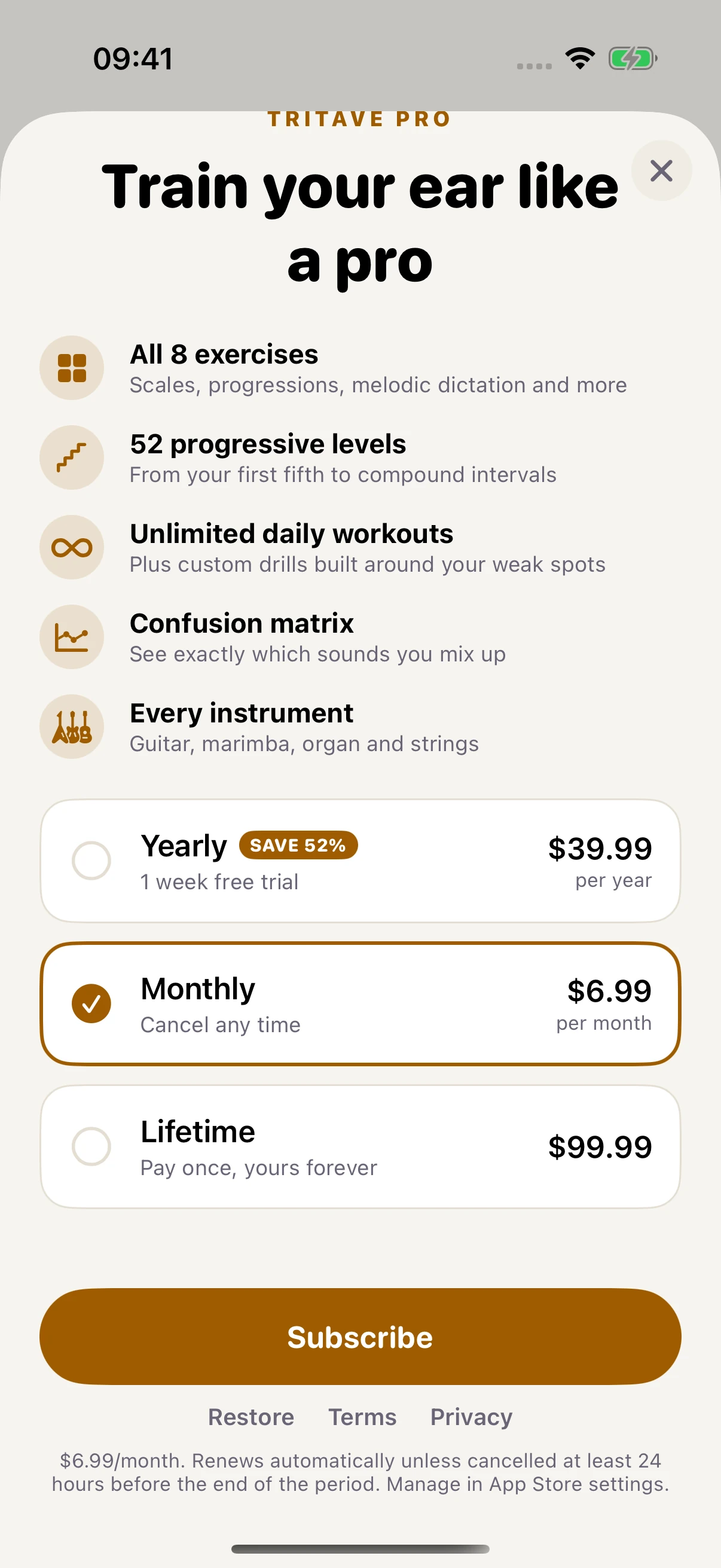
A monthly subscription with its own price and renewal details.
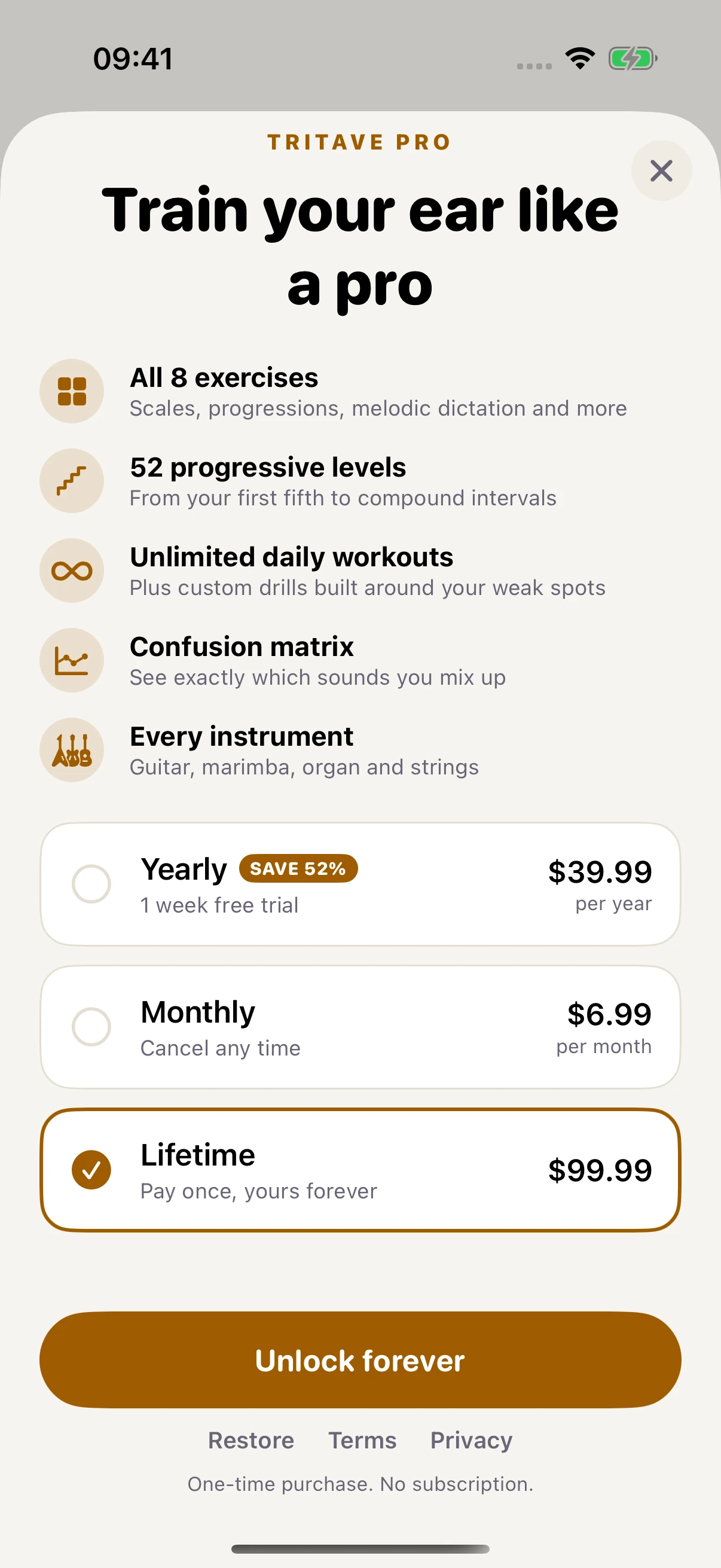
A one-time purchase with no subscription.
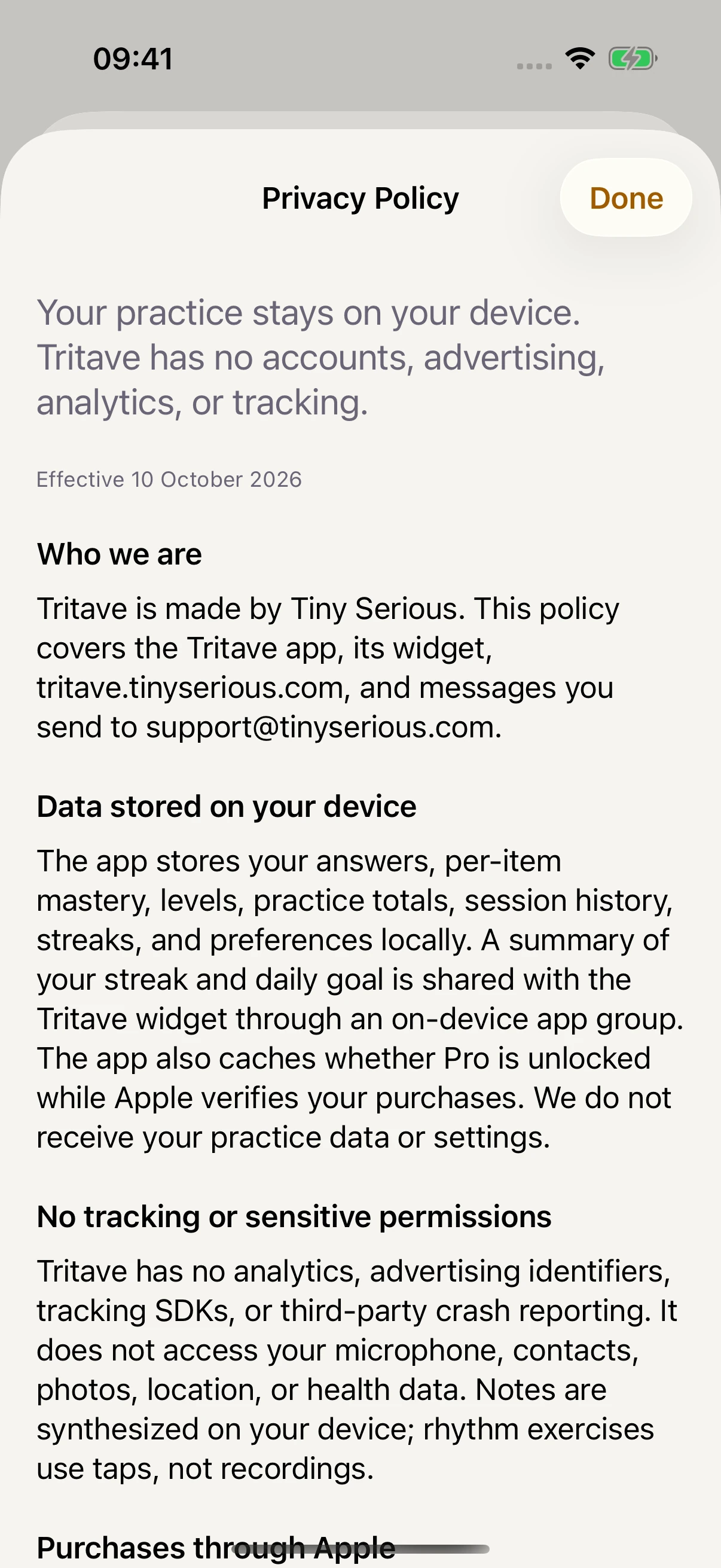
Read the policy before making a purchase.
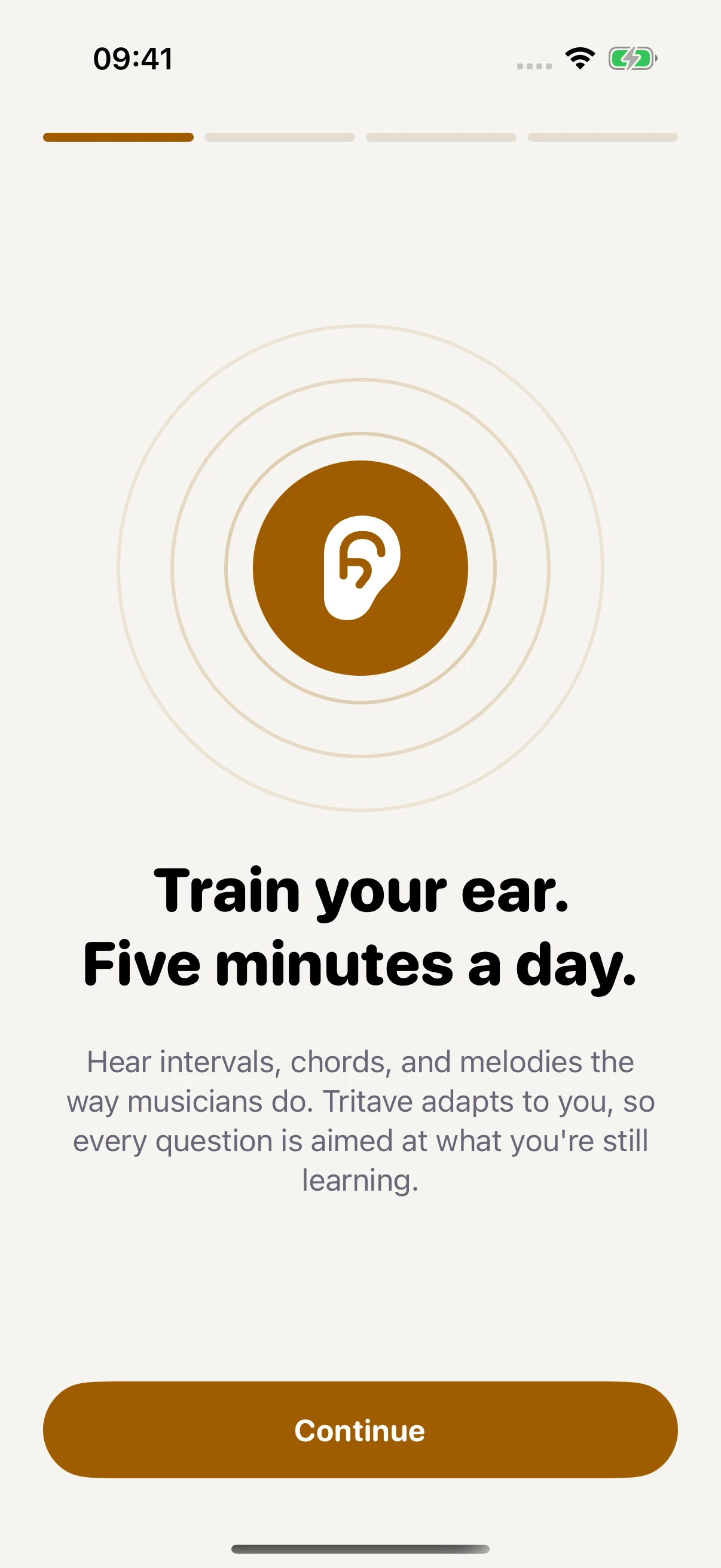
A gentle introduction to daily ear training.
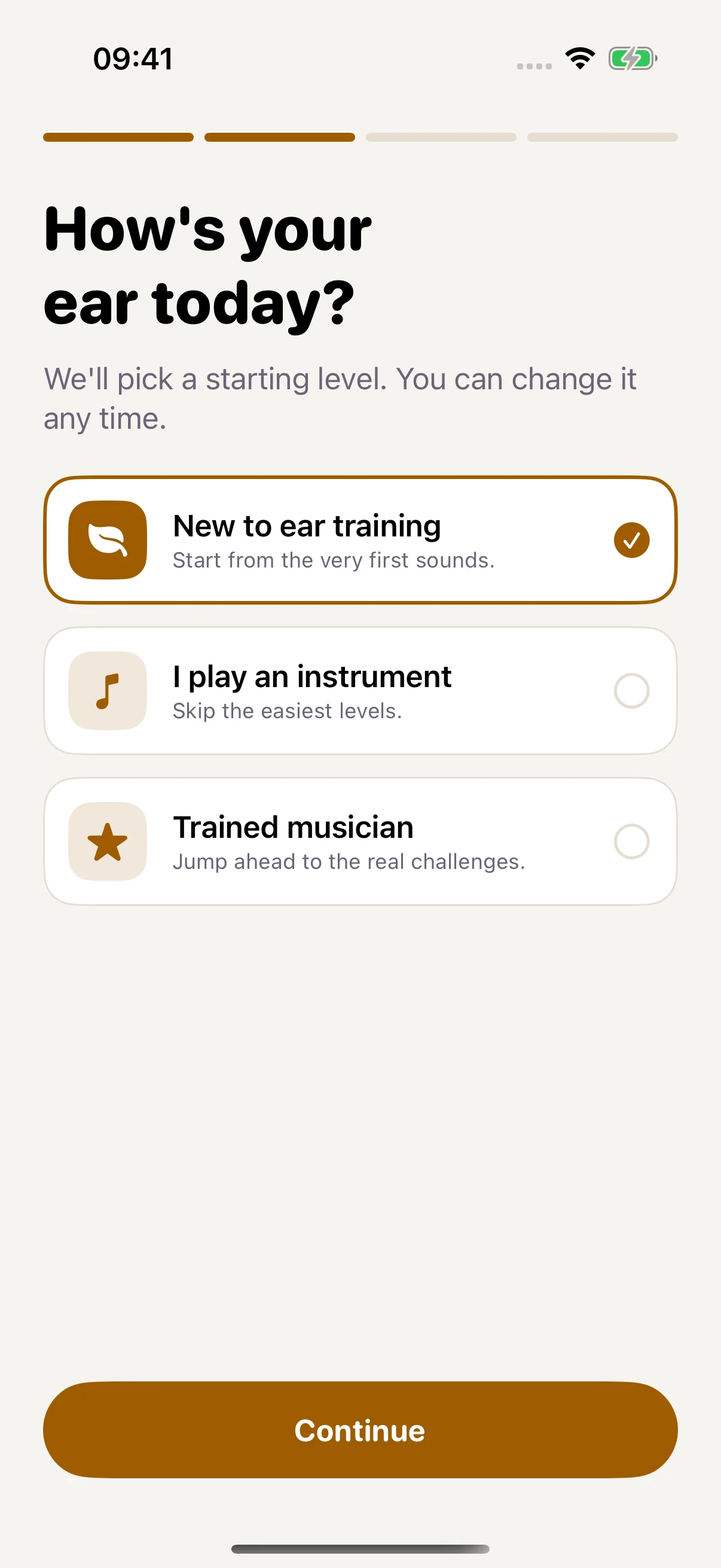
Choose the musical experience that fits you.
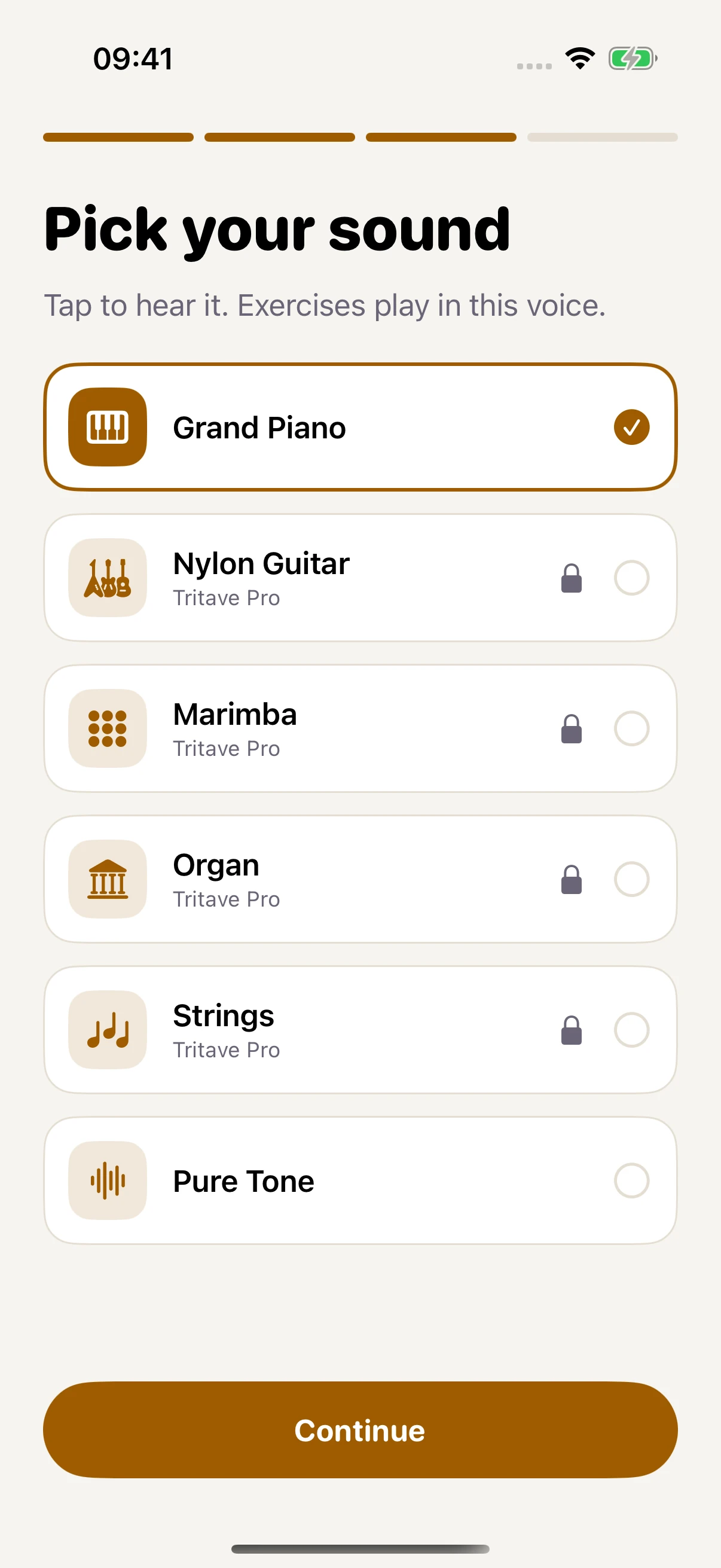
Preview an instrument for your exercises.
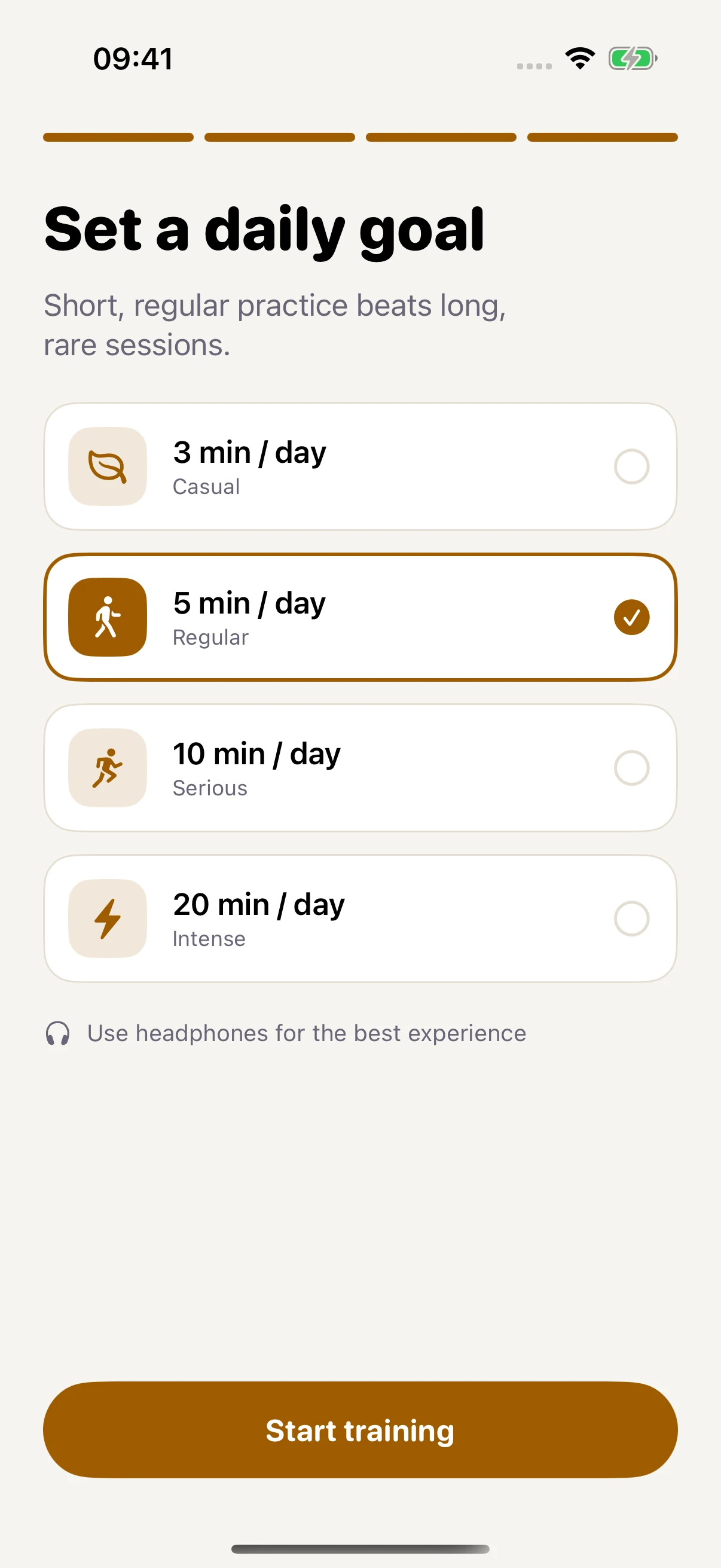
Choose how much time to practise each day.
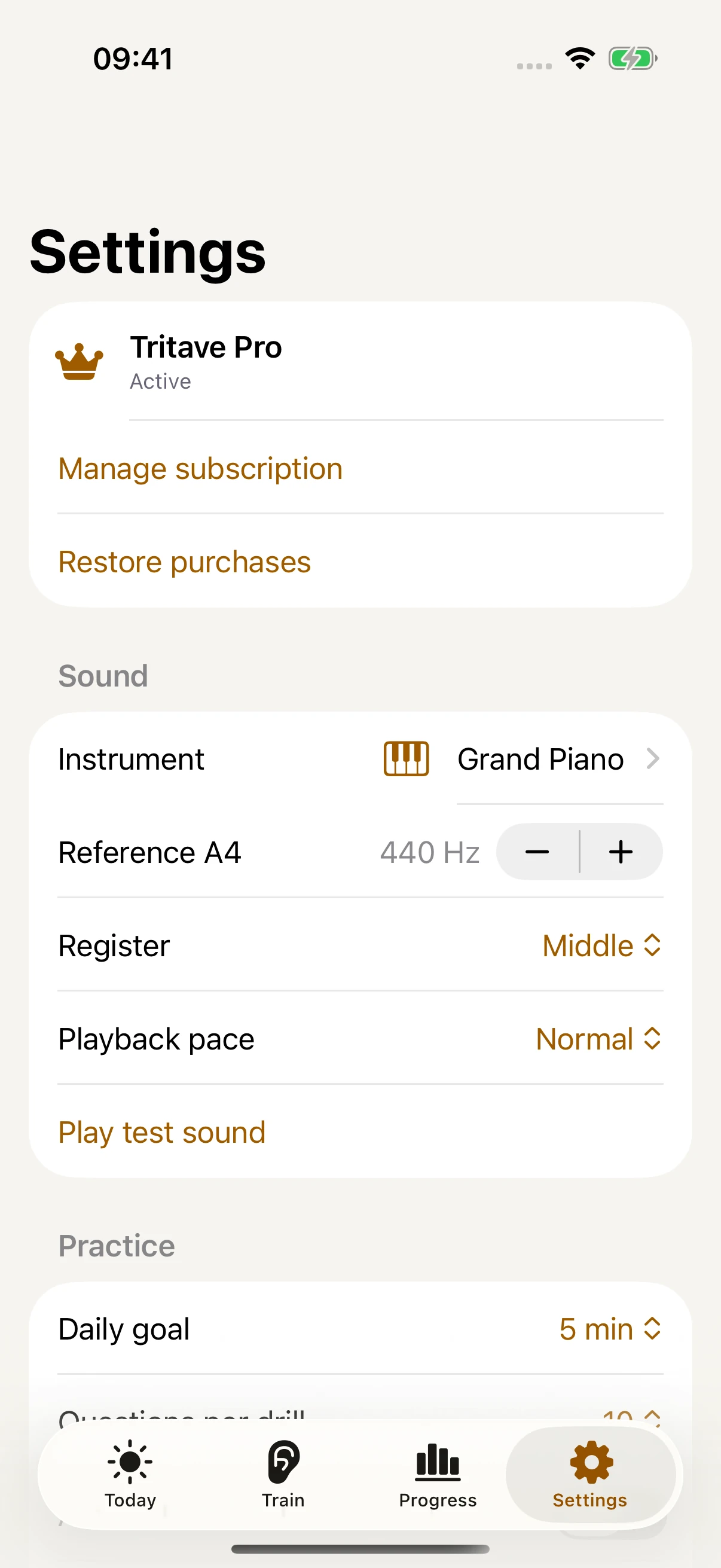
Sound, reference pitch, register, and playback pace.
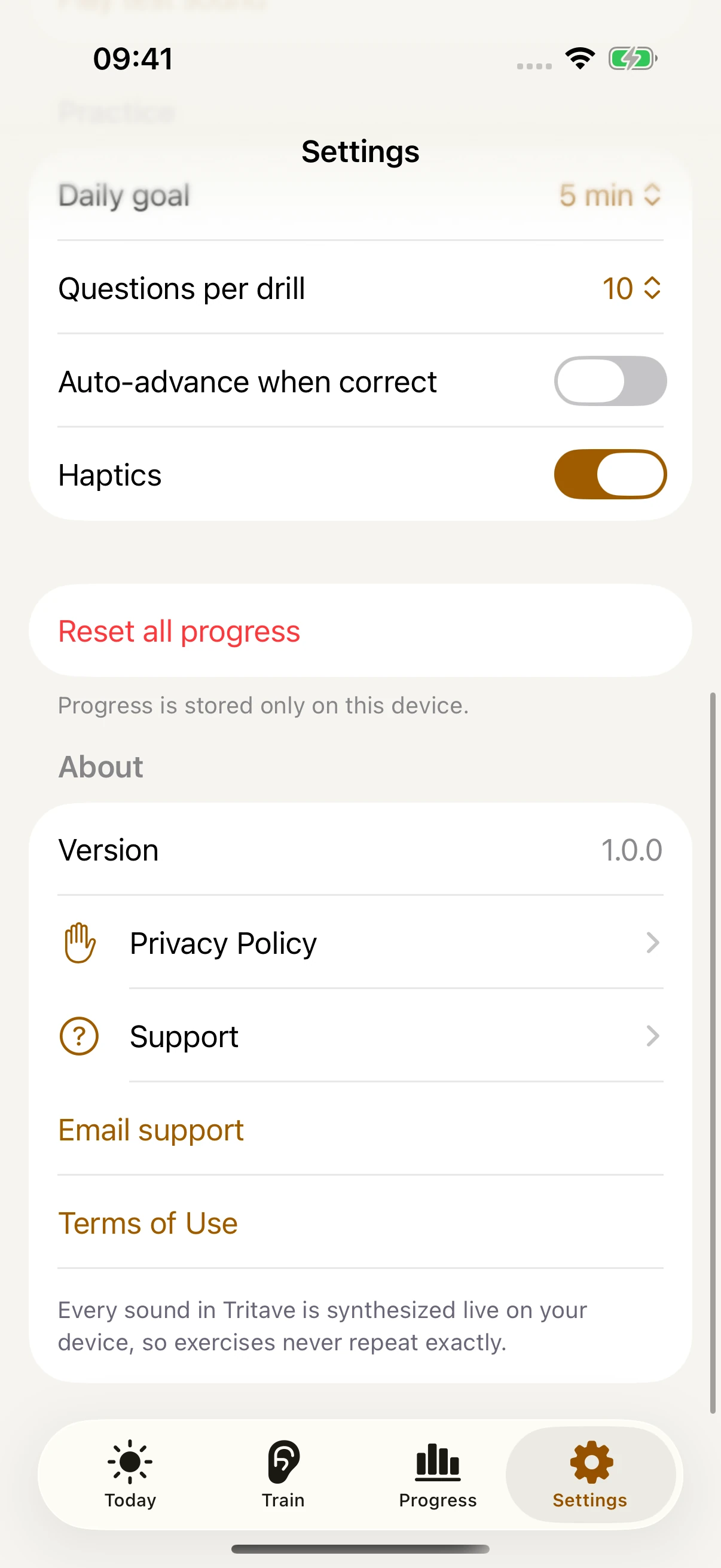
Practice preferences, privacy, support, and terms.
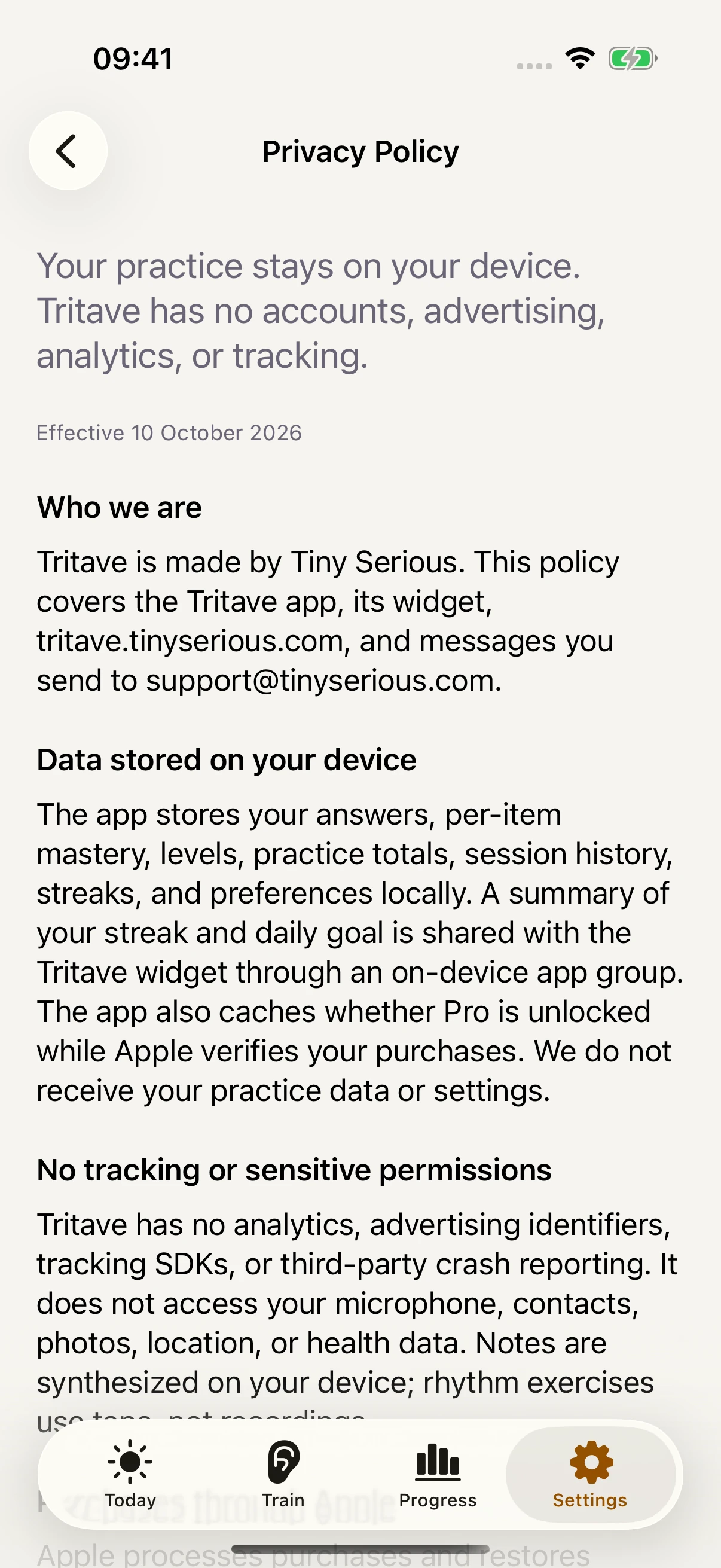
A bundled policy that works offline.
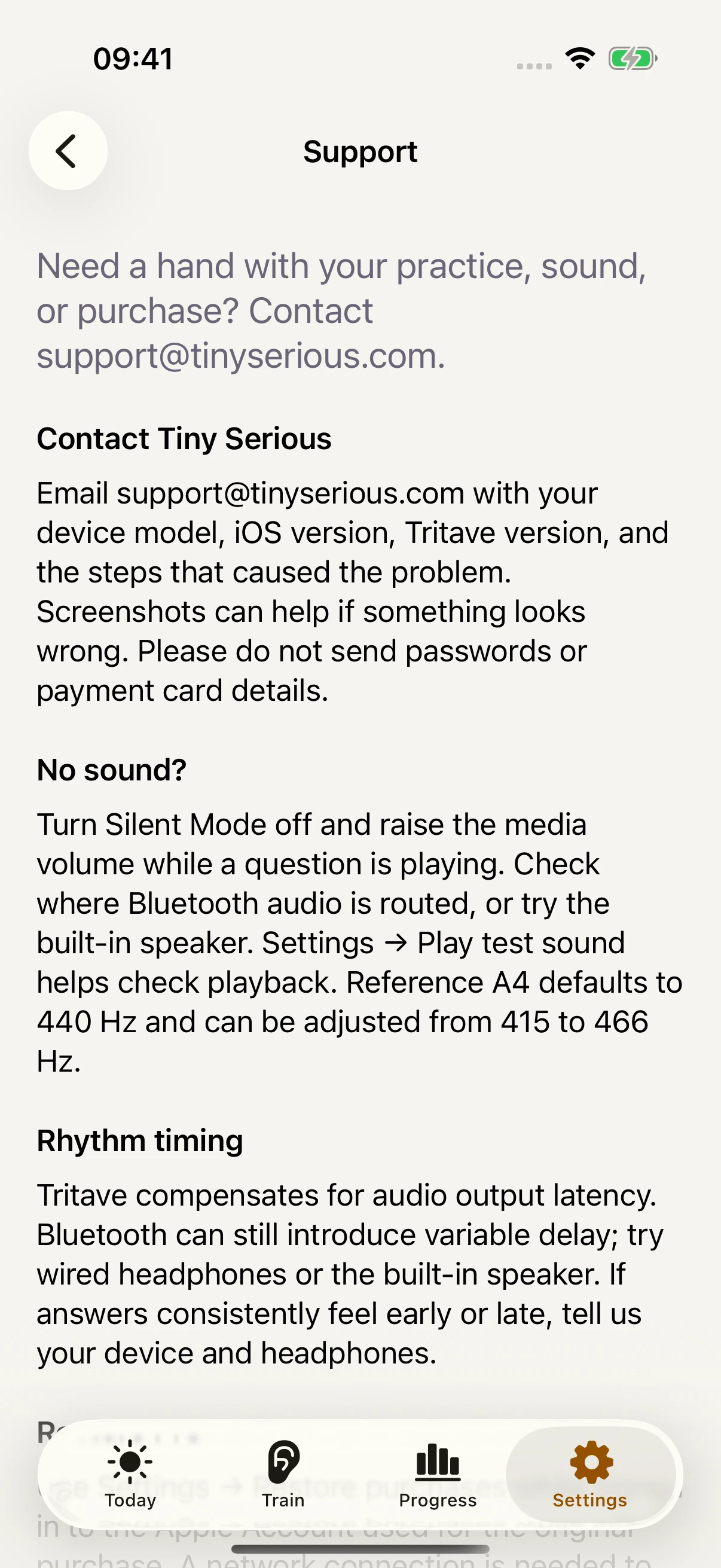
Troubleshooting and a direct email to Tiny Serious.
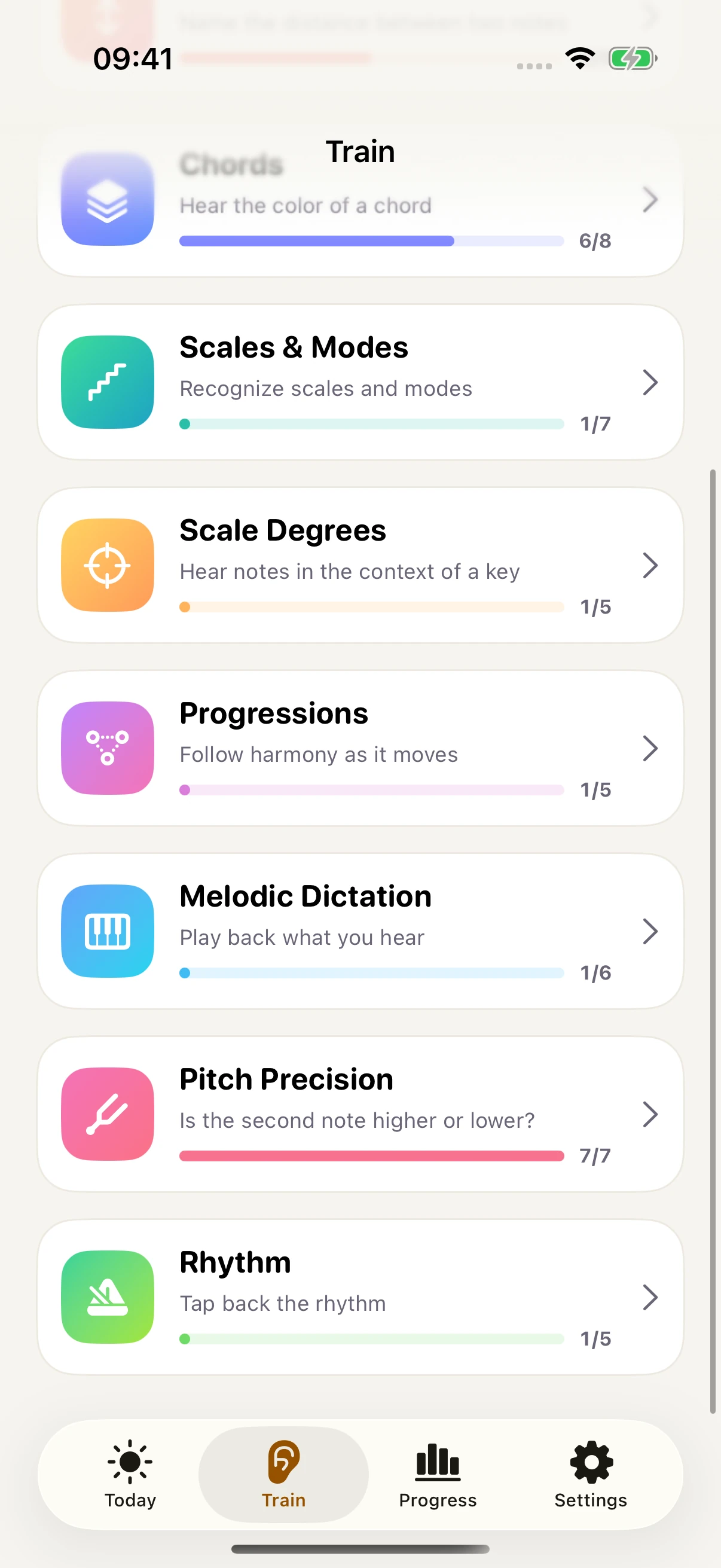
Explore the rest of the exercise library.
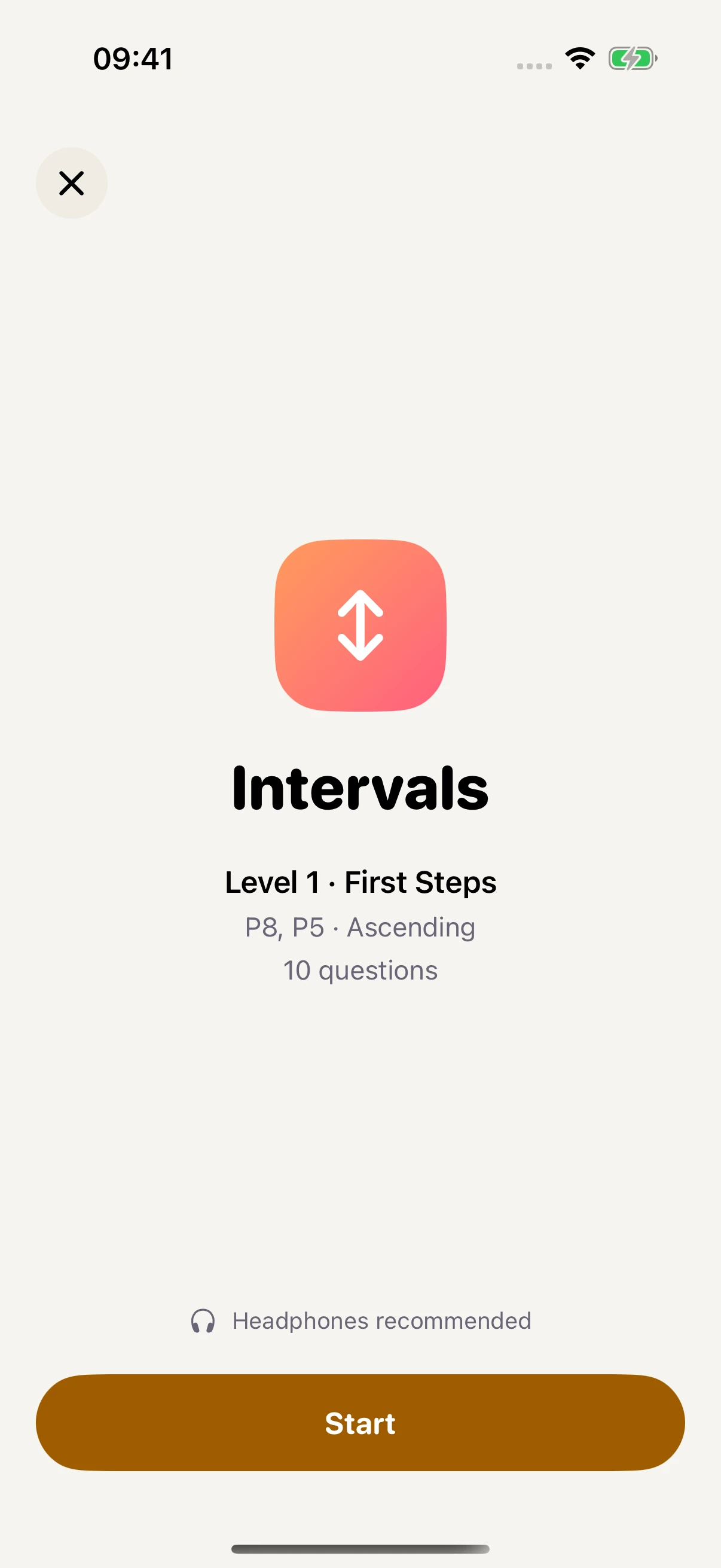
Review the level and question count before starting.
Review the level and question count before starting.
Review the level and question count before starting.
Review the level and question count before starting.
Review the level and question count before starting.
Review the level and question count before starting.
Review the level and question count before starting.
Review the level and question count before starting.
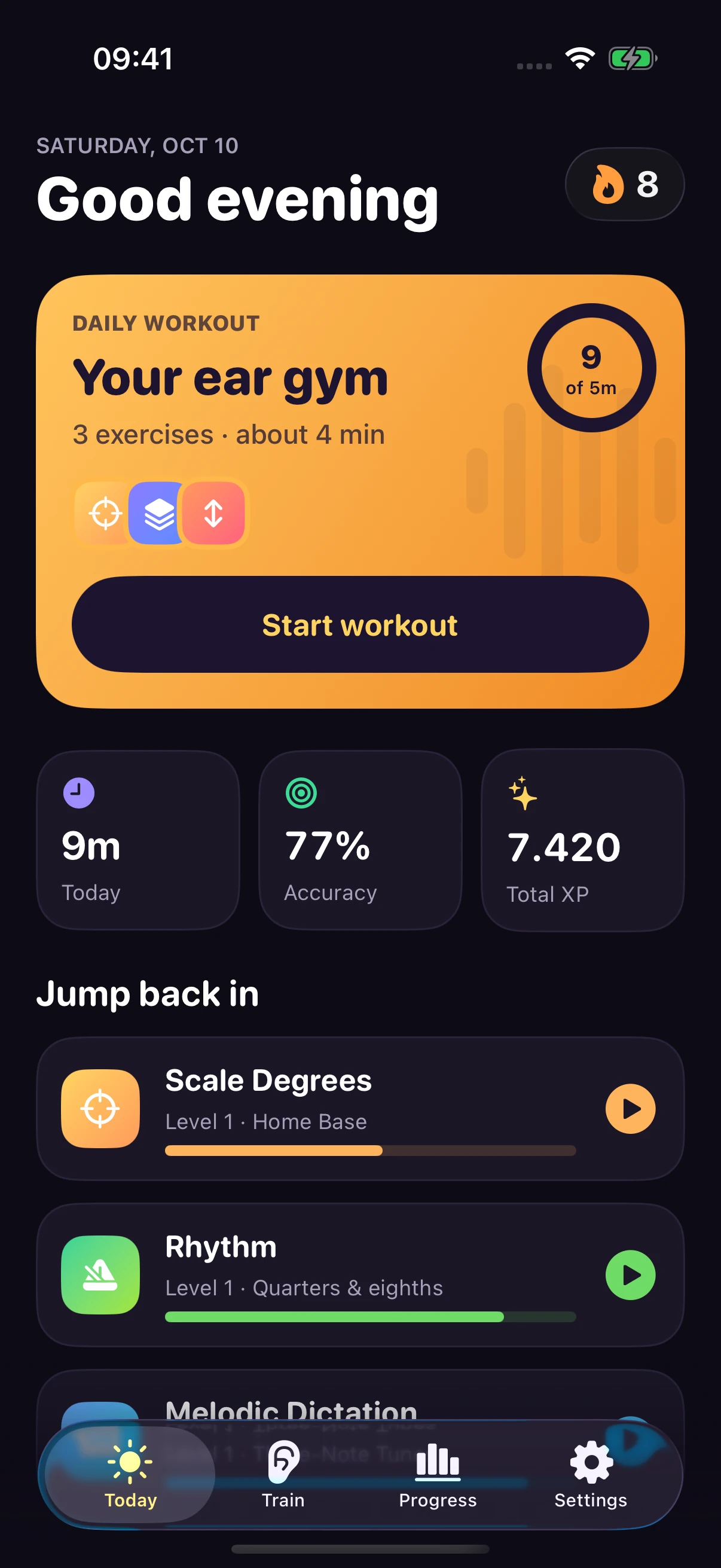
A goal, a streak, and a workout picked for you.
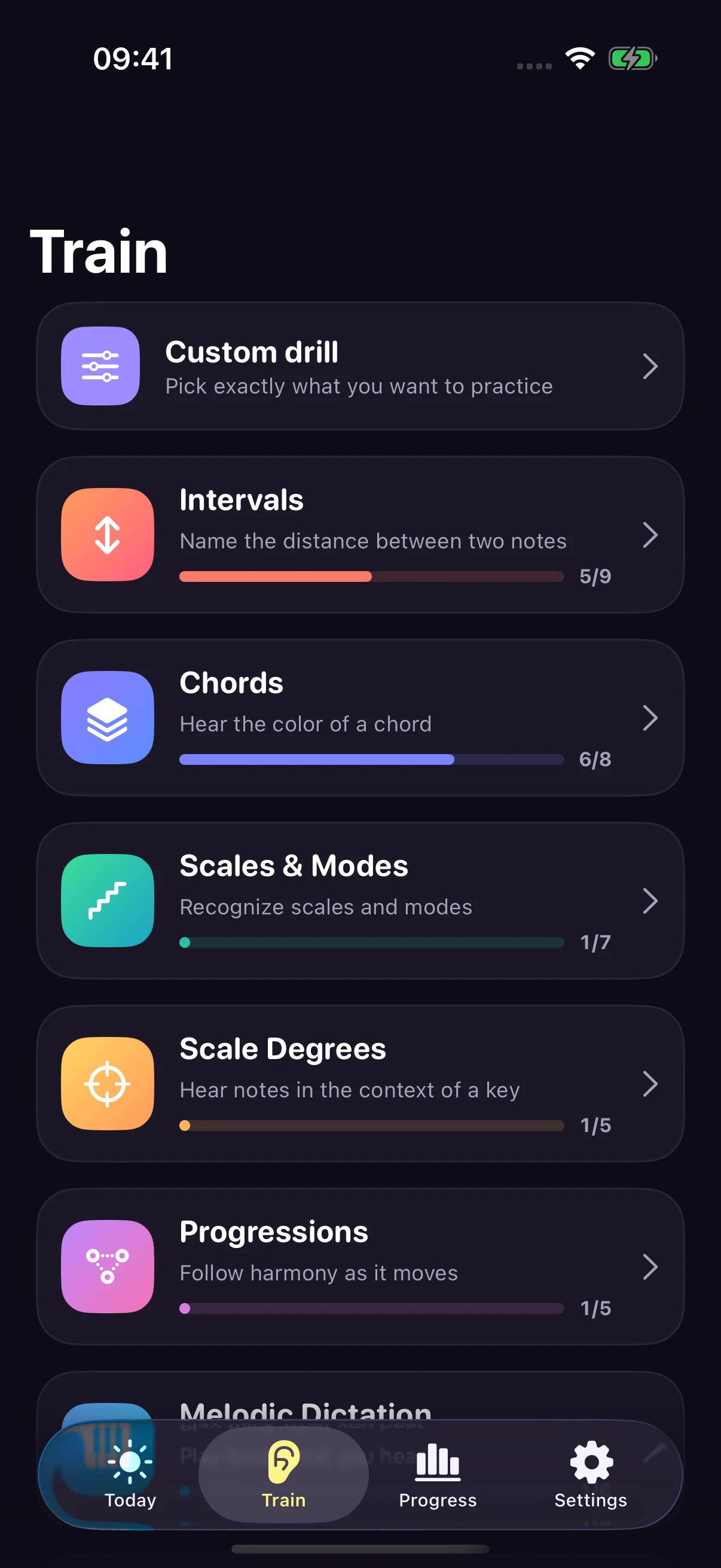
Browse exercises and build a custom drill.
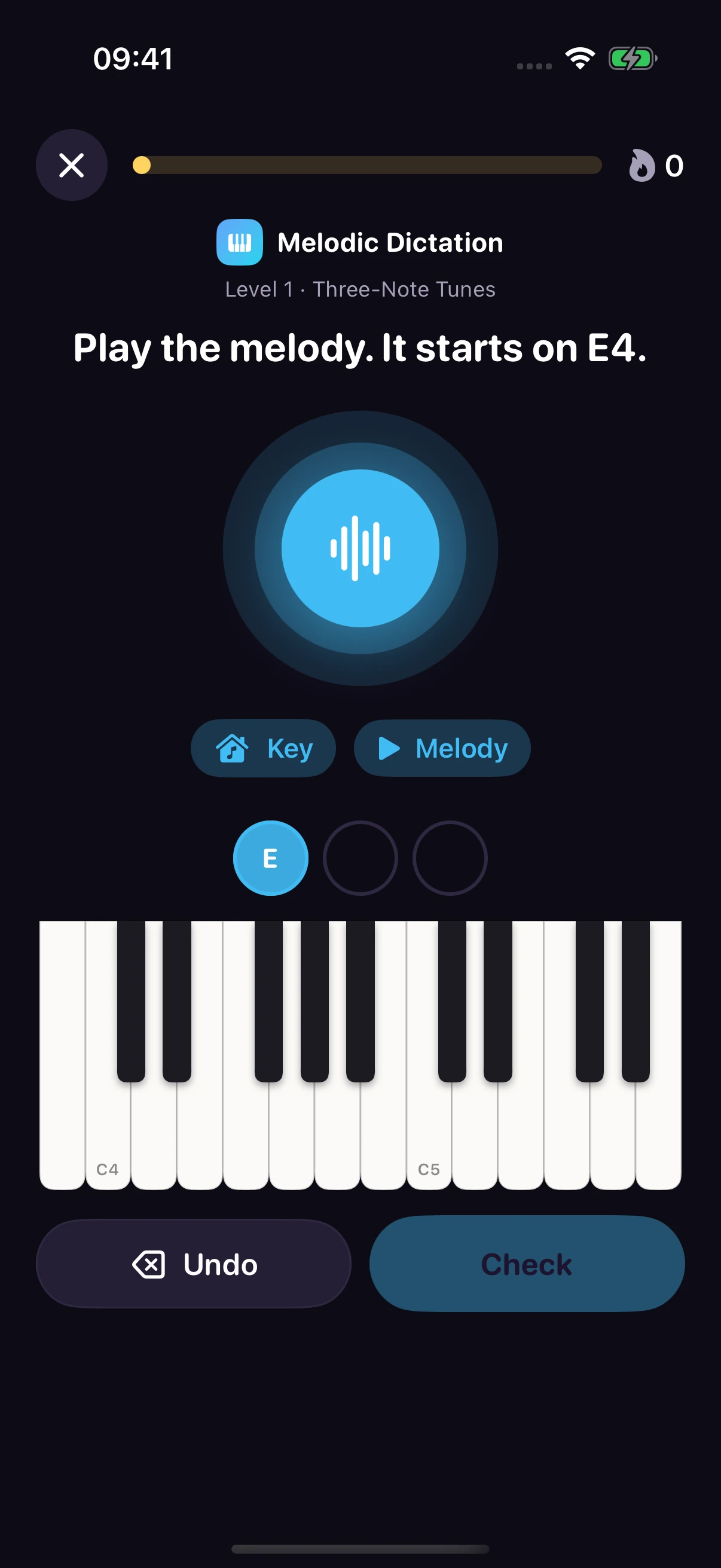
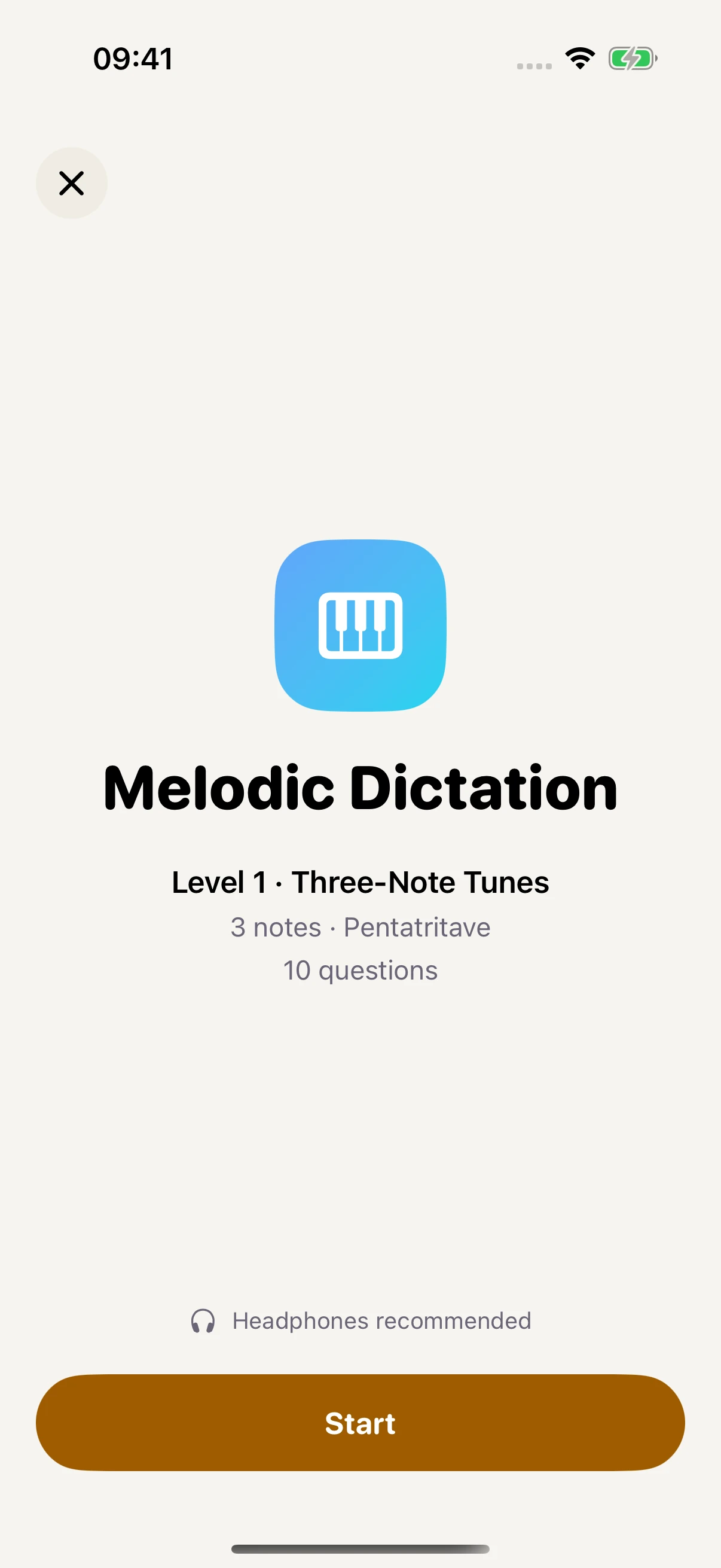
Answer melodic dictation on a piano keyboard.
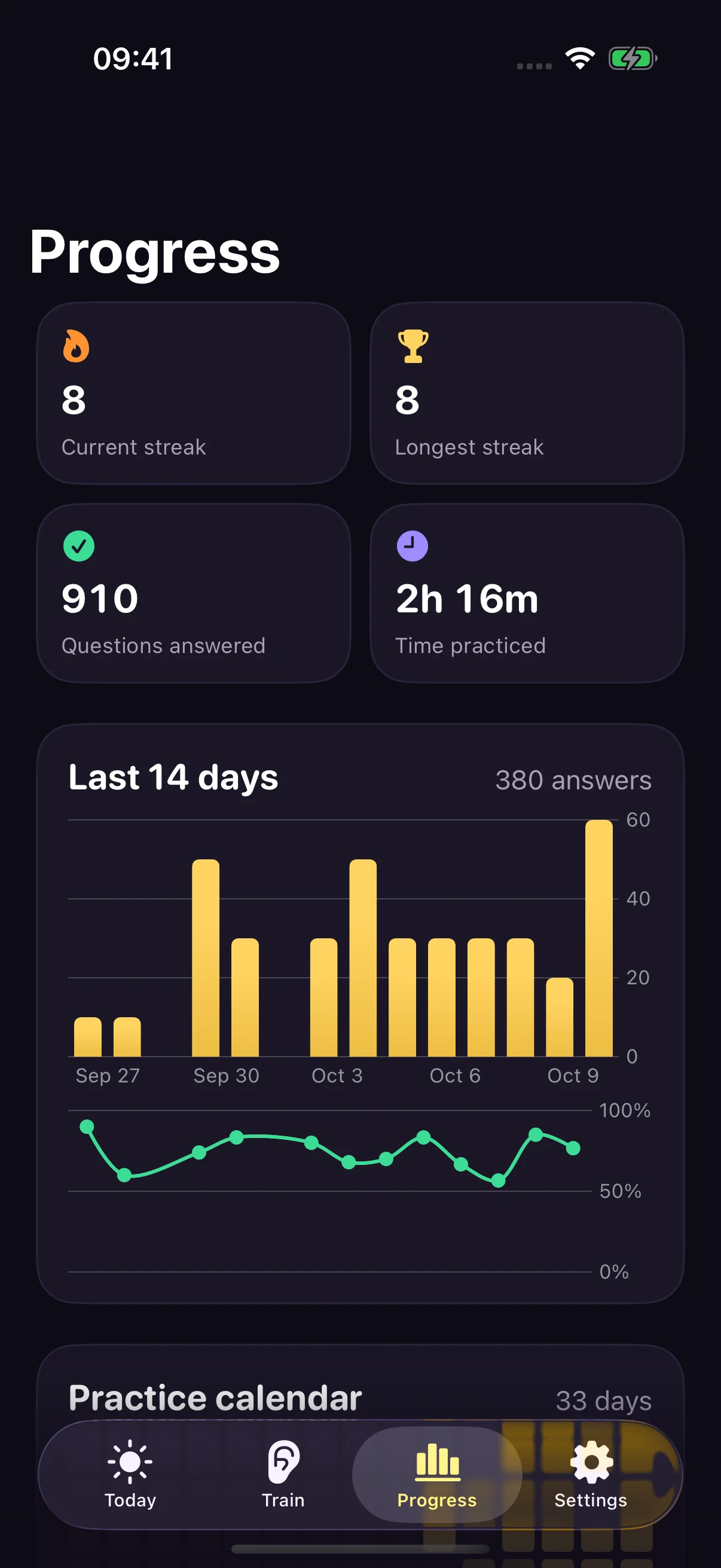
Daily activity, accuracy, streaks, and practice time.
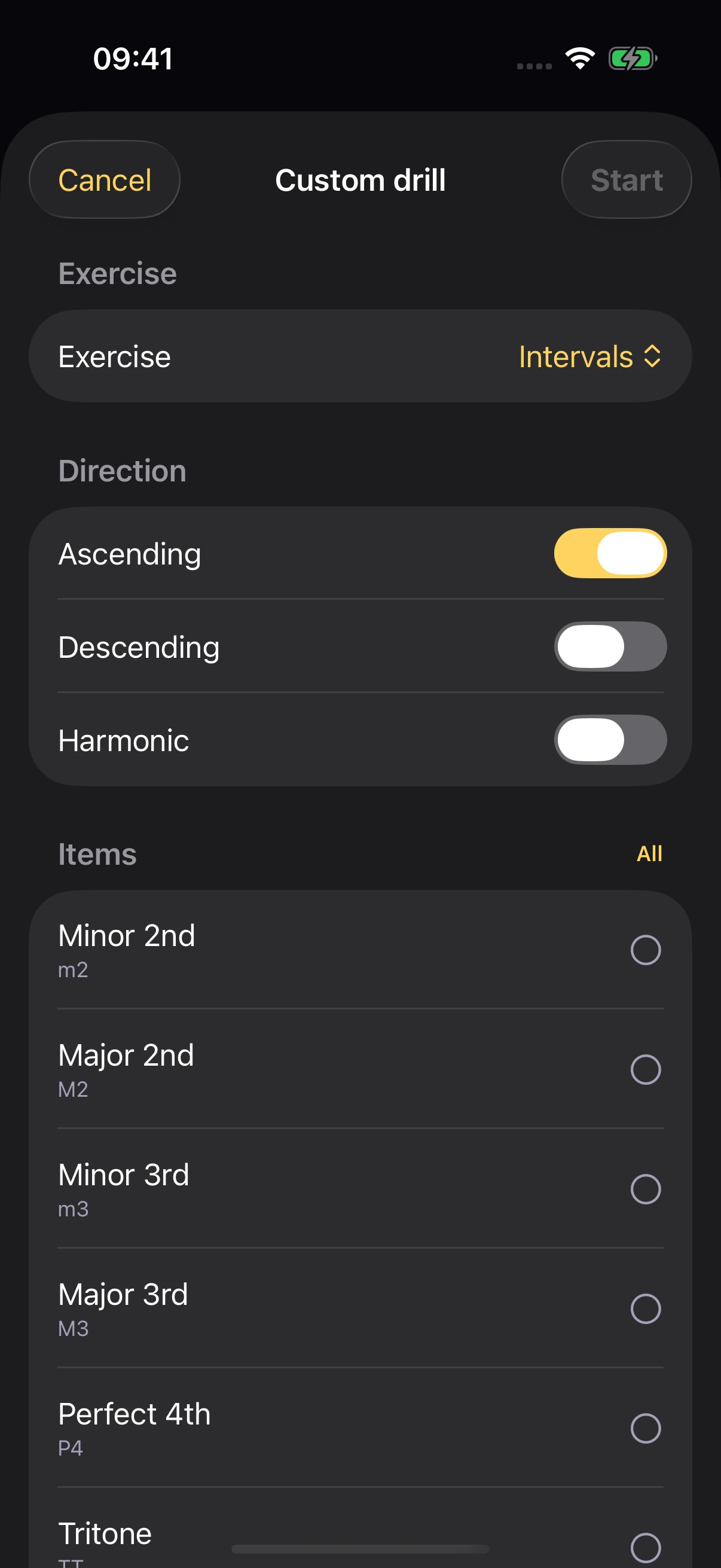
Choose the sounds you want to work on.
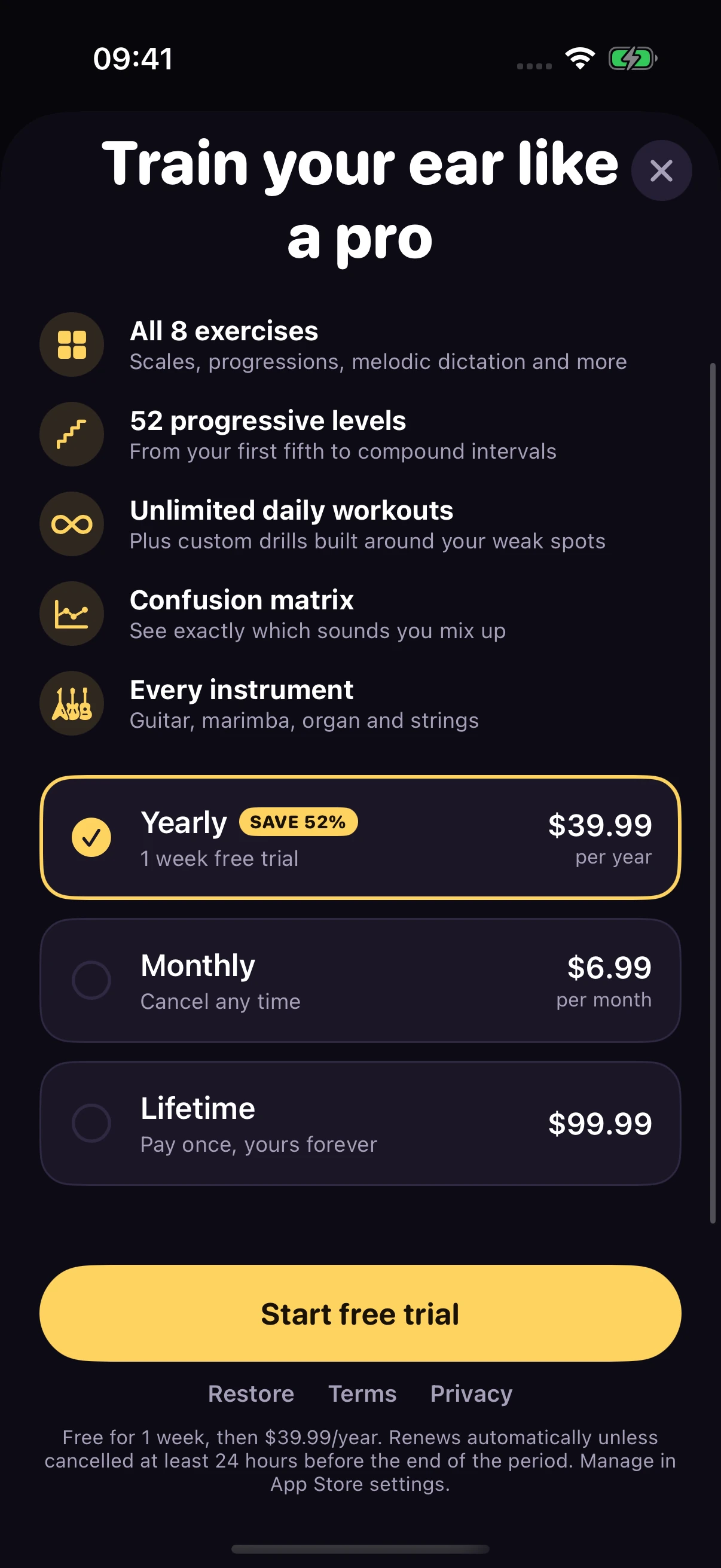
Yearly, monthly, and lifetime plans in the app.
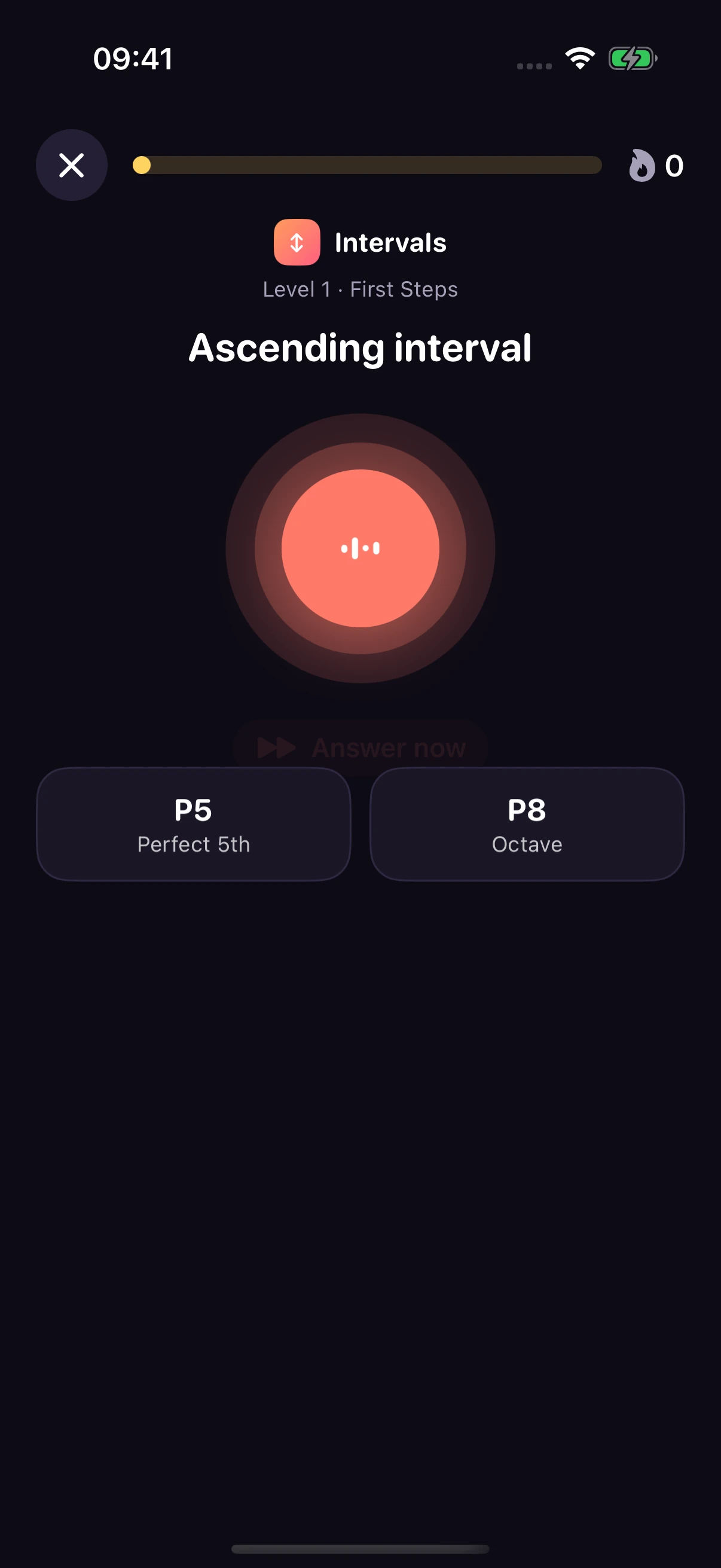
Name the distance between two notes.
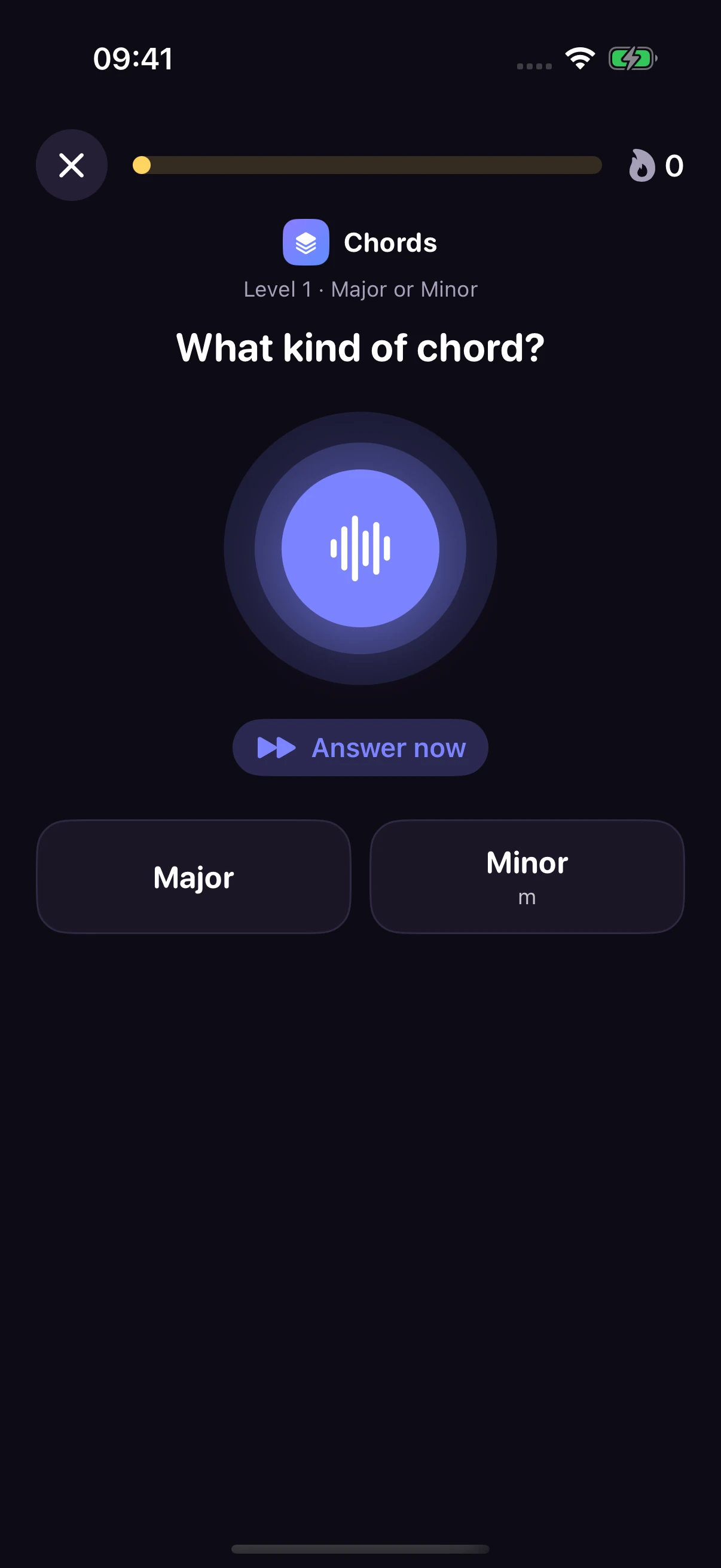
Recognize the quality of the chord you hear.
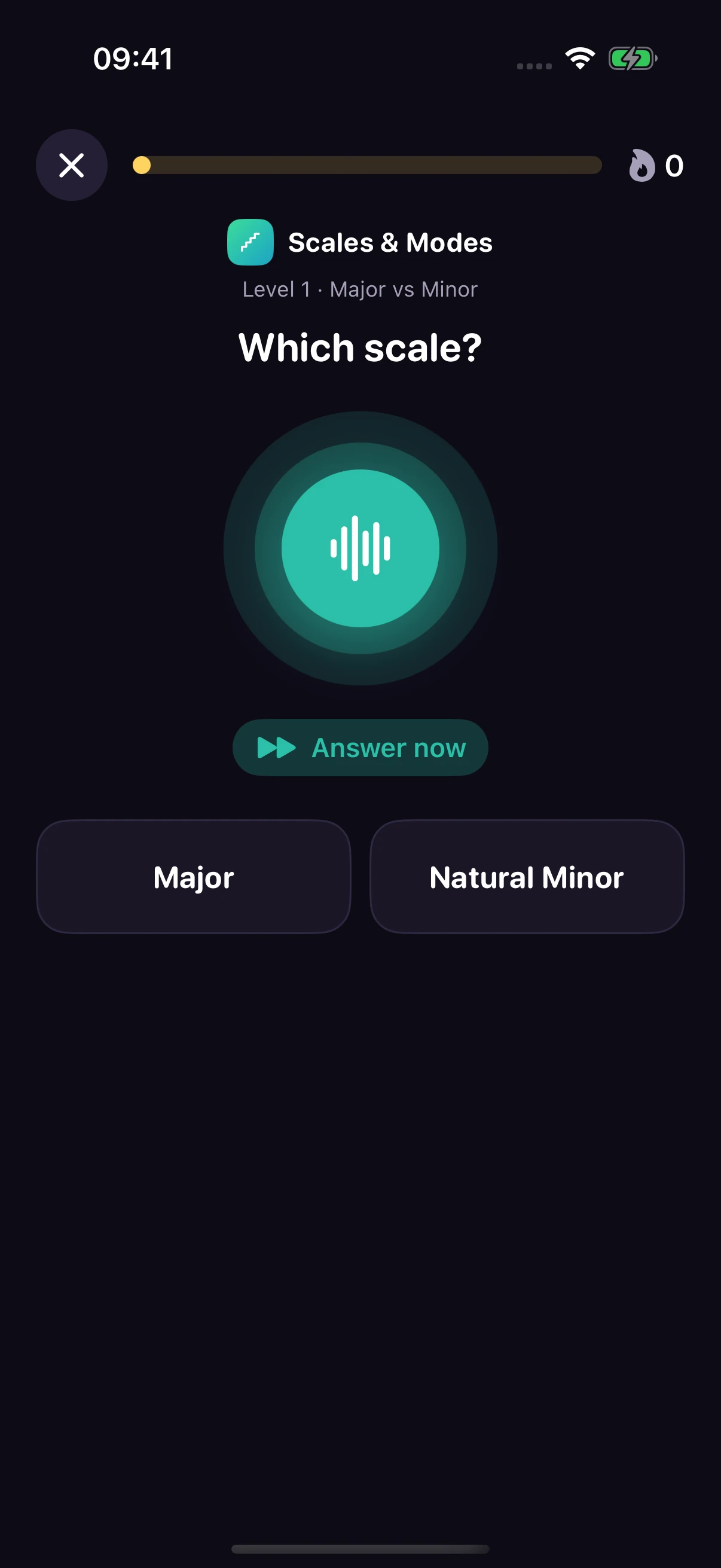
Hear a scale and identify its character.
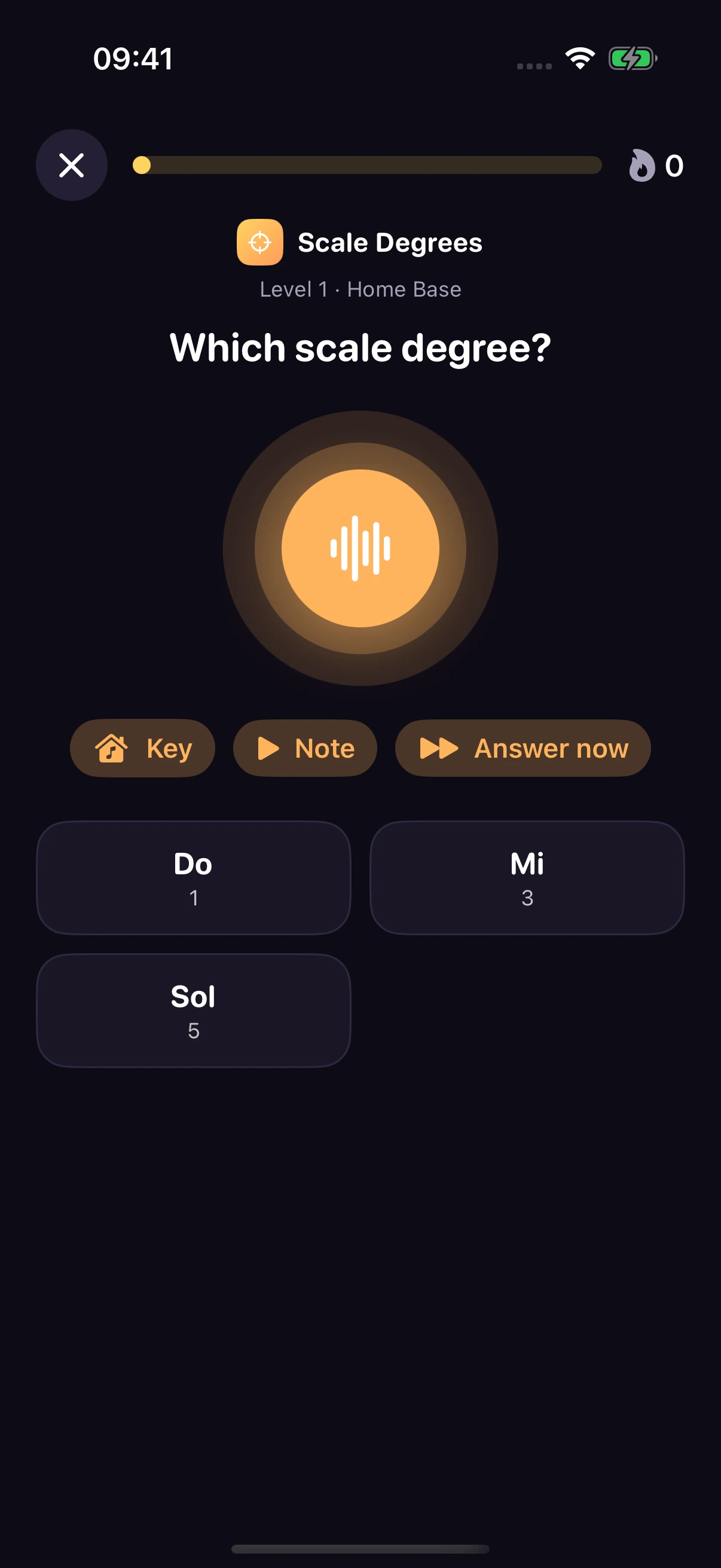
Place a note inside an established key.
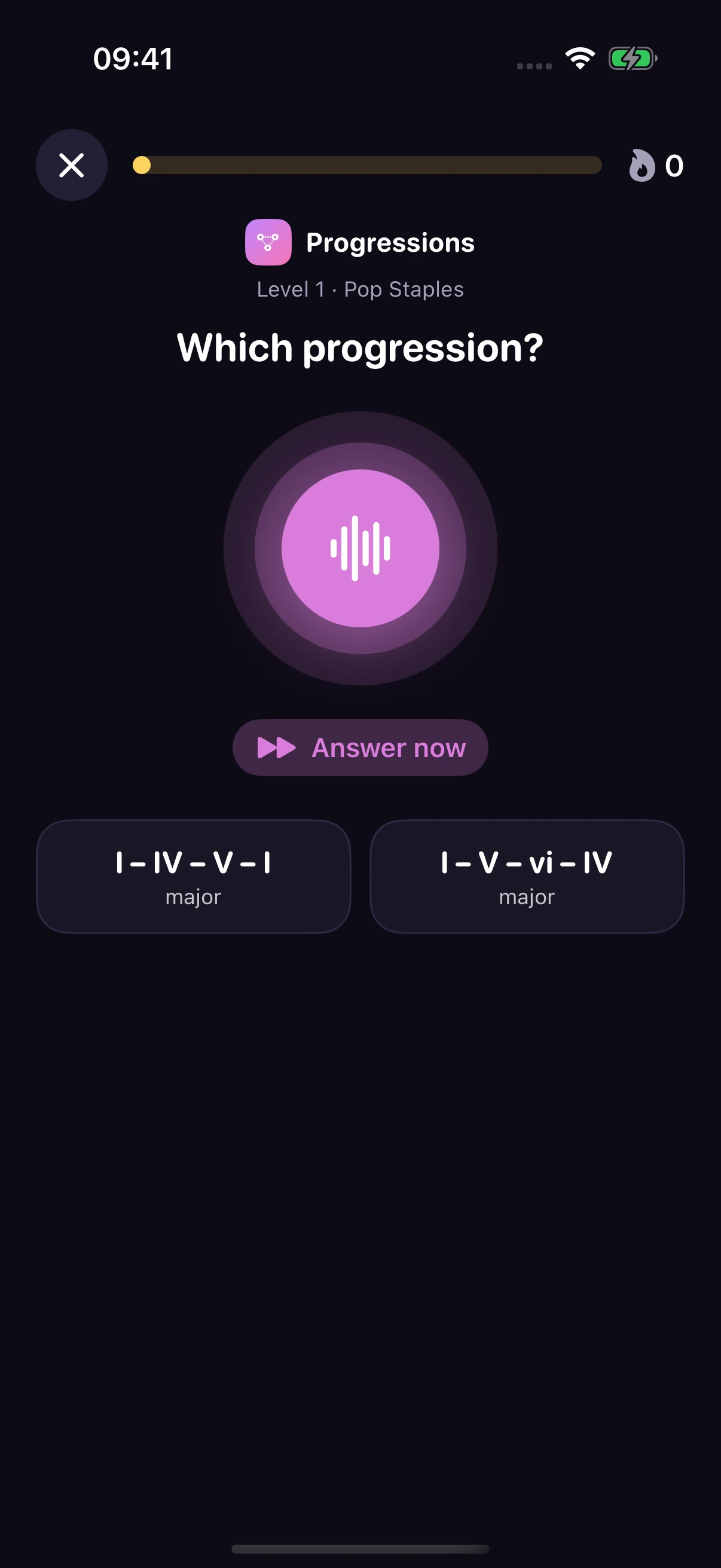
Follow the movement of the harmony.
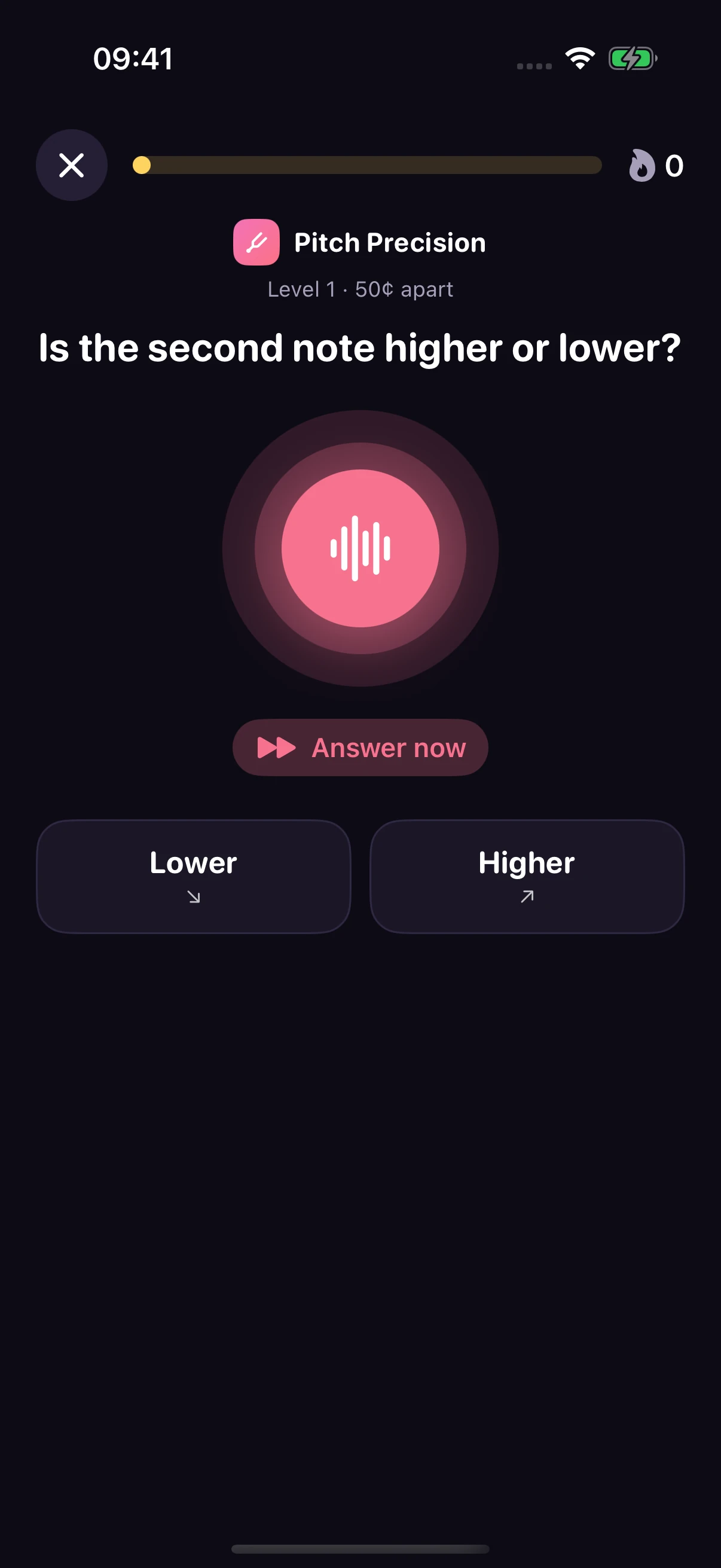
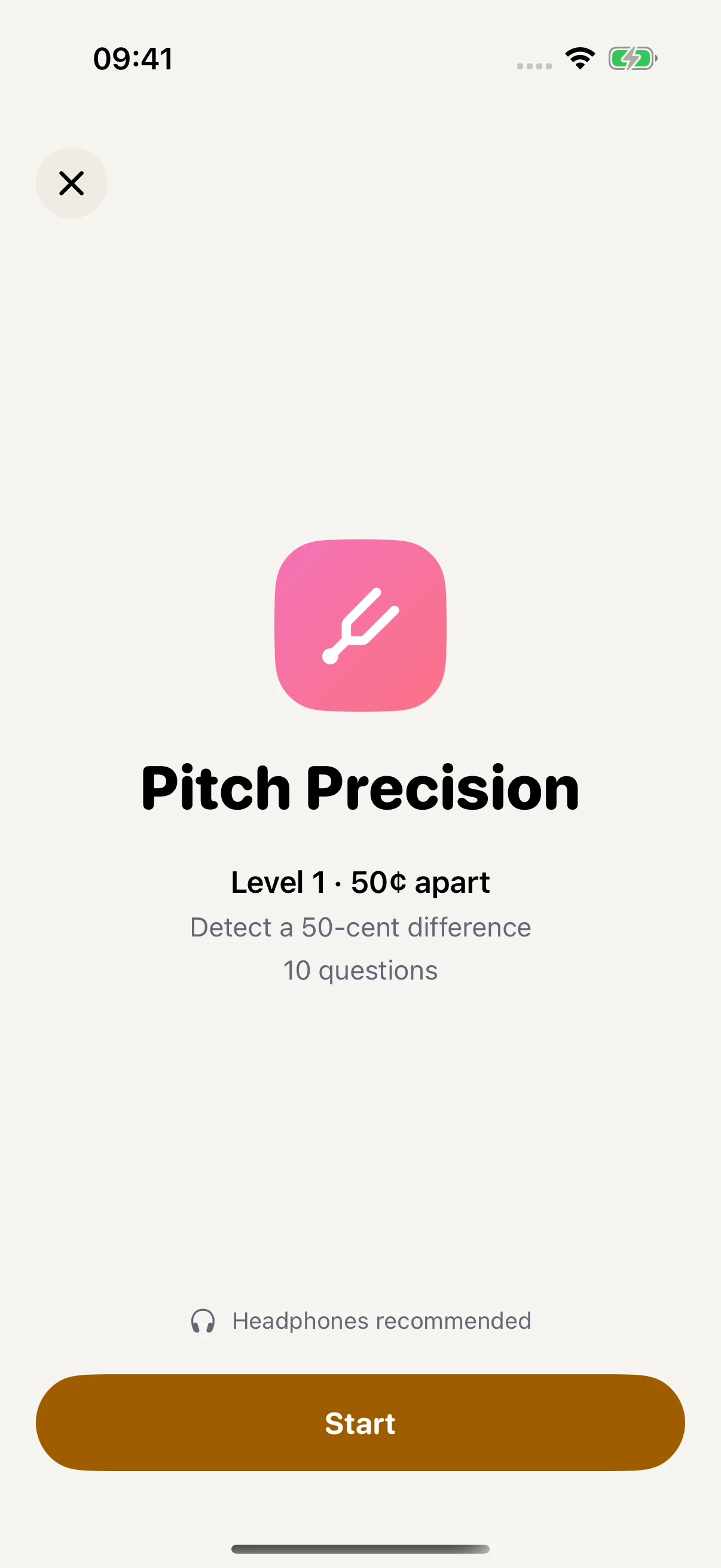
Hear a small difference in tuning.
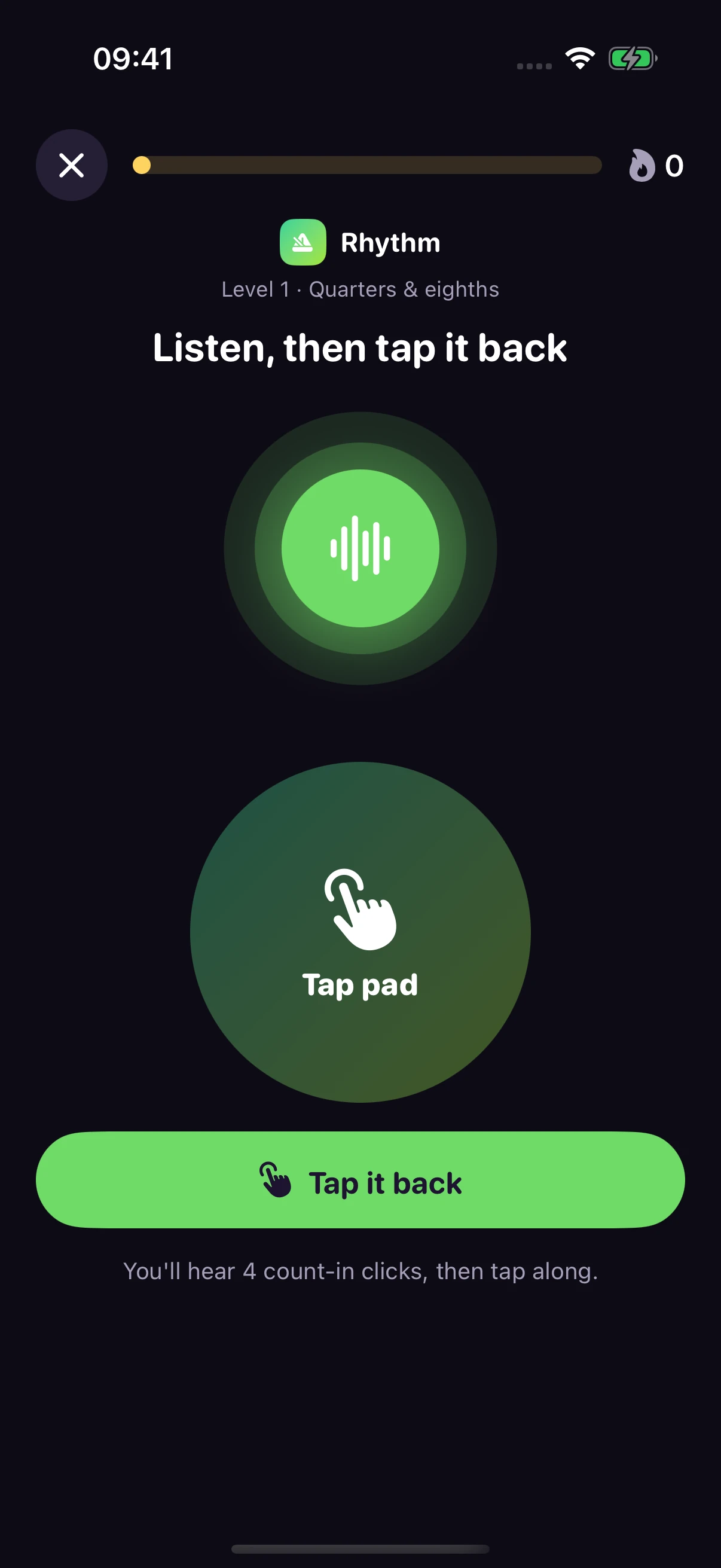
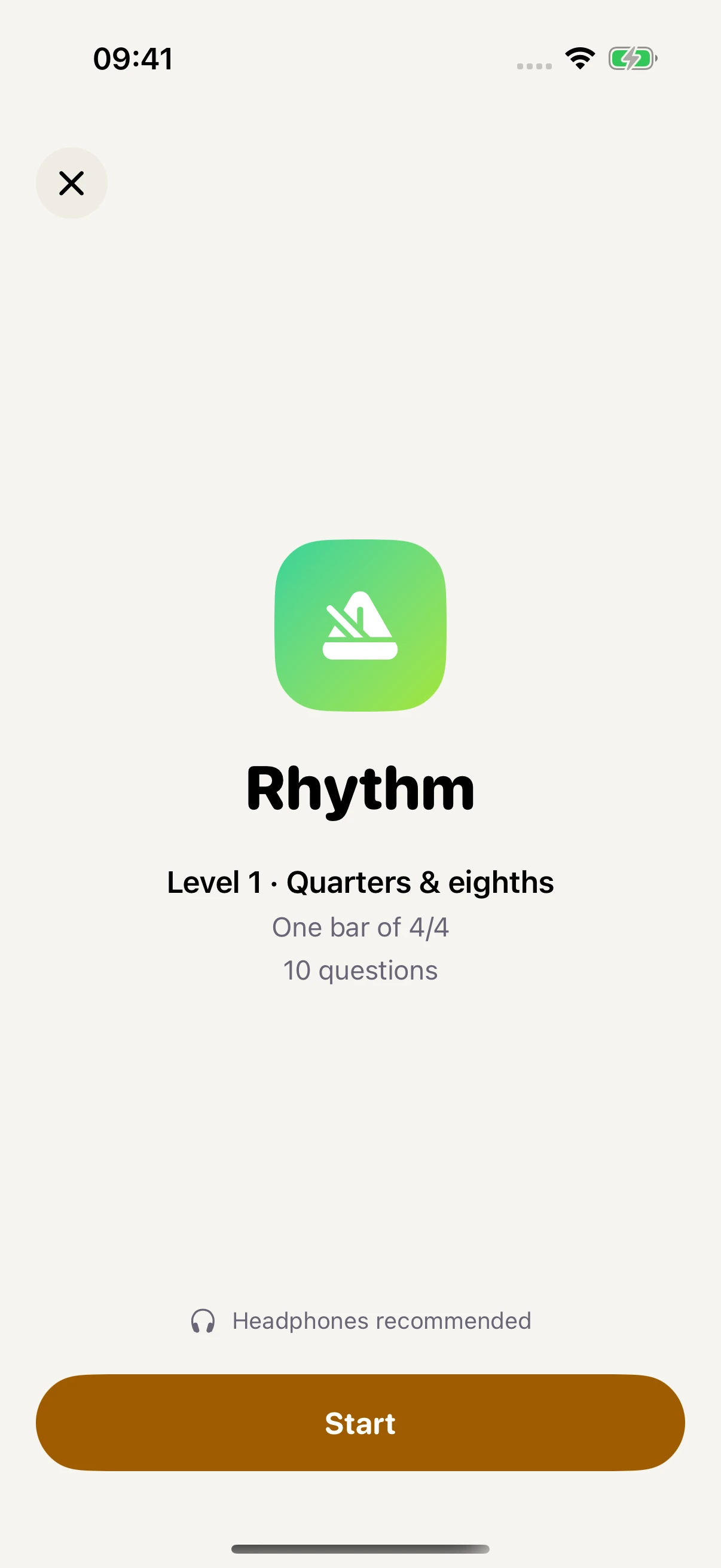
Listen to the pattern, then tap it back.
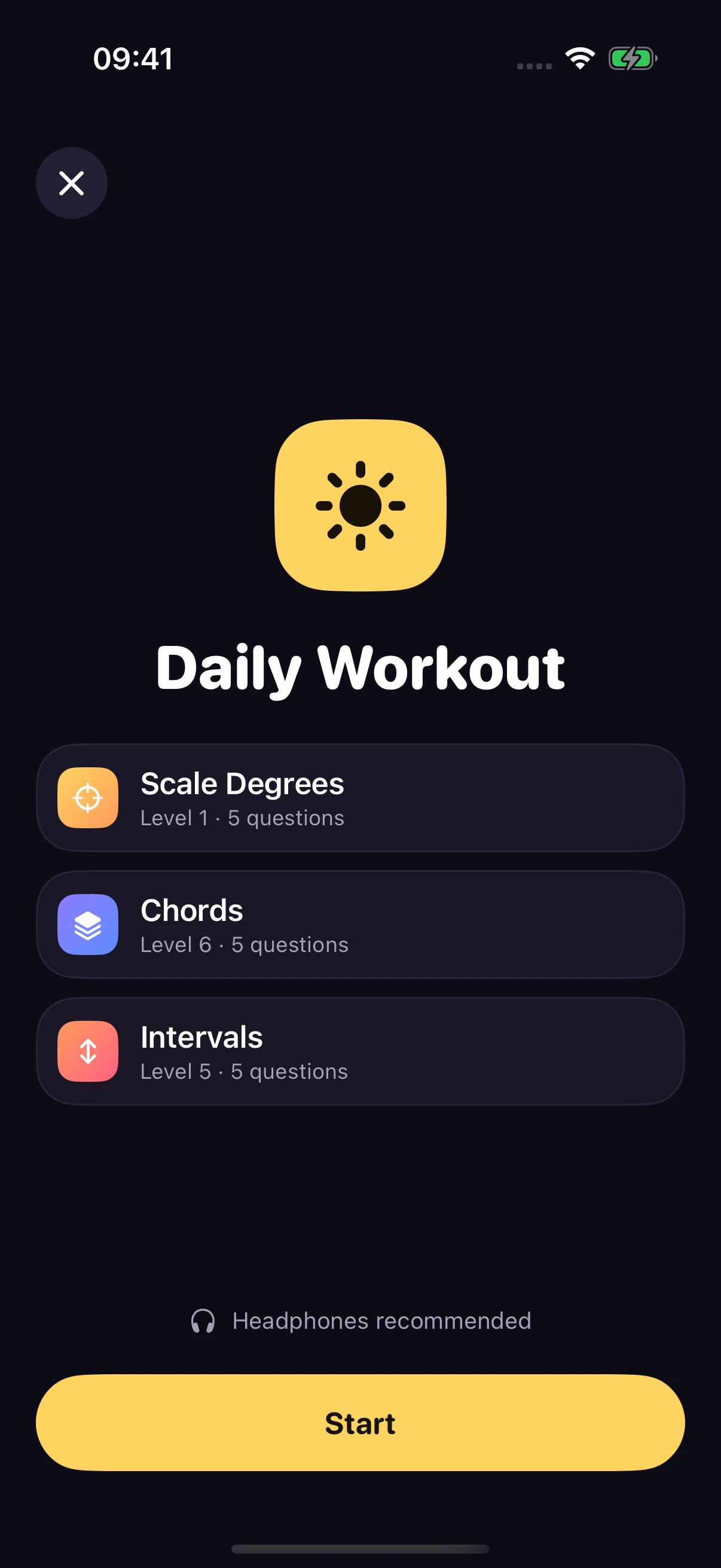
Three short blocks for focused daily practice.
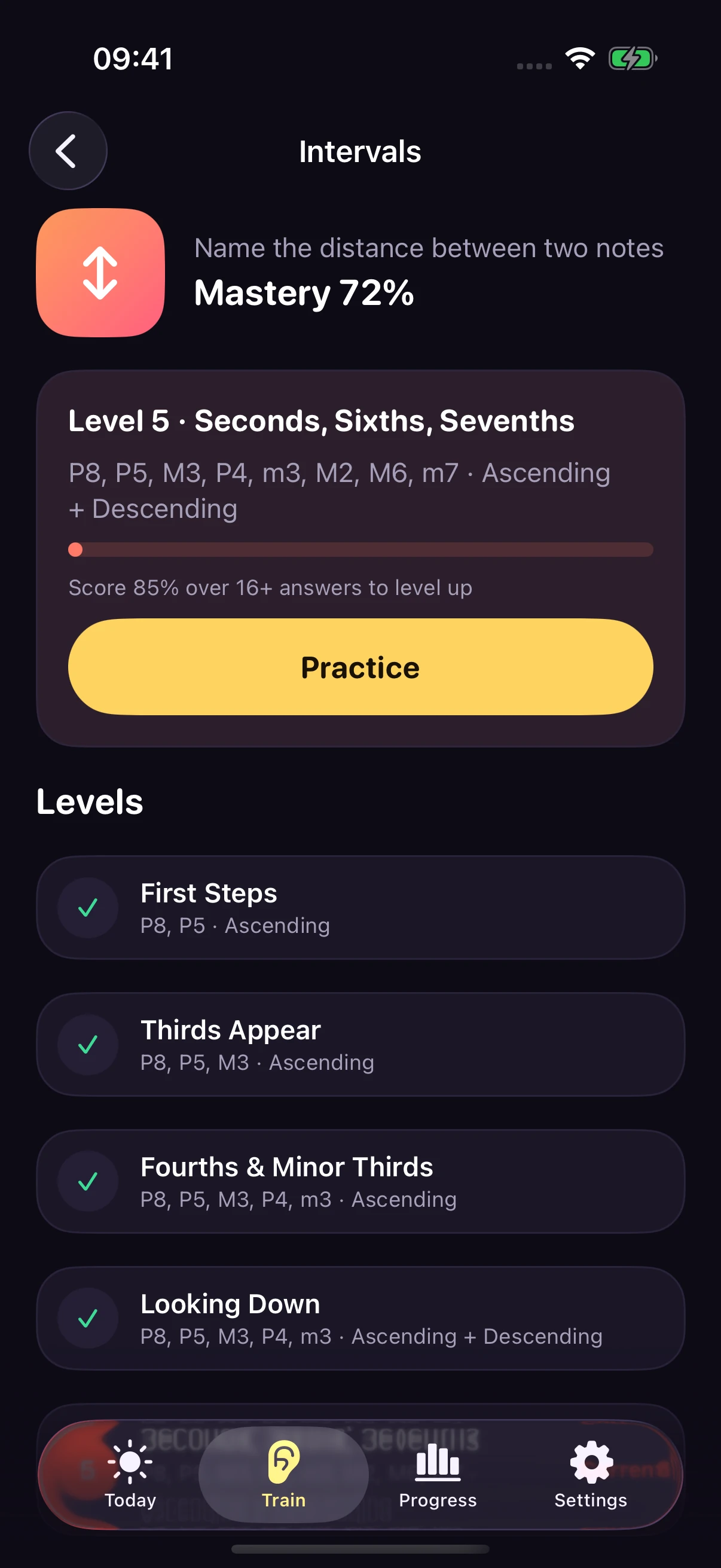
A progressive curriculum with levels you earn.
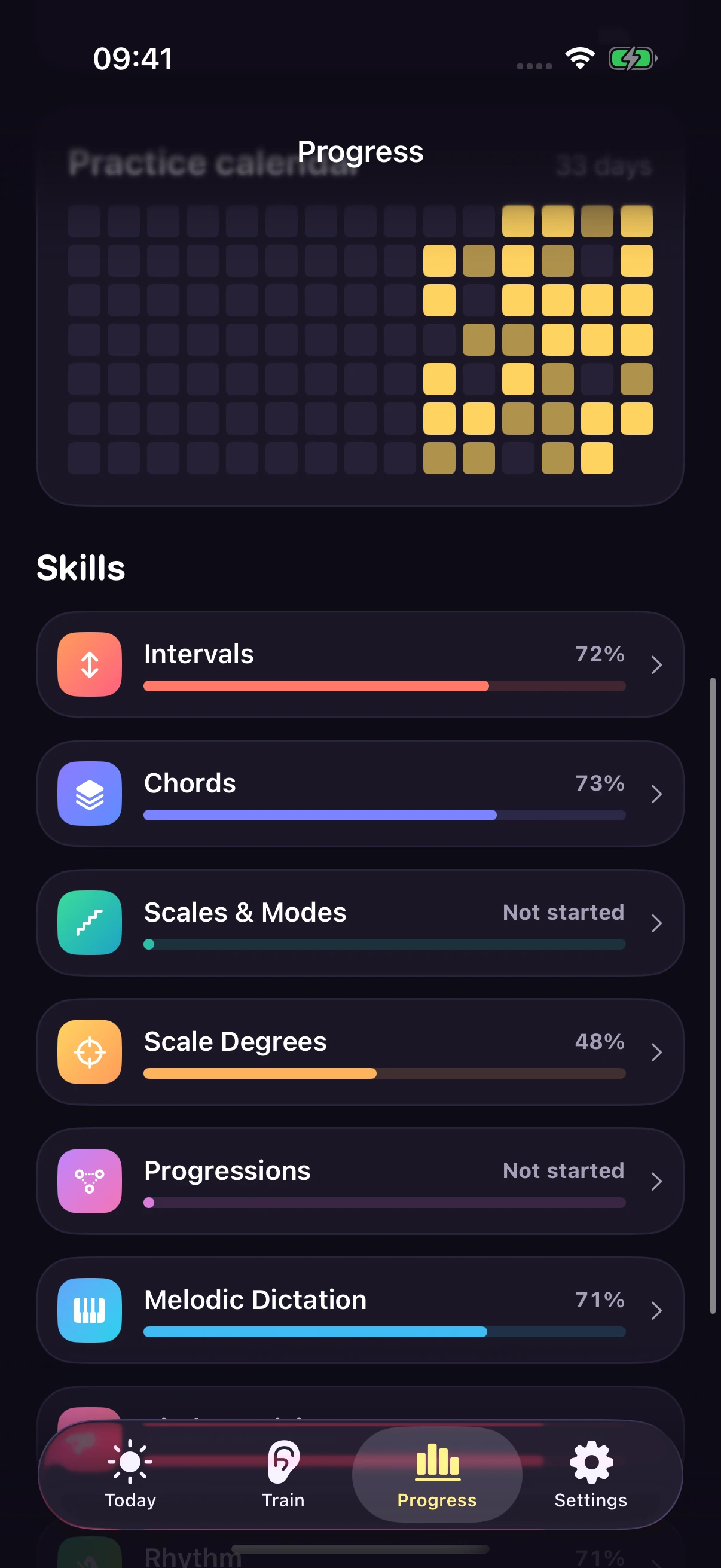
See your activity and mastery across skills.
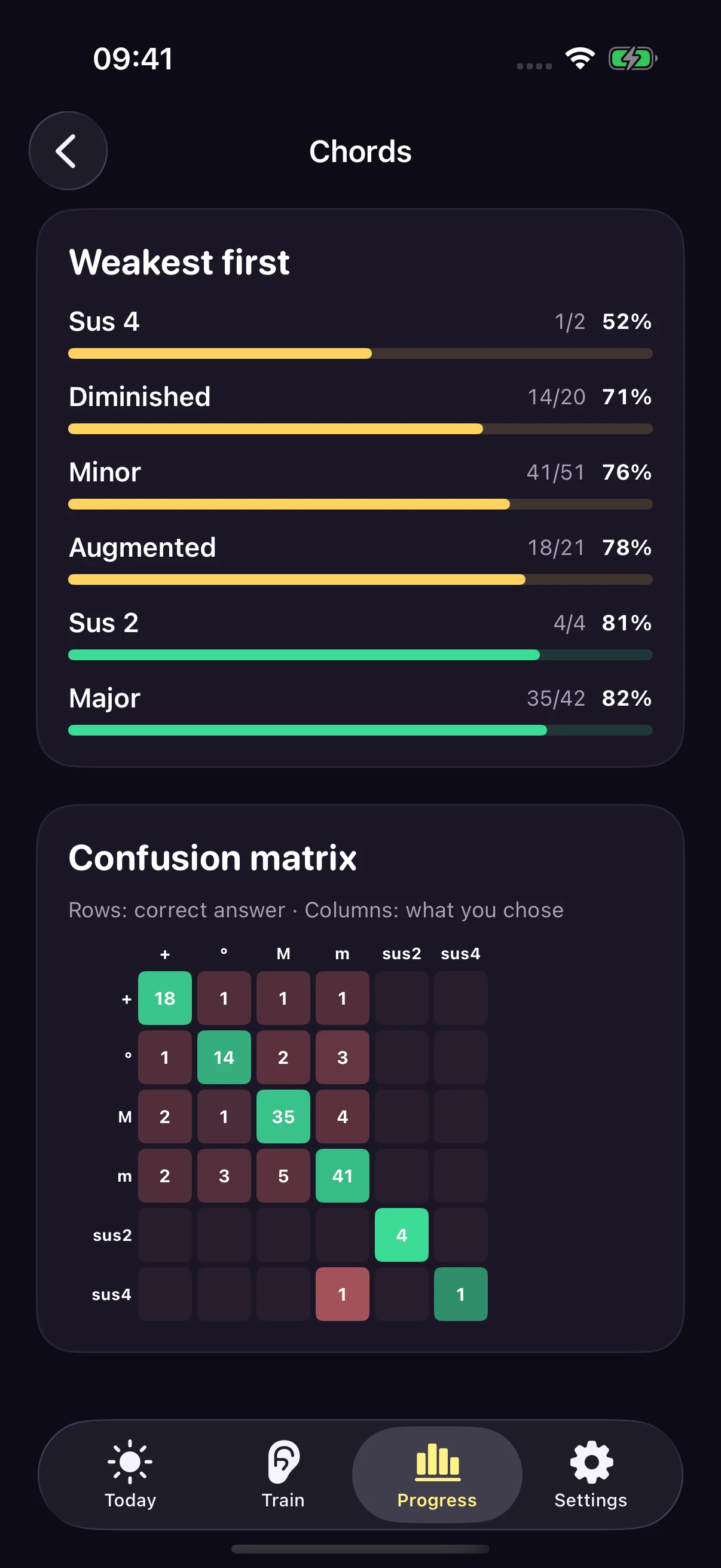
Per-item mastery, with your weakest items first.
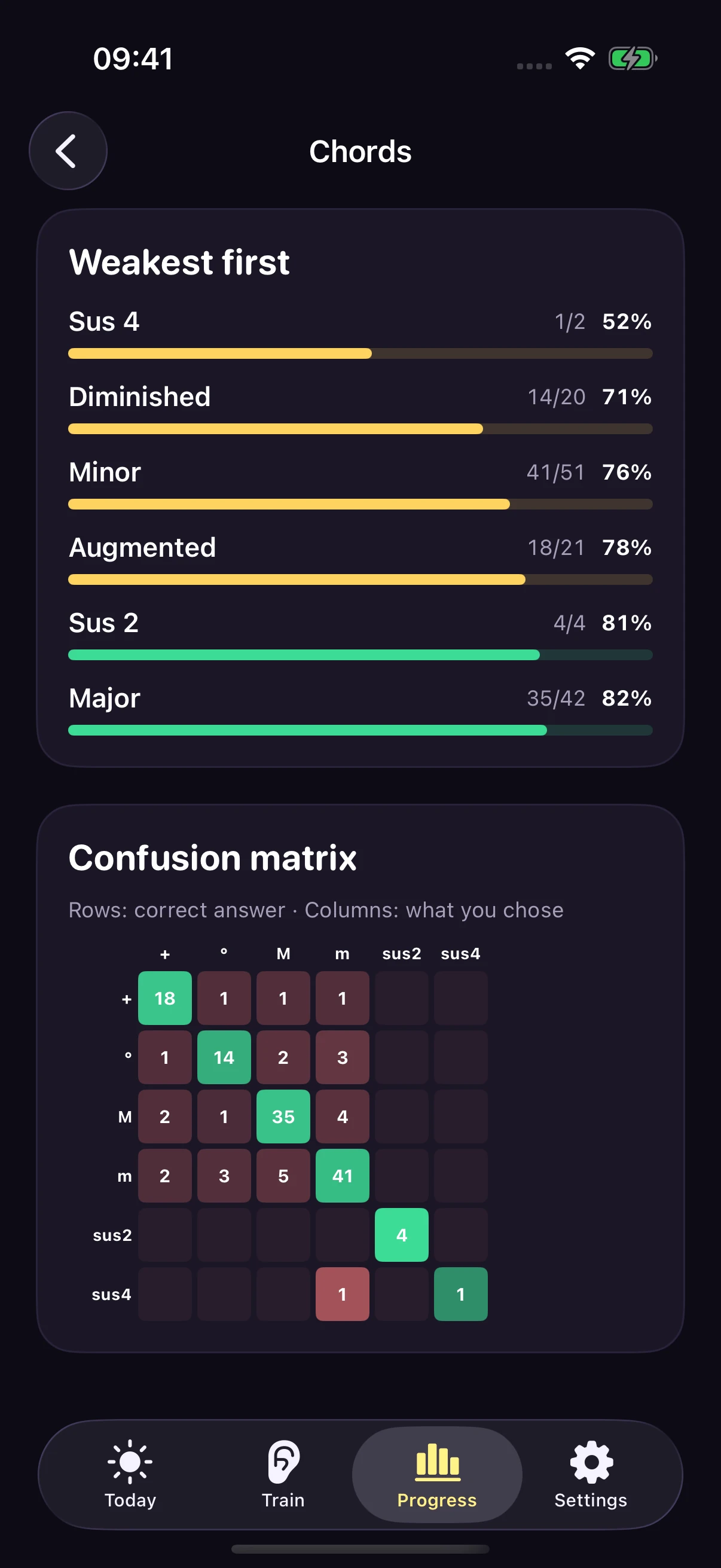
The Pro confusion matrix compares expected and chosen answers.
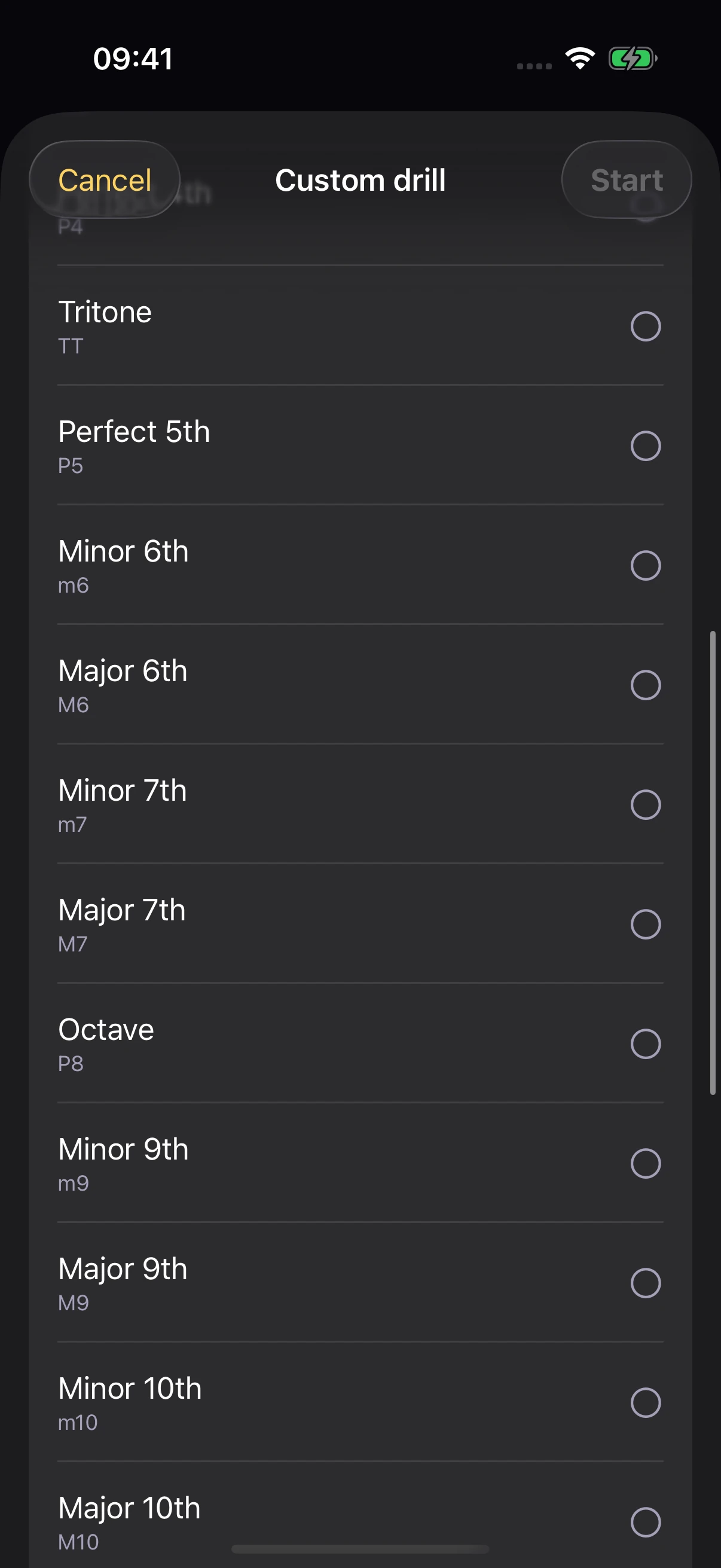
Adjust pitch range, pace, and instrument.
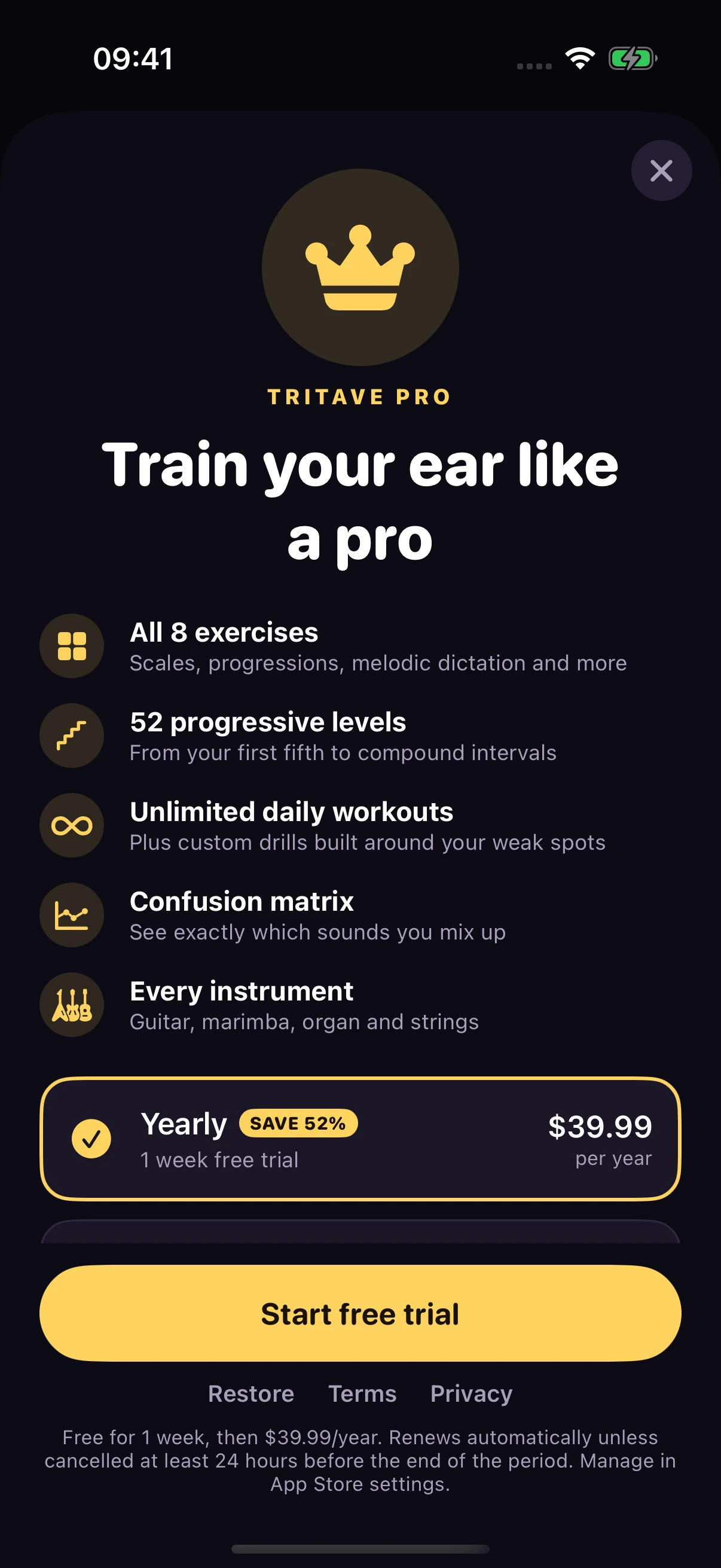
See the exercises, levels, and tools included in Pro.
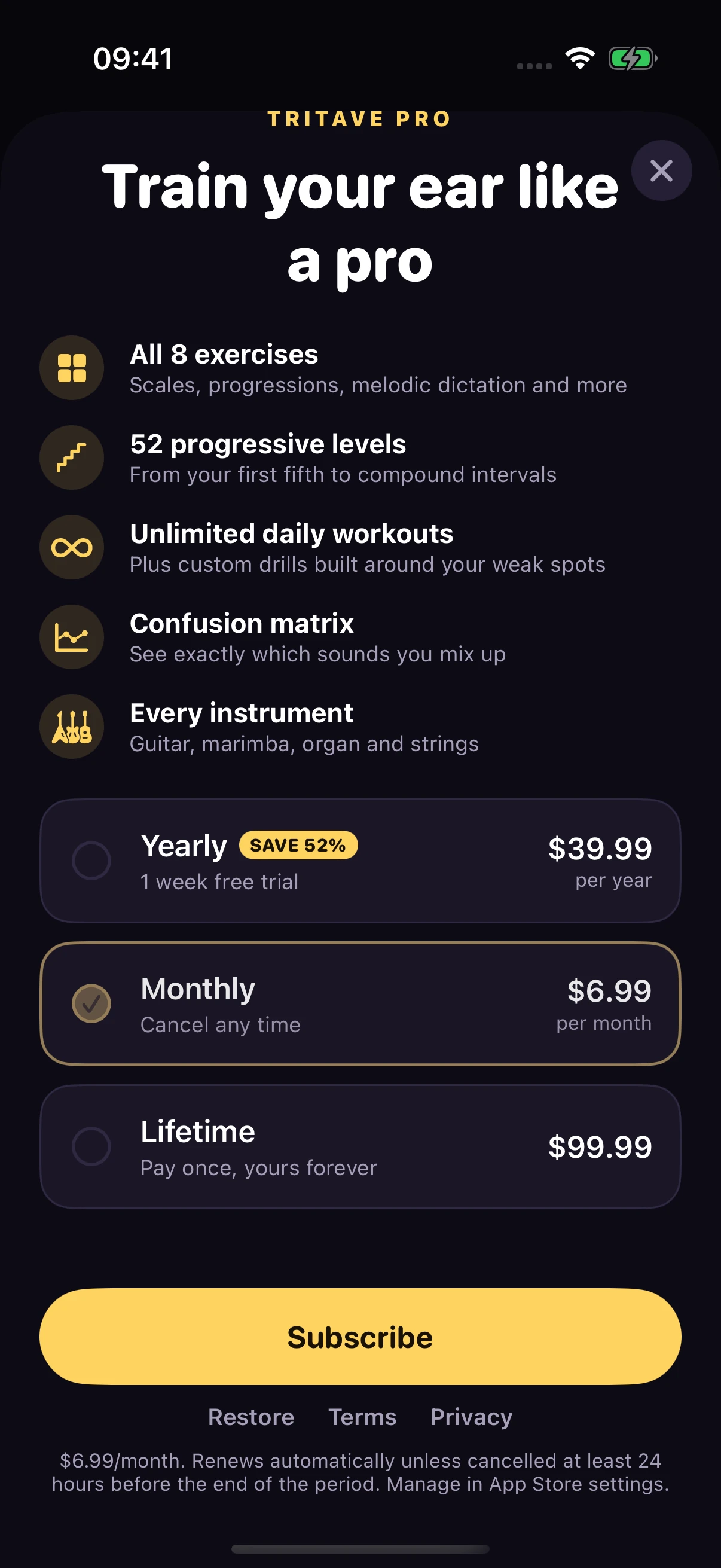
A monthly subscription with its own price and renewal details.
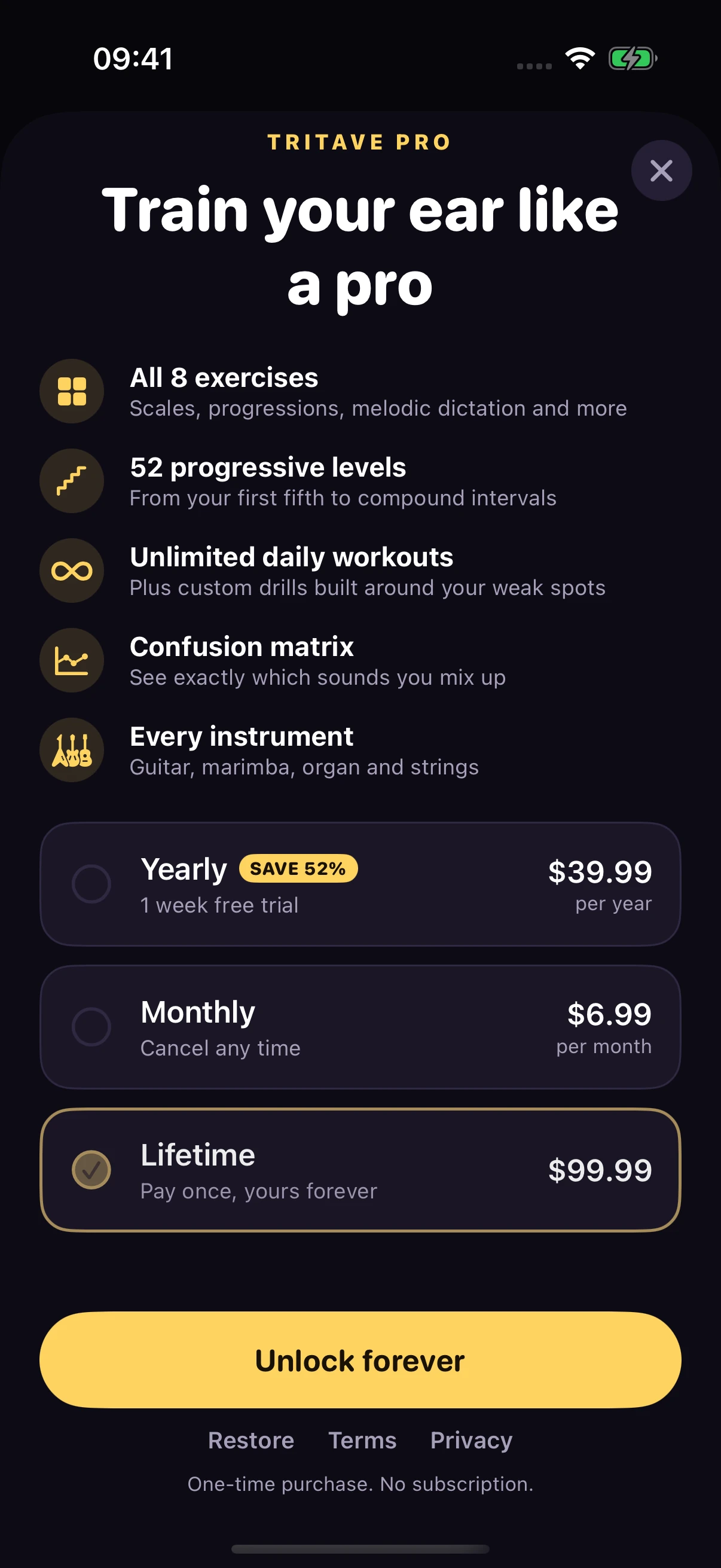
A one-time purchase with no subscription.
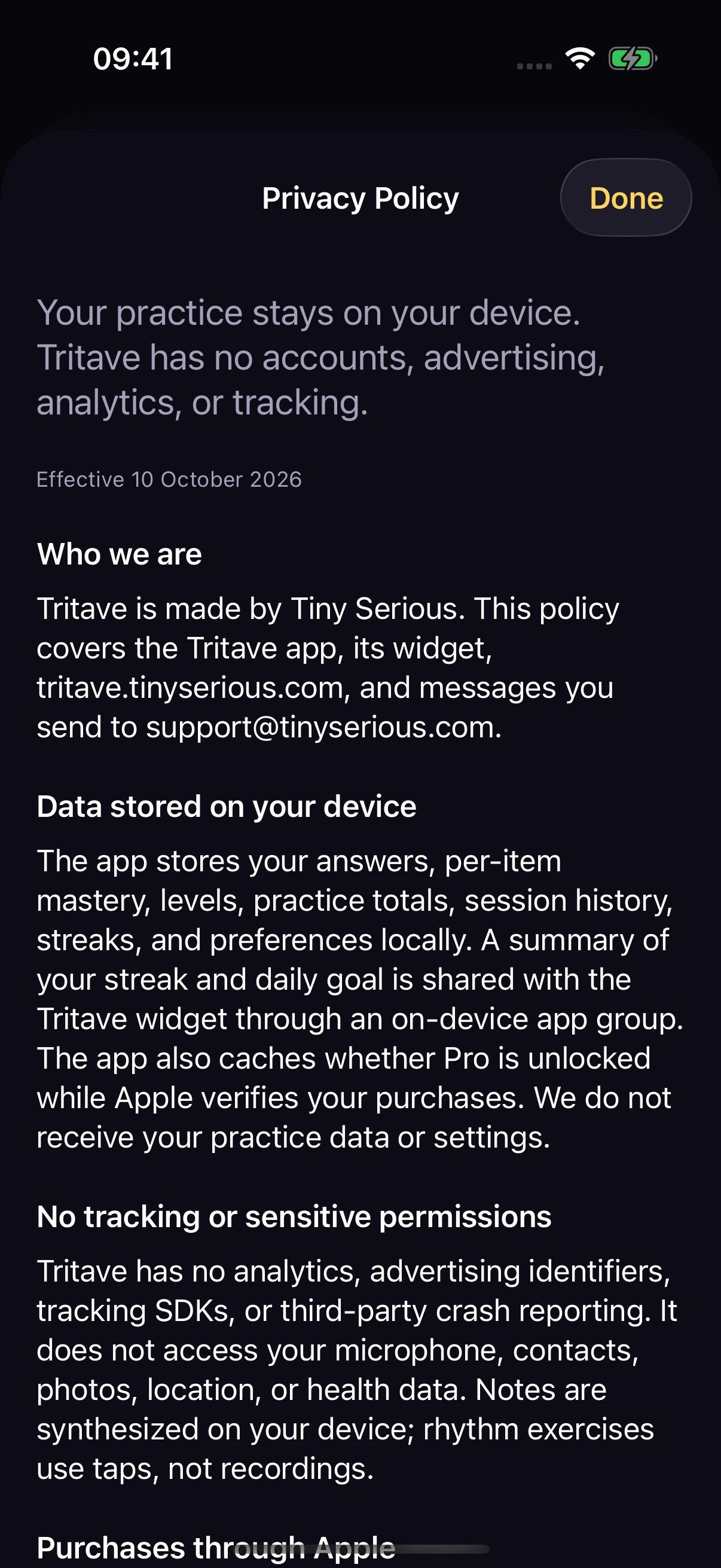
Read the policy before making a purchase.
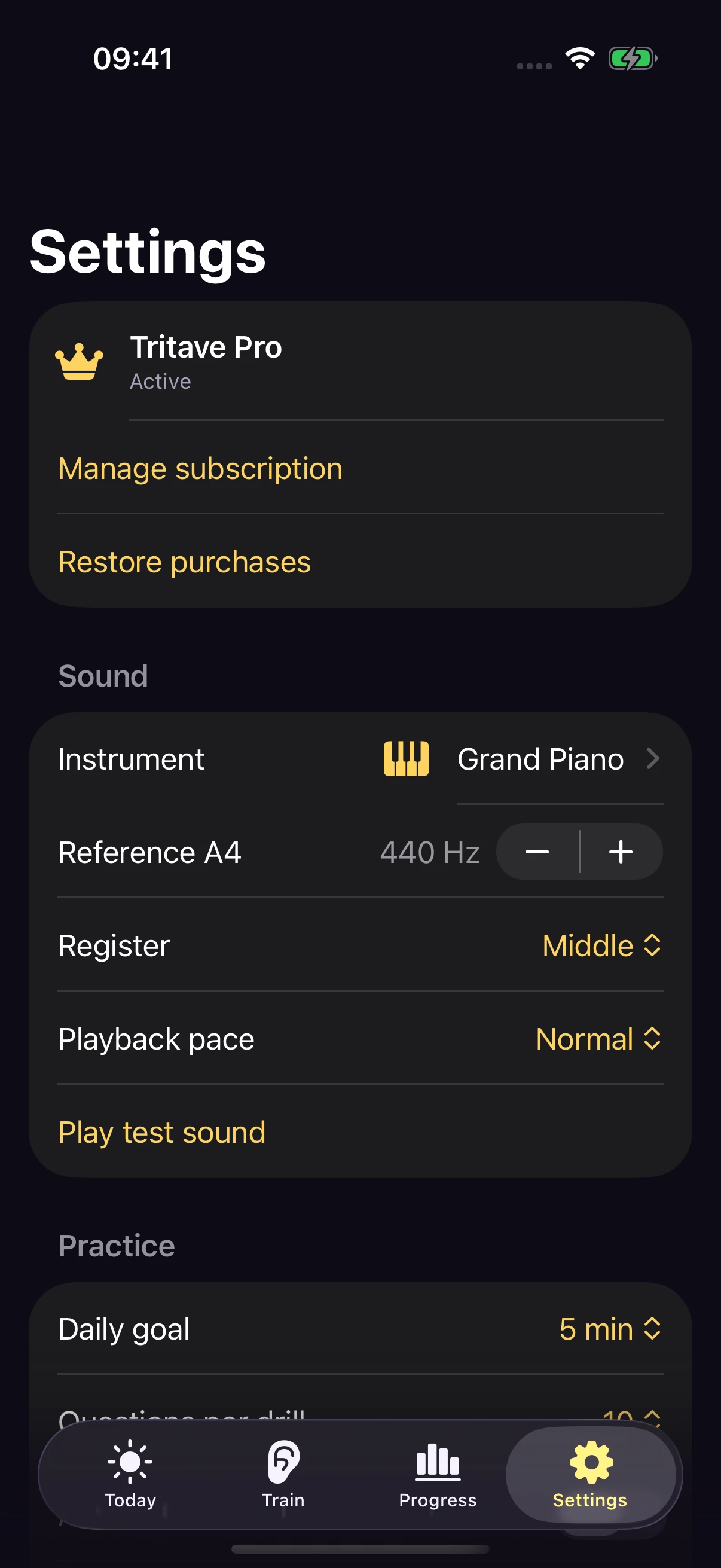
Sound, reference pitch, register, and playback pace.
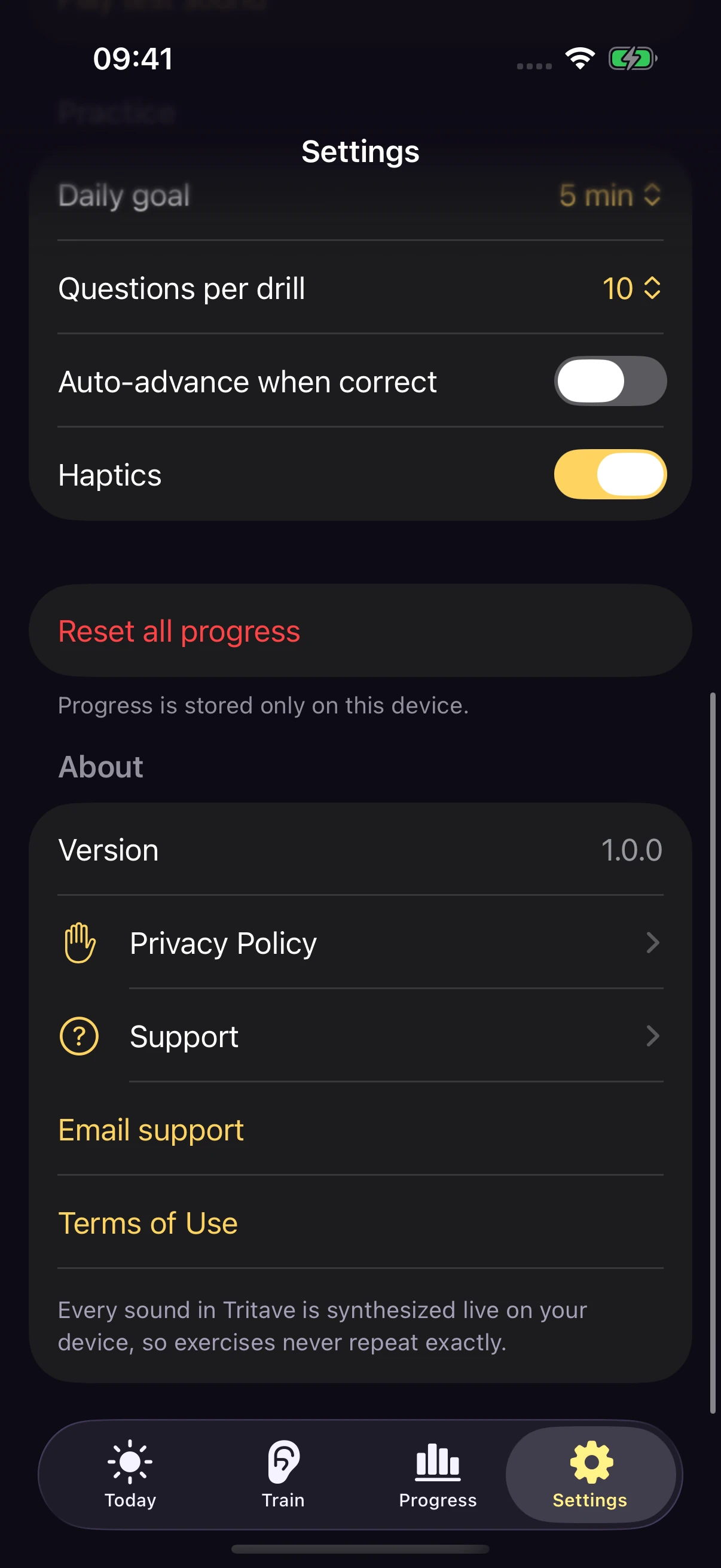
Practice preferences, privacy, support, and terms.
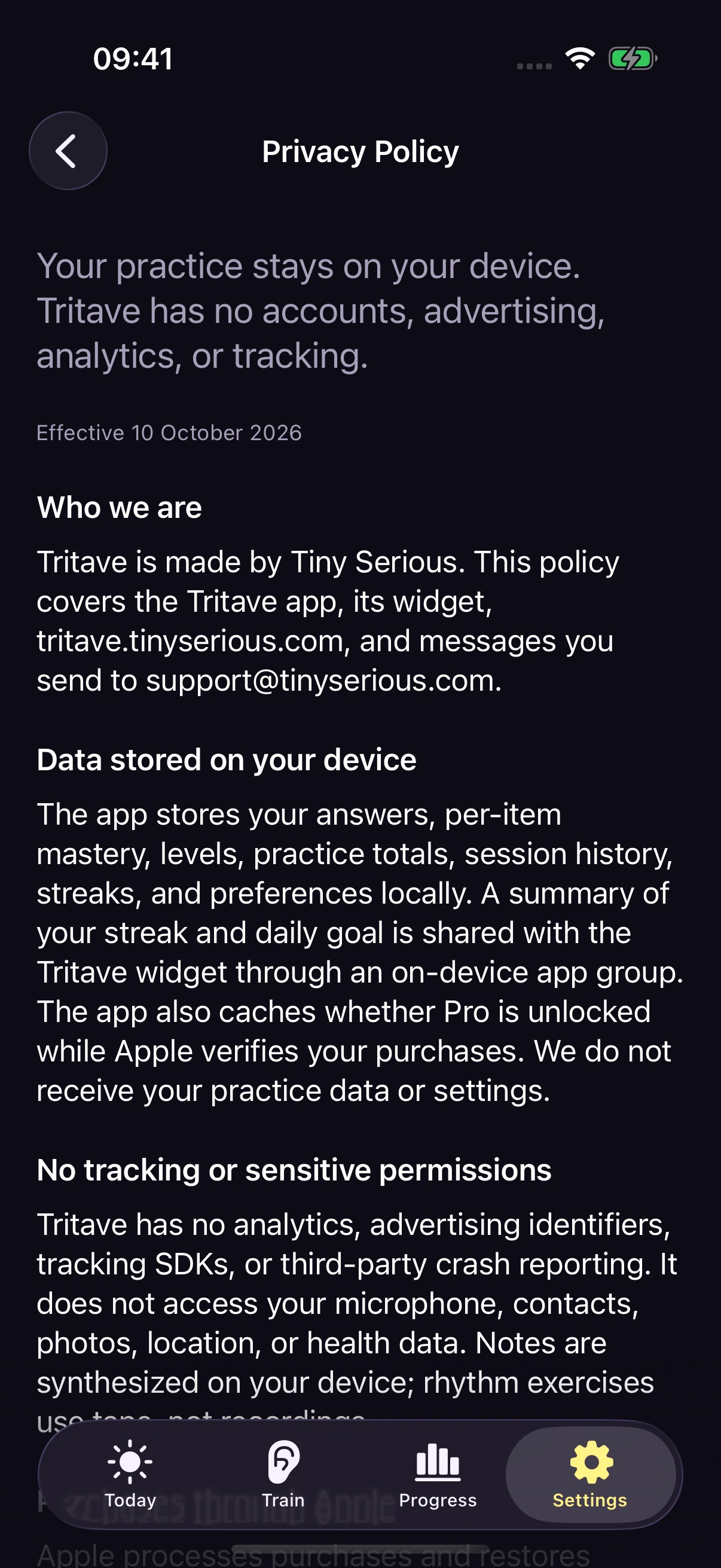
A bundled policy that works offline.
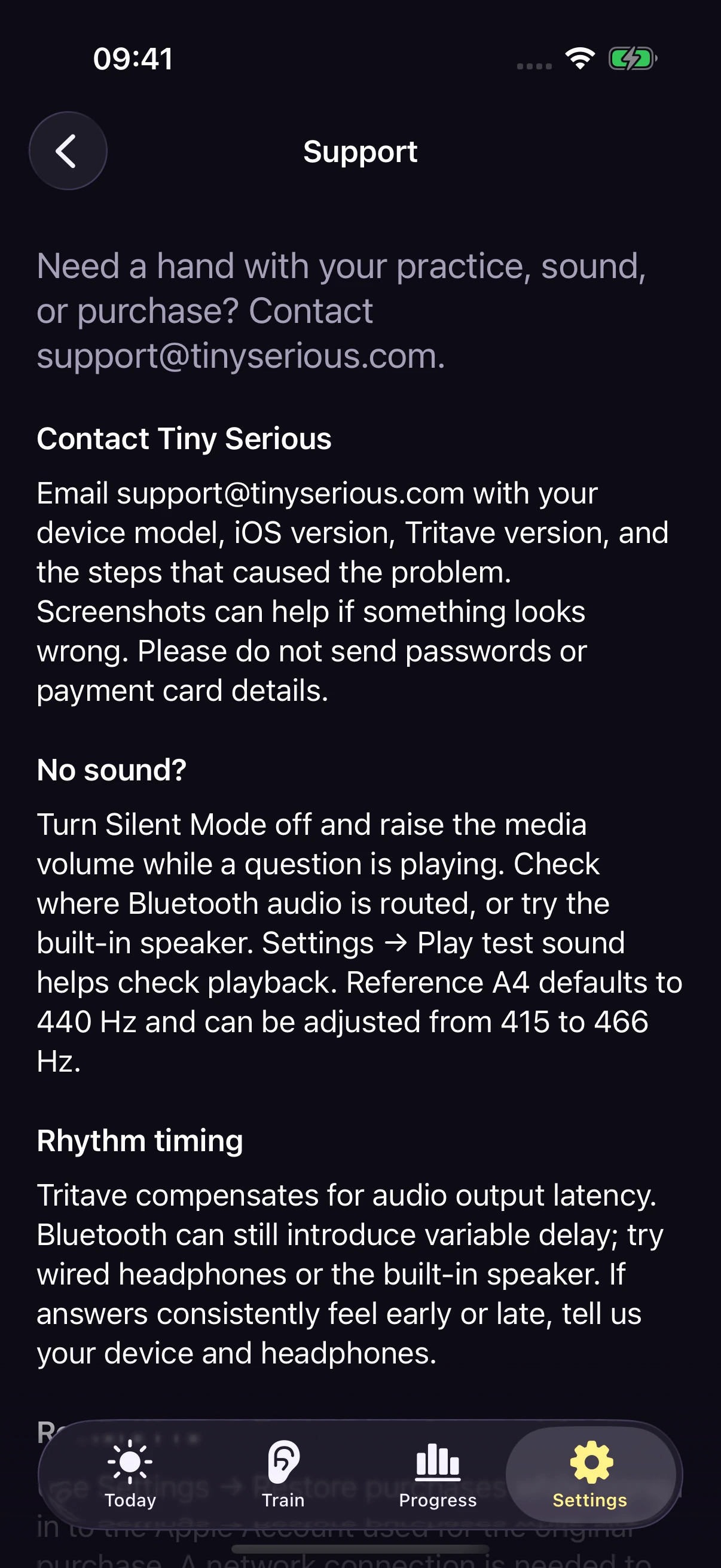
Troubleshooting and a direct email to Tiny Serious.
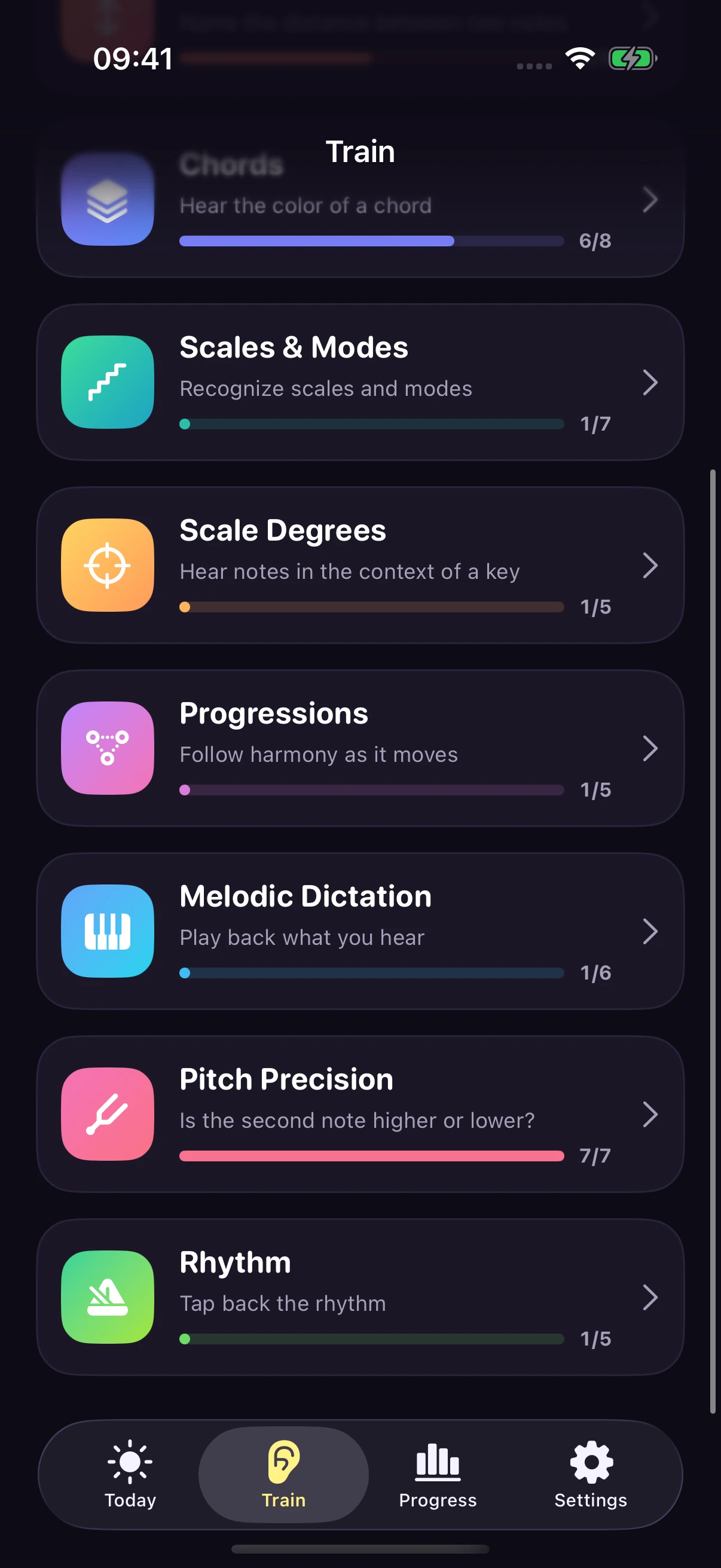
Explore the rest of the exercise library.
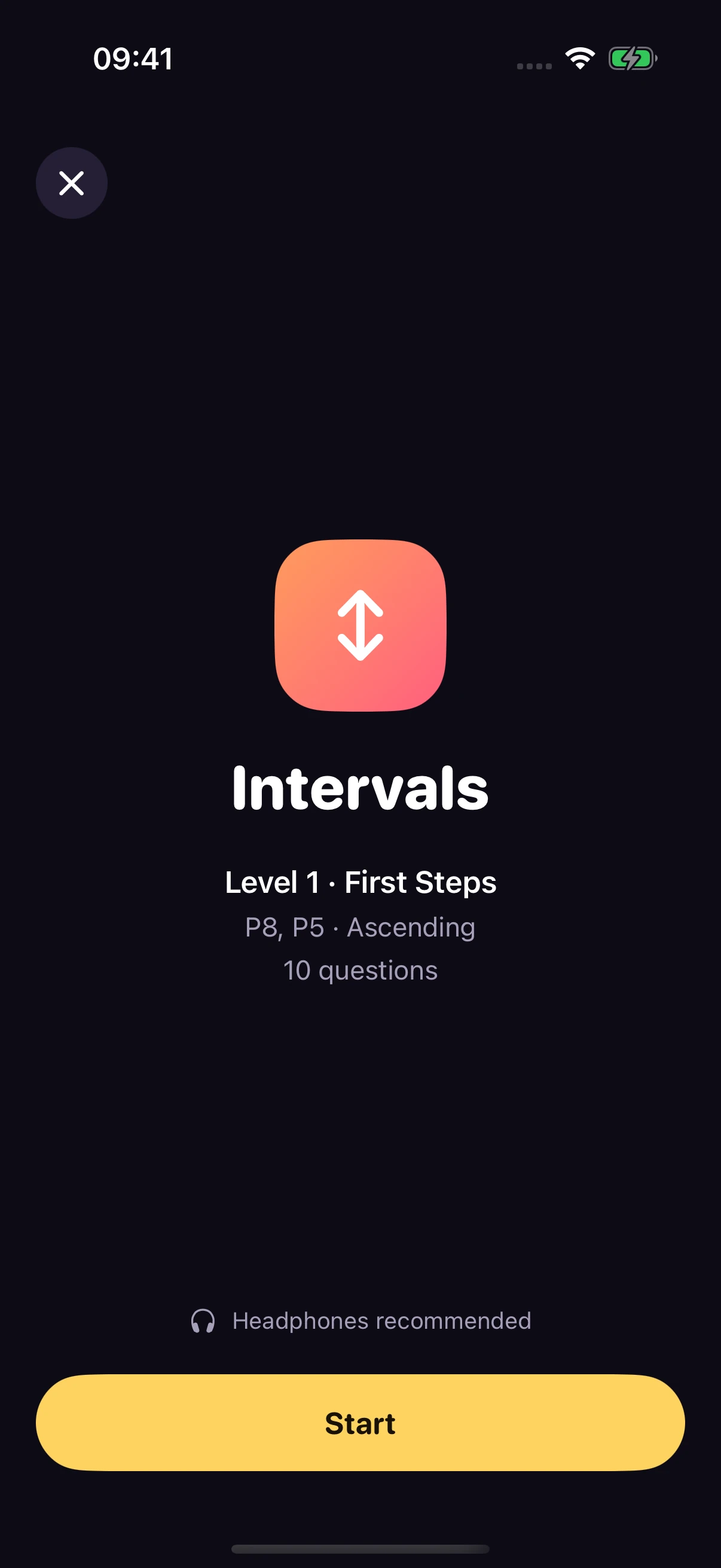
Review the level and question count before starting.
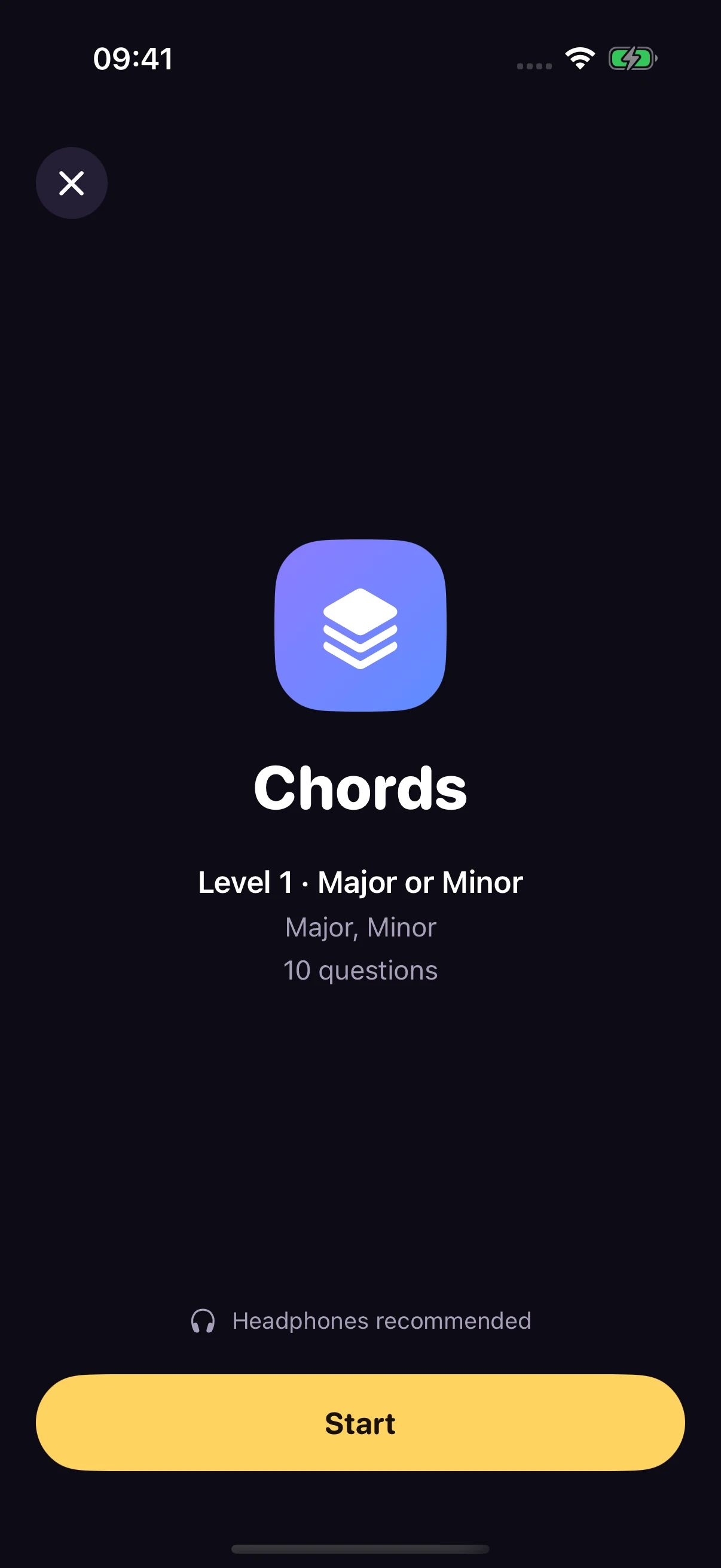
Review the level and question count before starting.
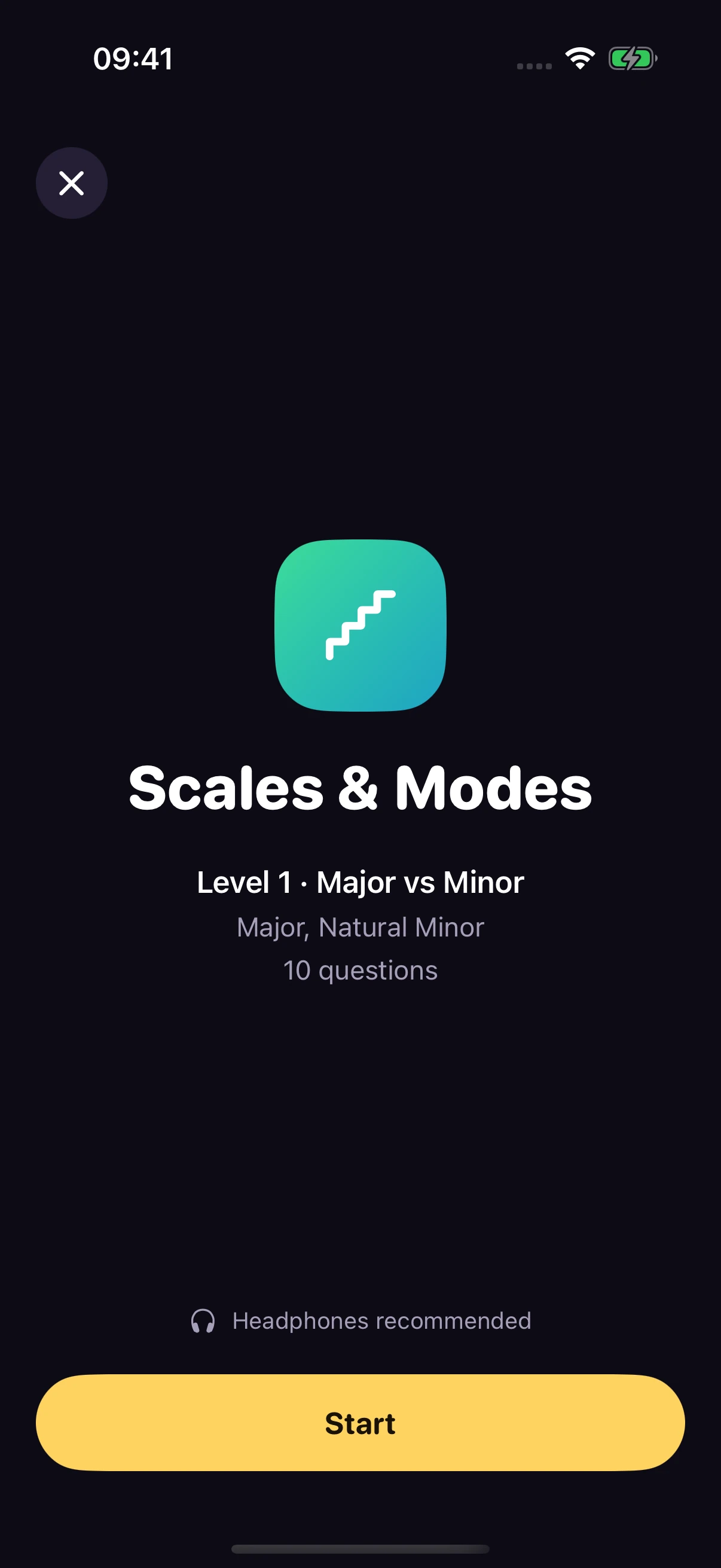
Review the level and question count before starting.
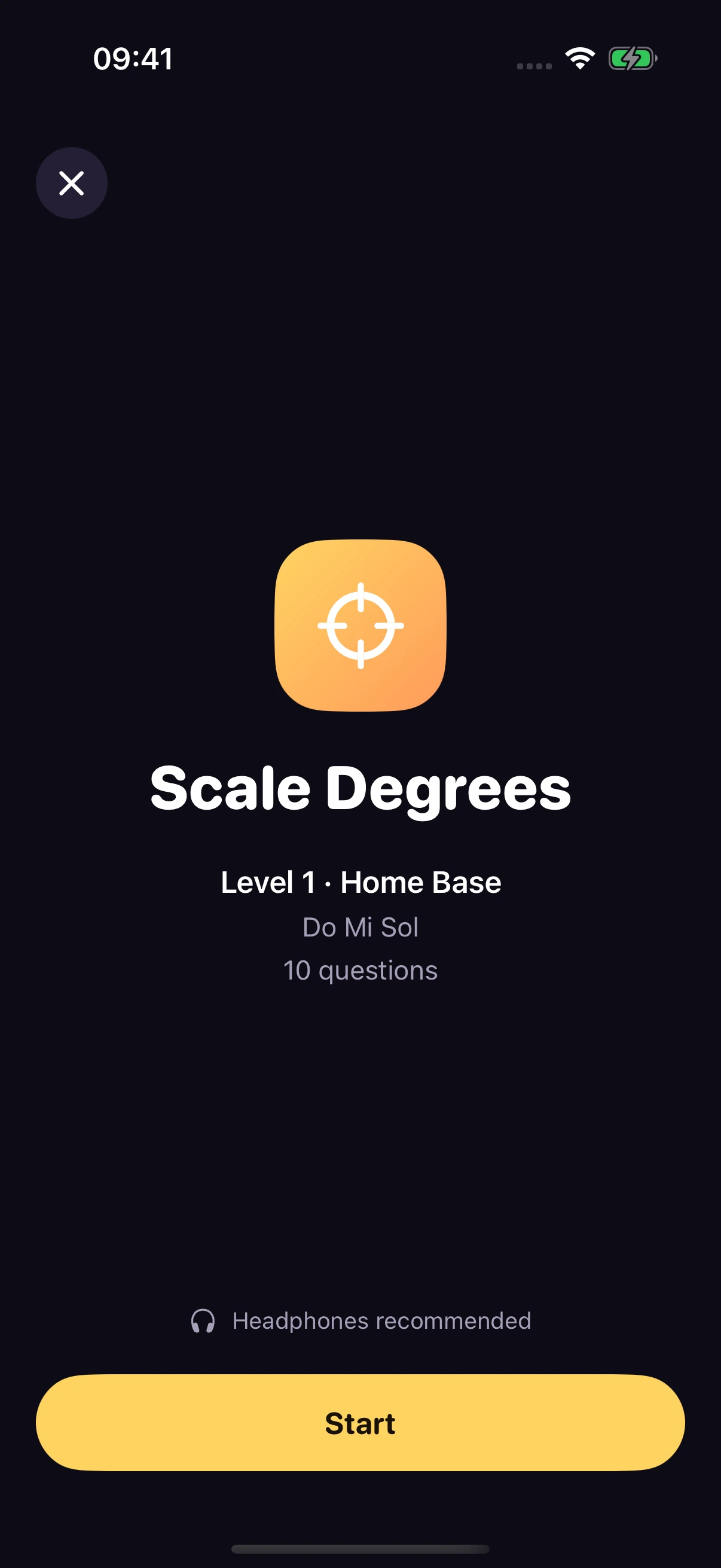
Review the level and question count before starting.
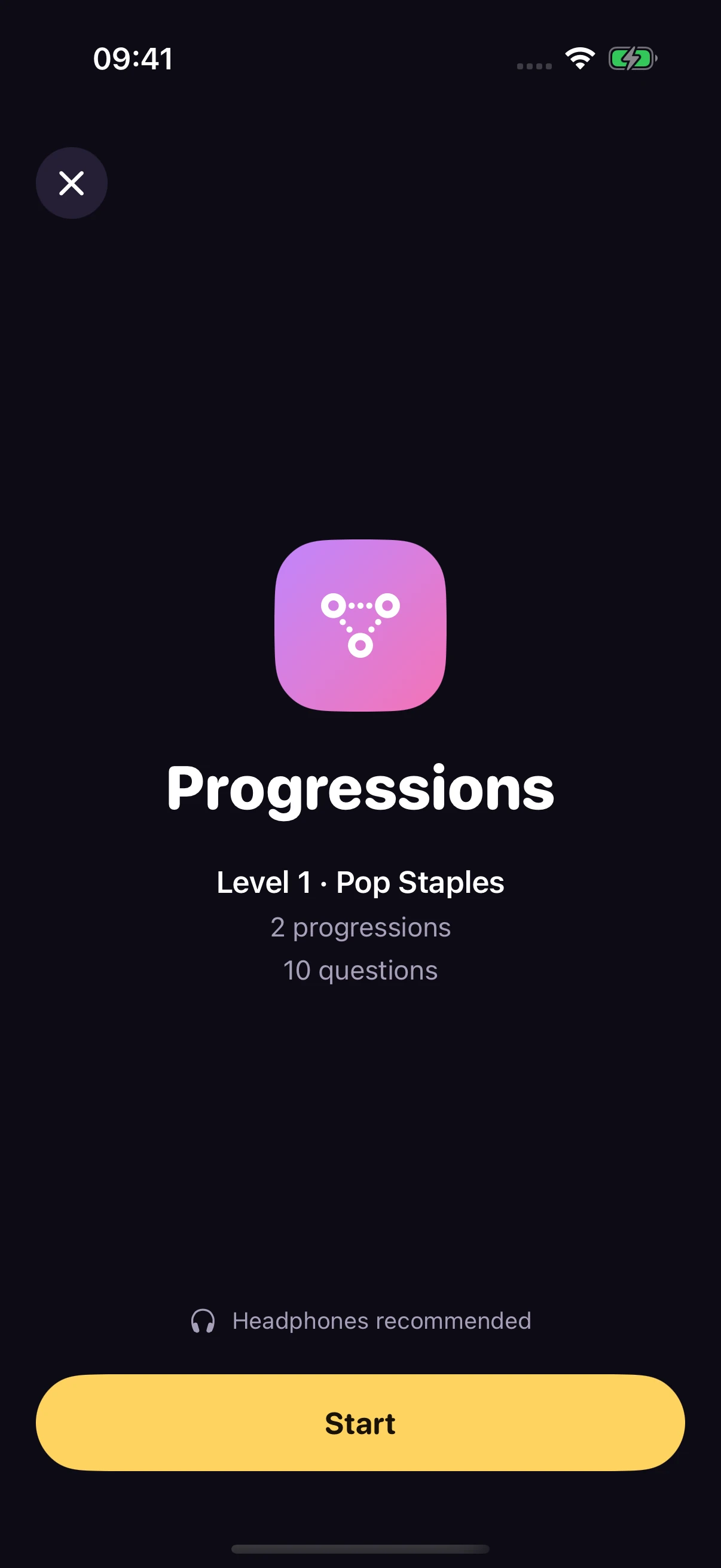
Review the level and question count before starting.
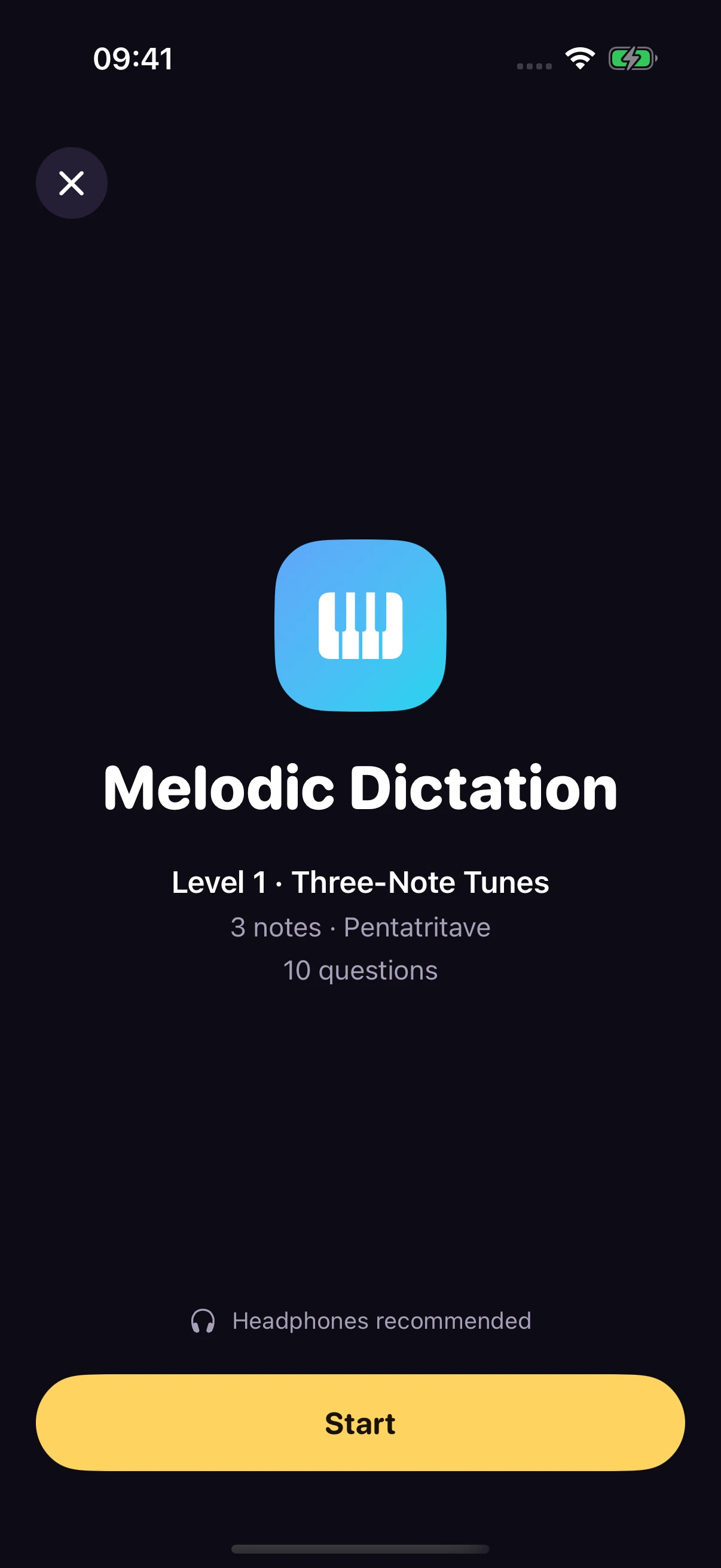
Review the level and question count before starting.
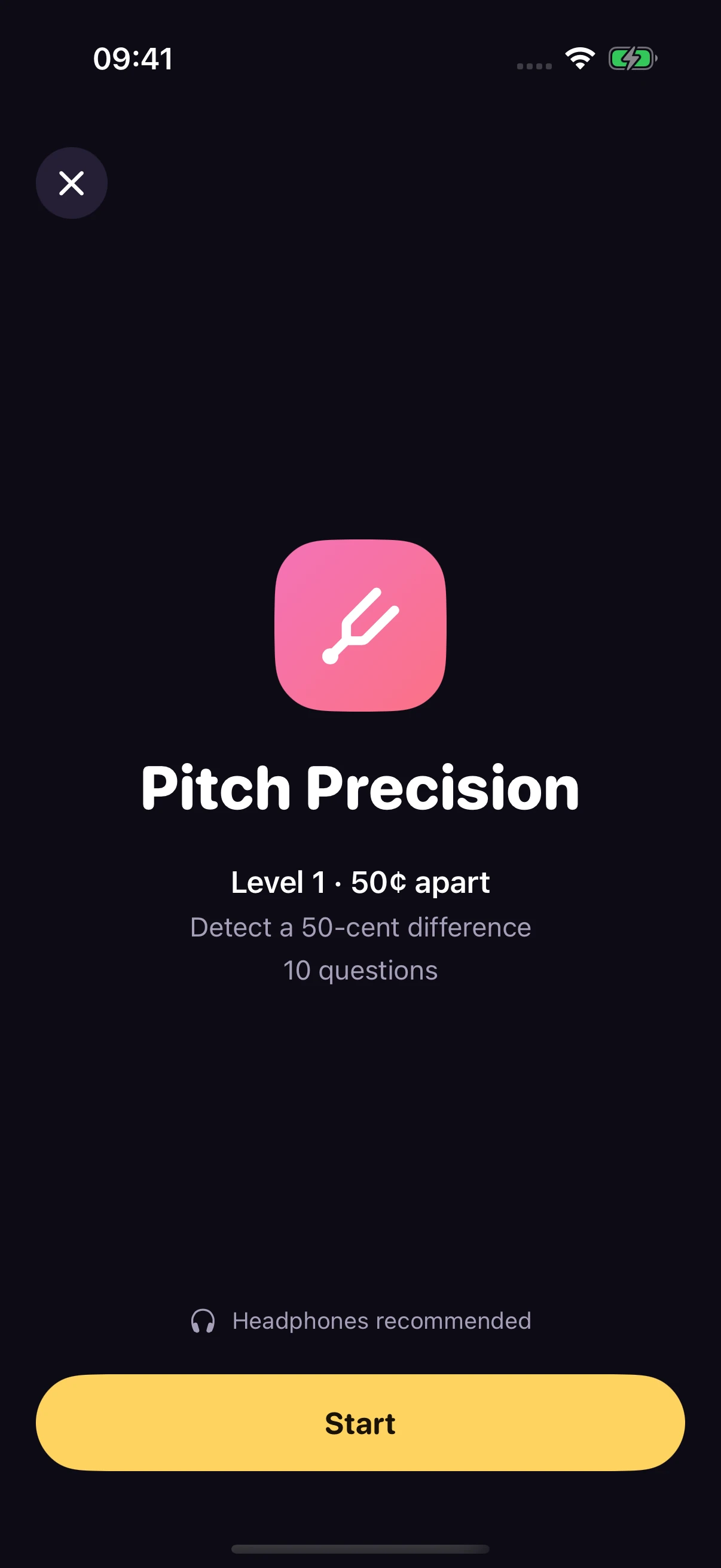
Review the level and question count before starting.
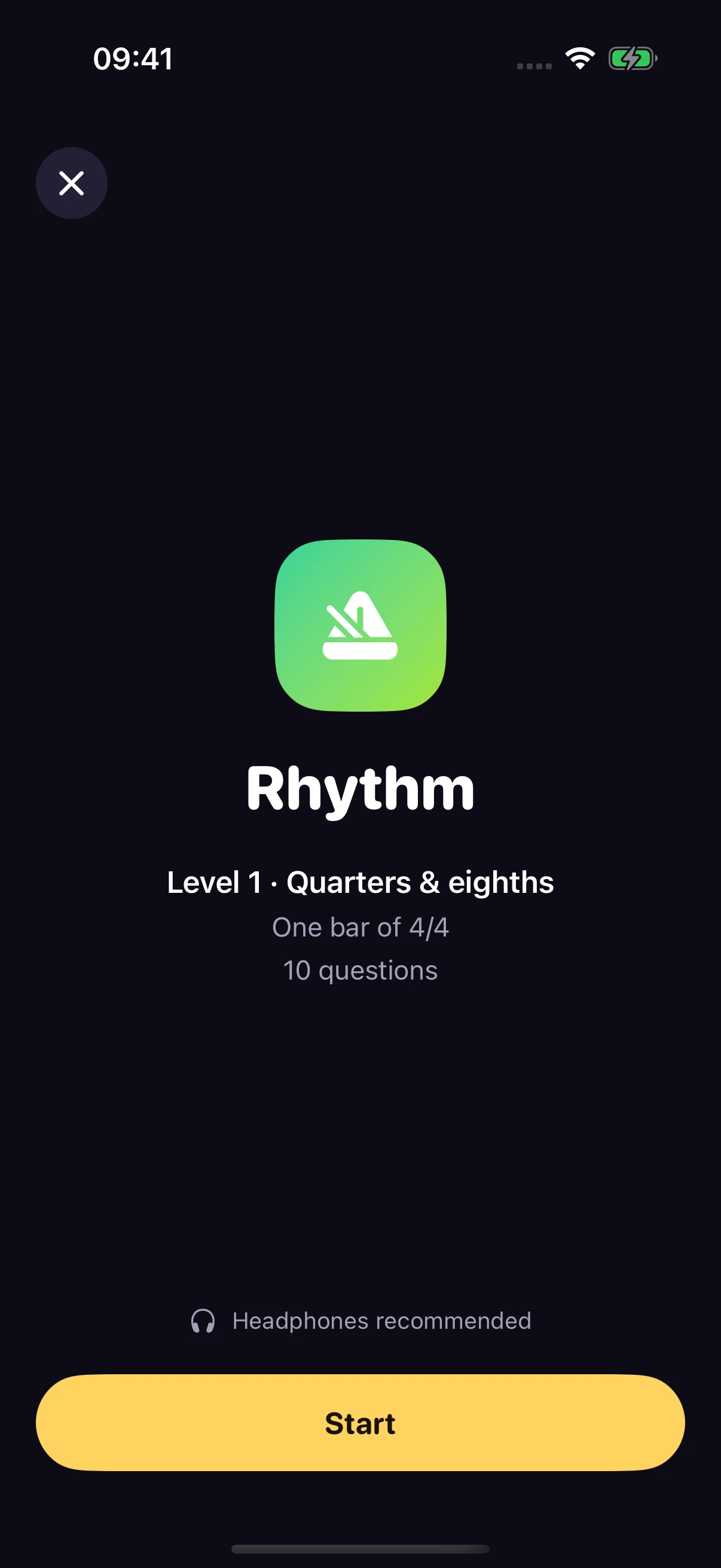
Review the level and question count before starting.
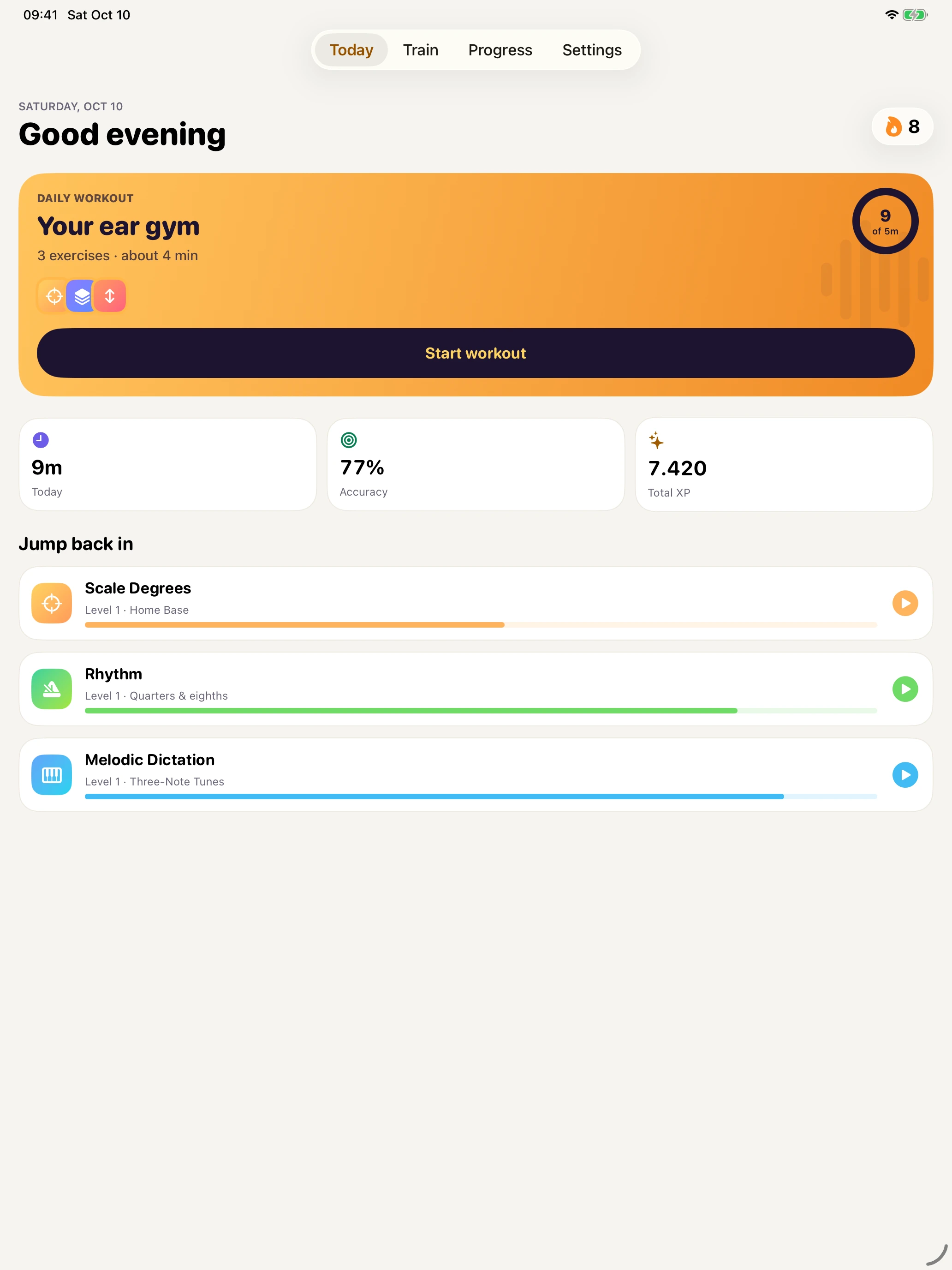
A goal, a streak, and a workout picked for you.
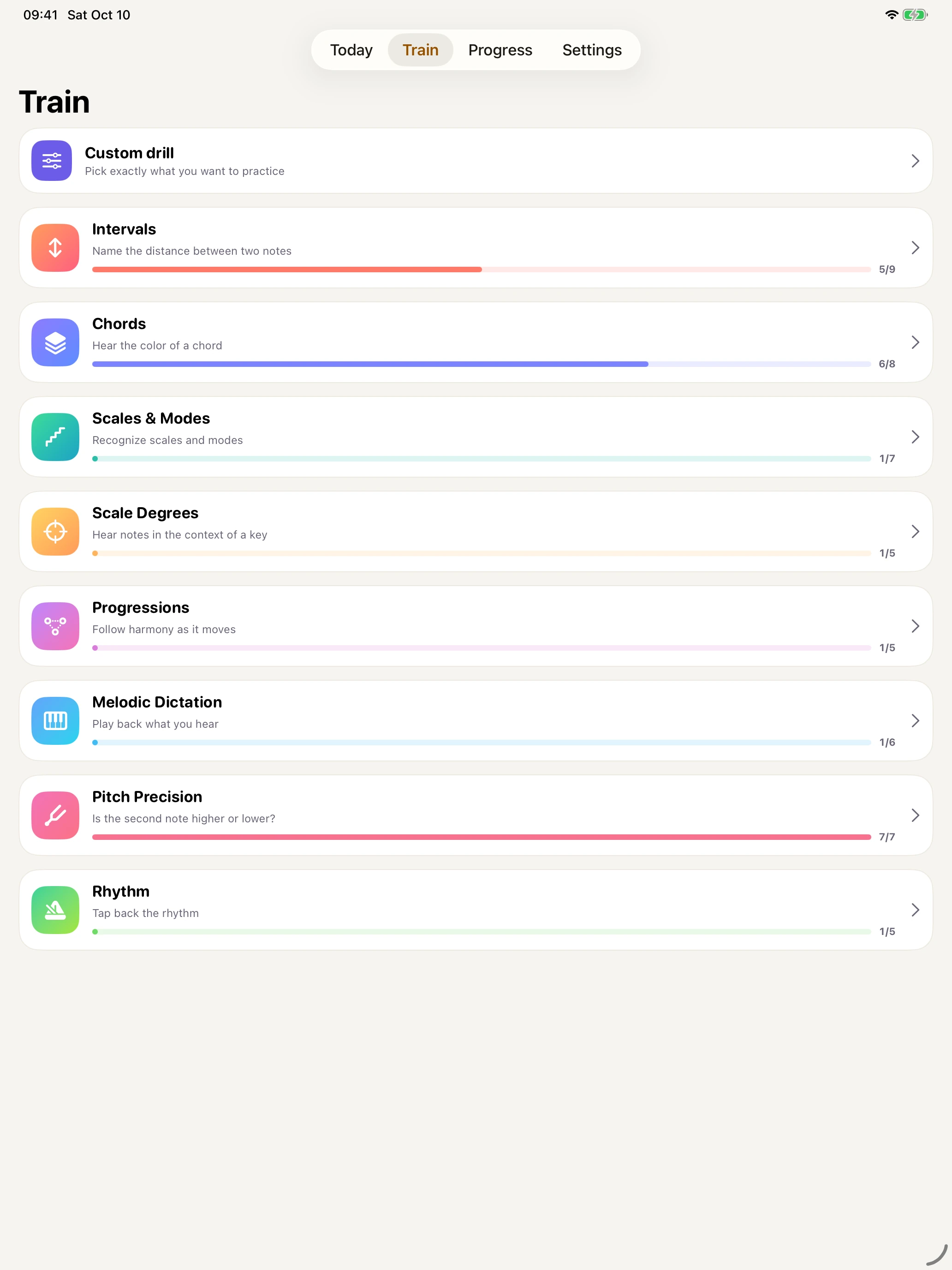
Browse exercises and build a custom drill.
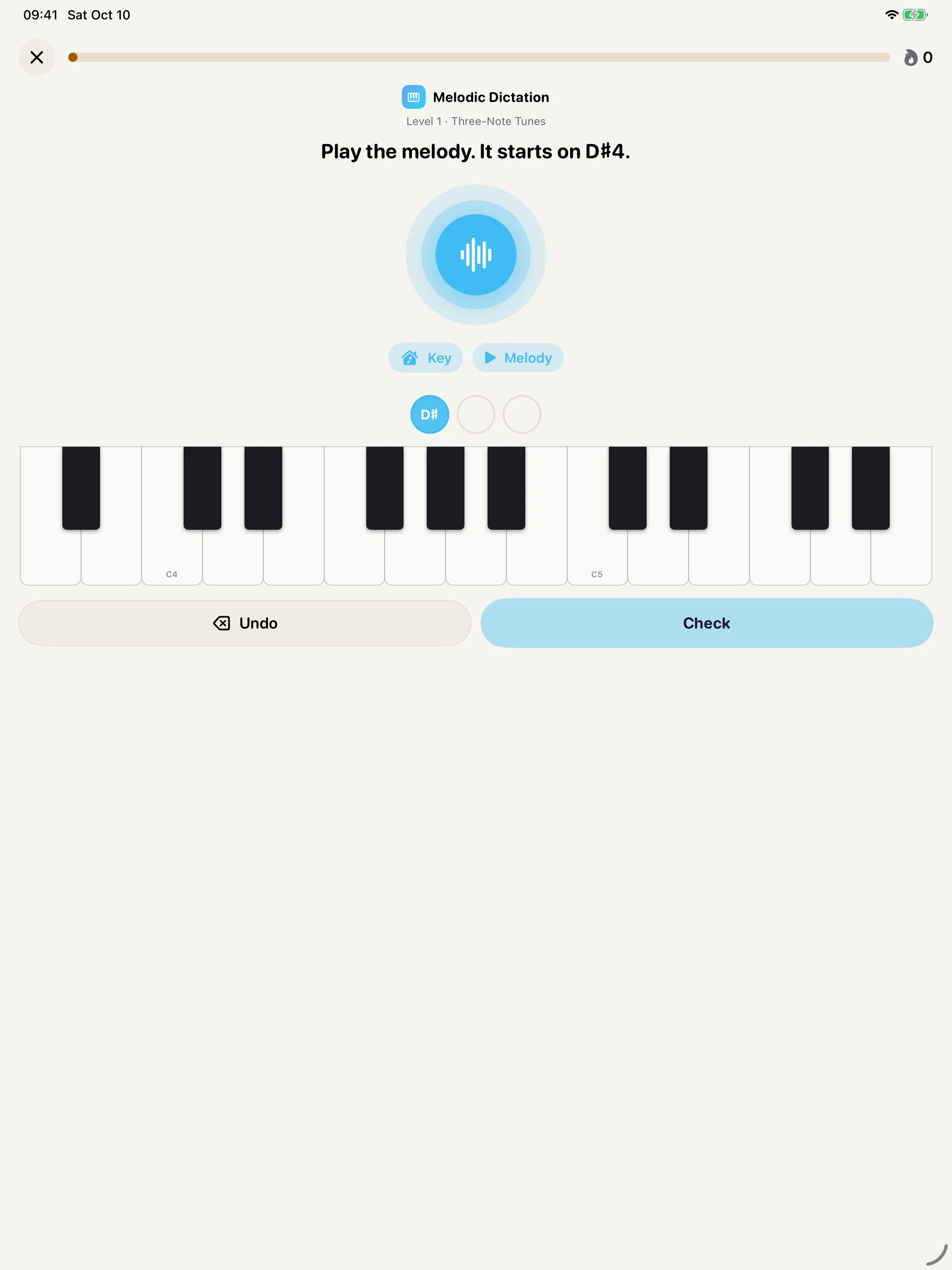
Answer melodic dictation on a piano keyboard.
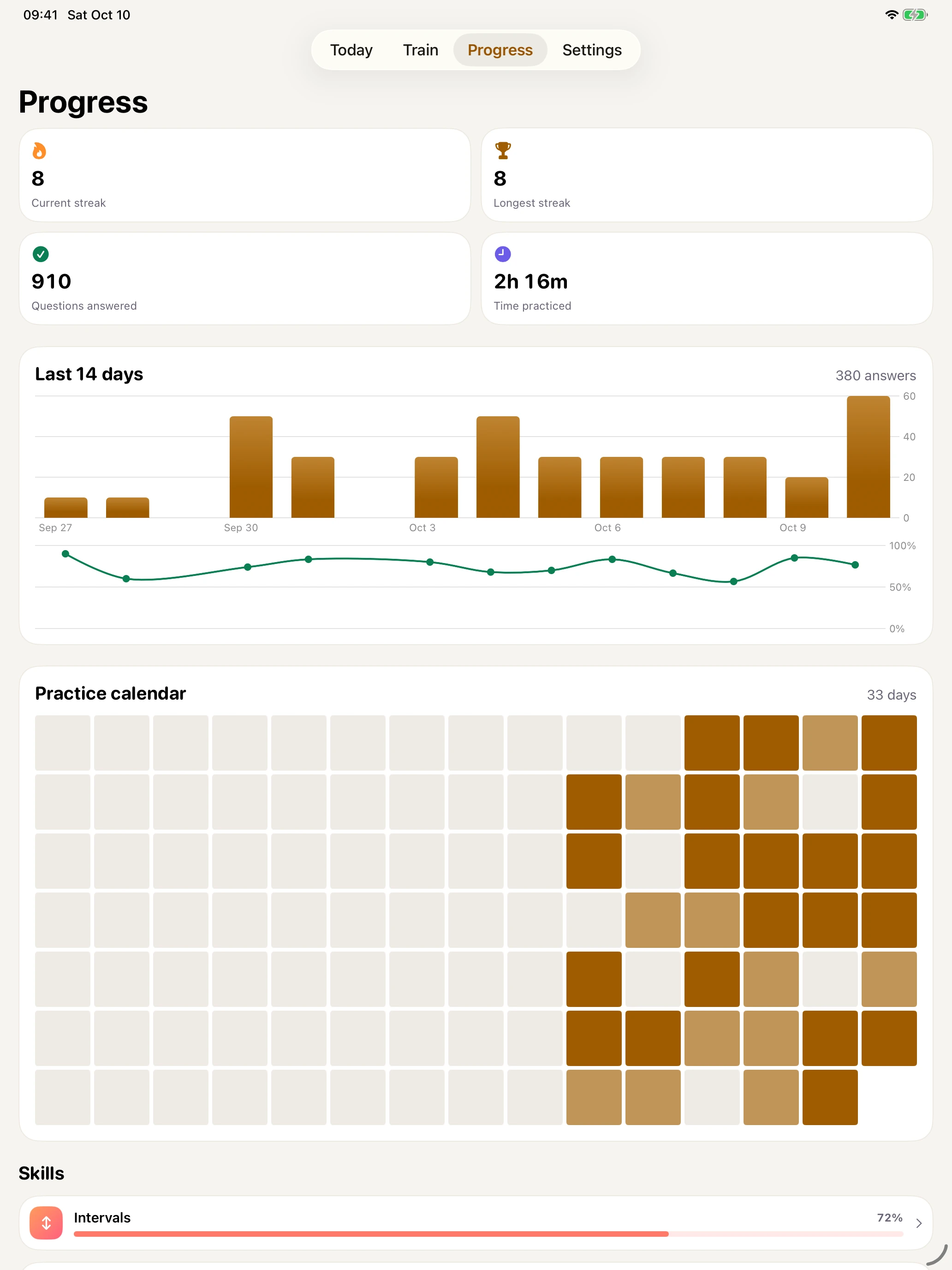
Daily activity, accuracy, streaks, and practice time.
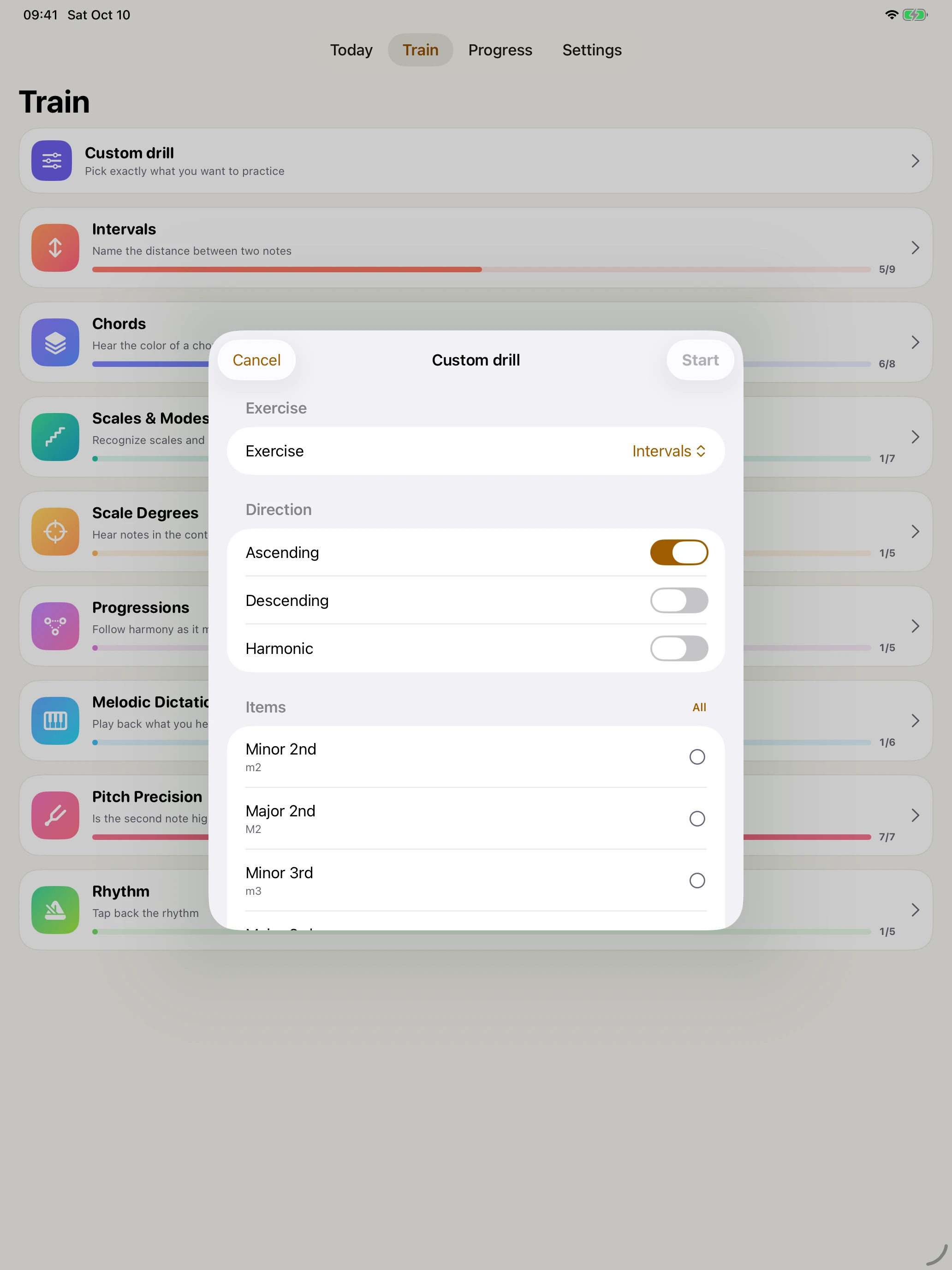
Choose the sounds you want to work on.
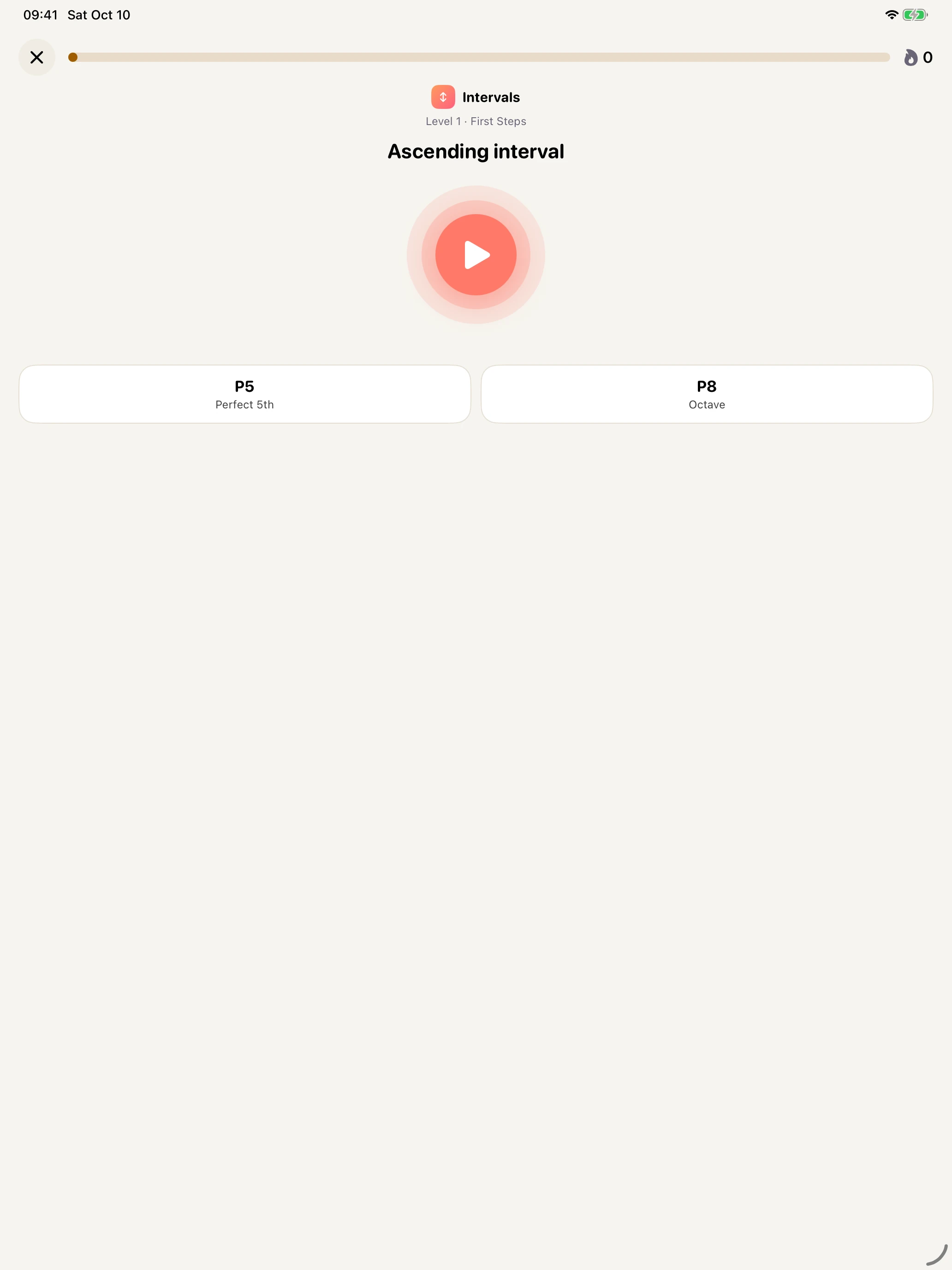
Name the distance between two notes.
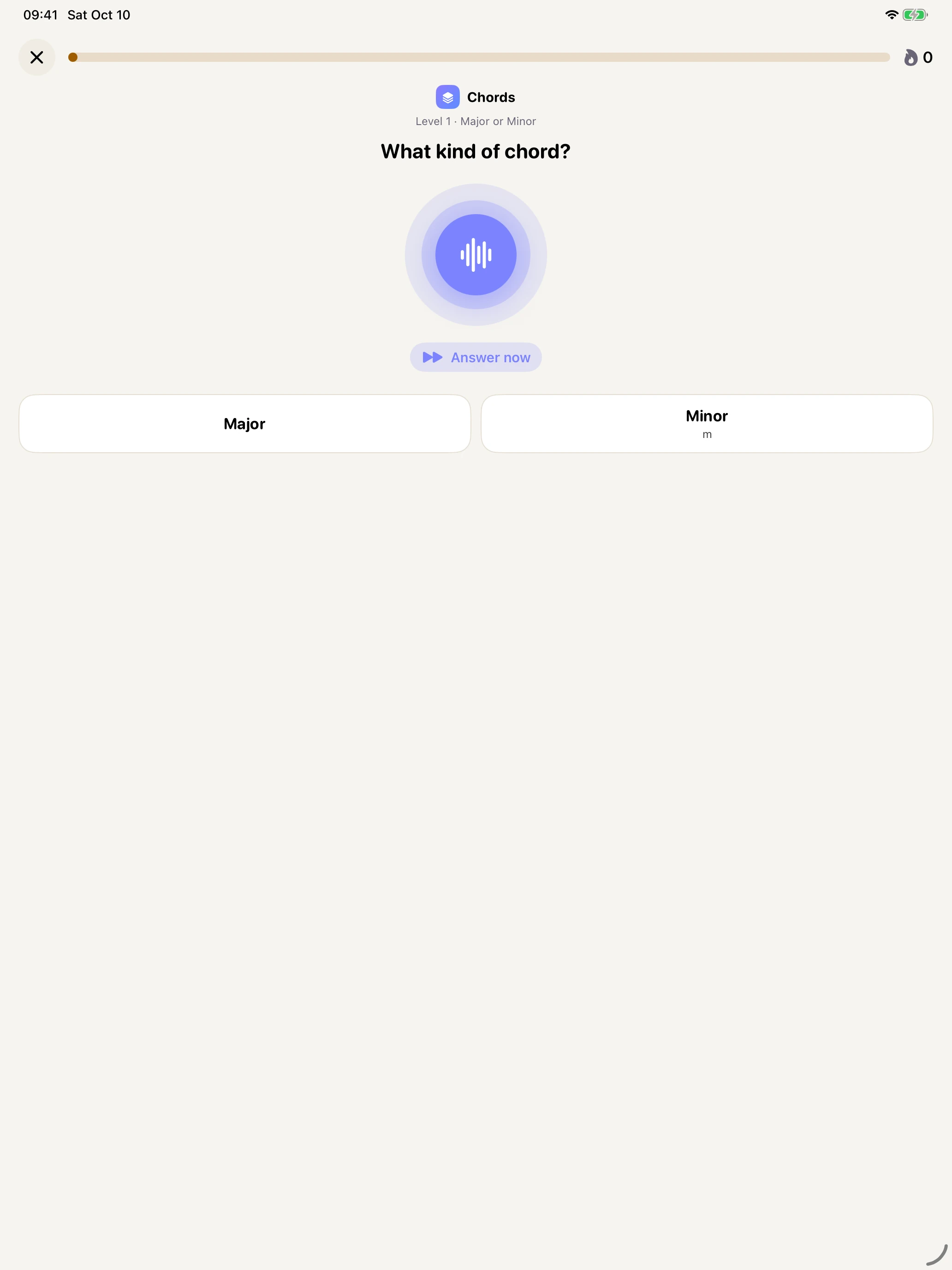
Recognize the quality of the chord you hear.
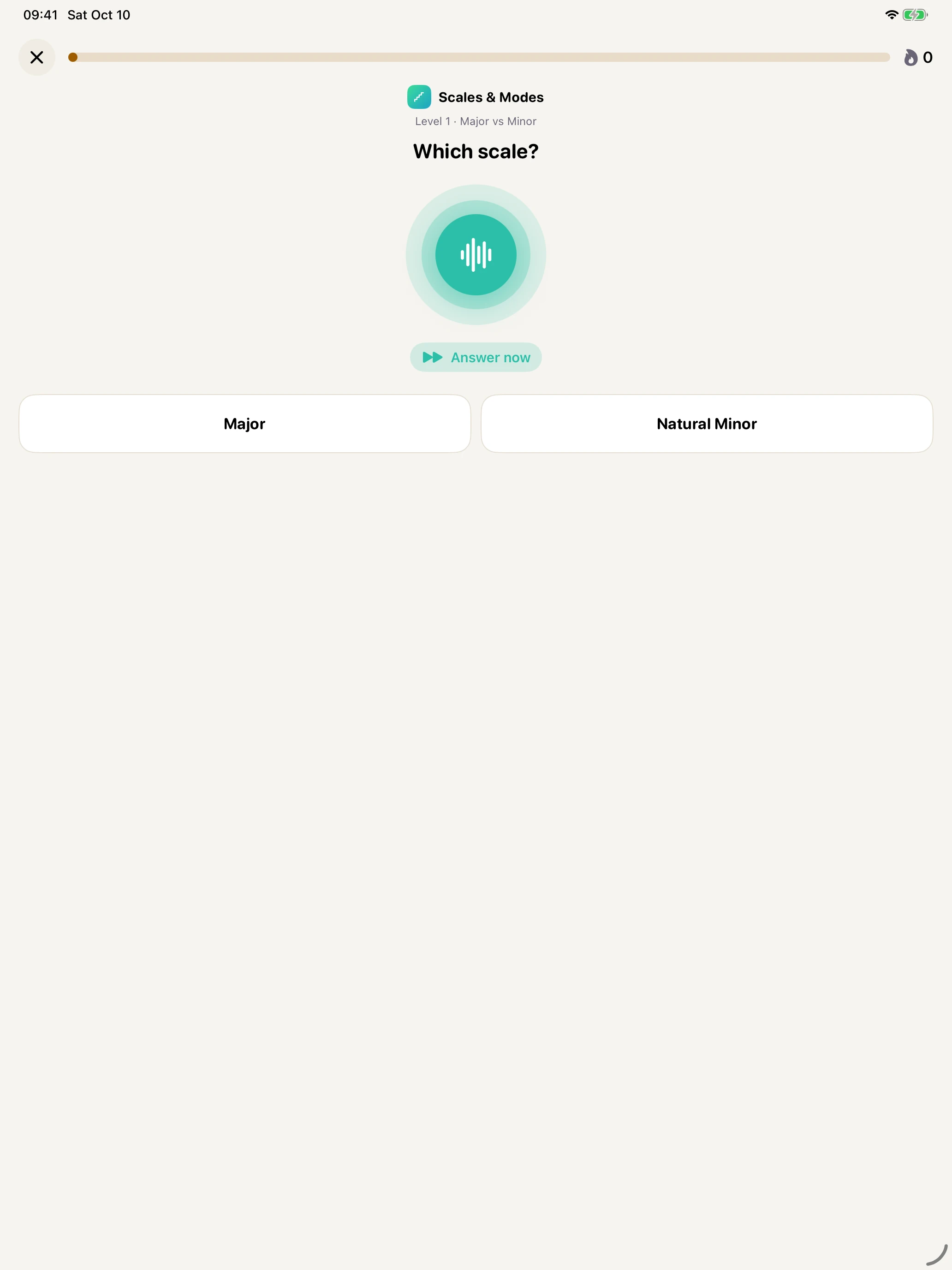
Hear a scale and identify its character.
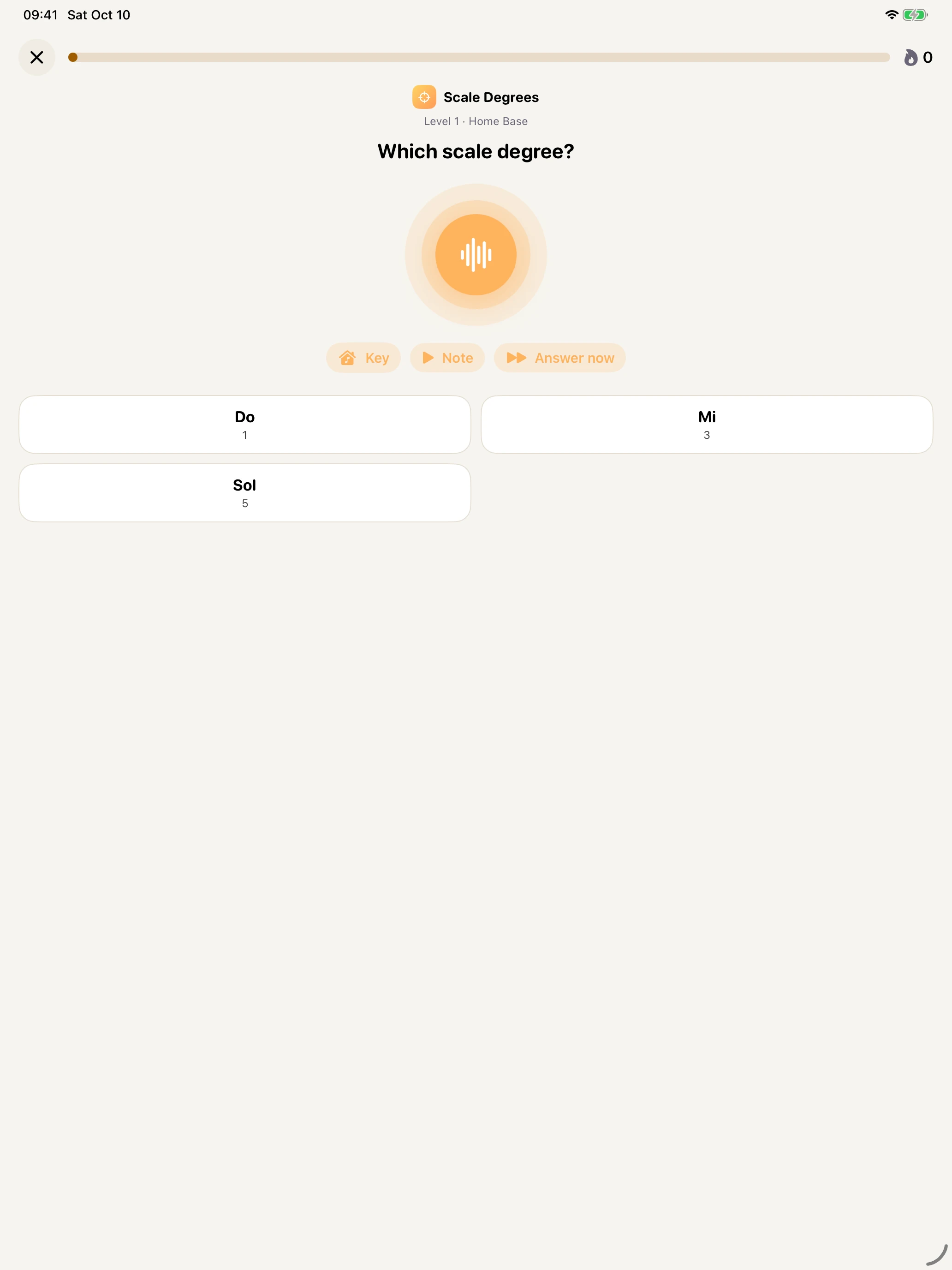
Place a note inside an established key.
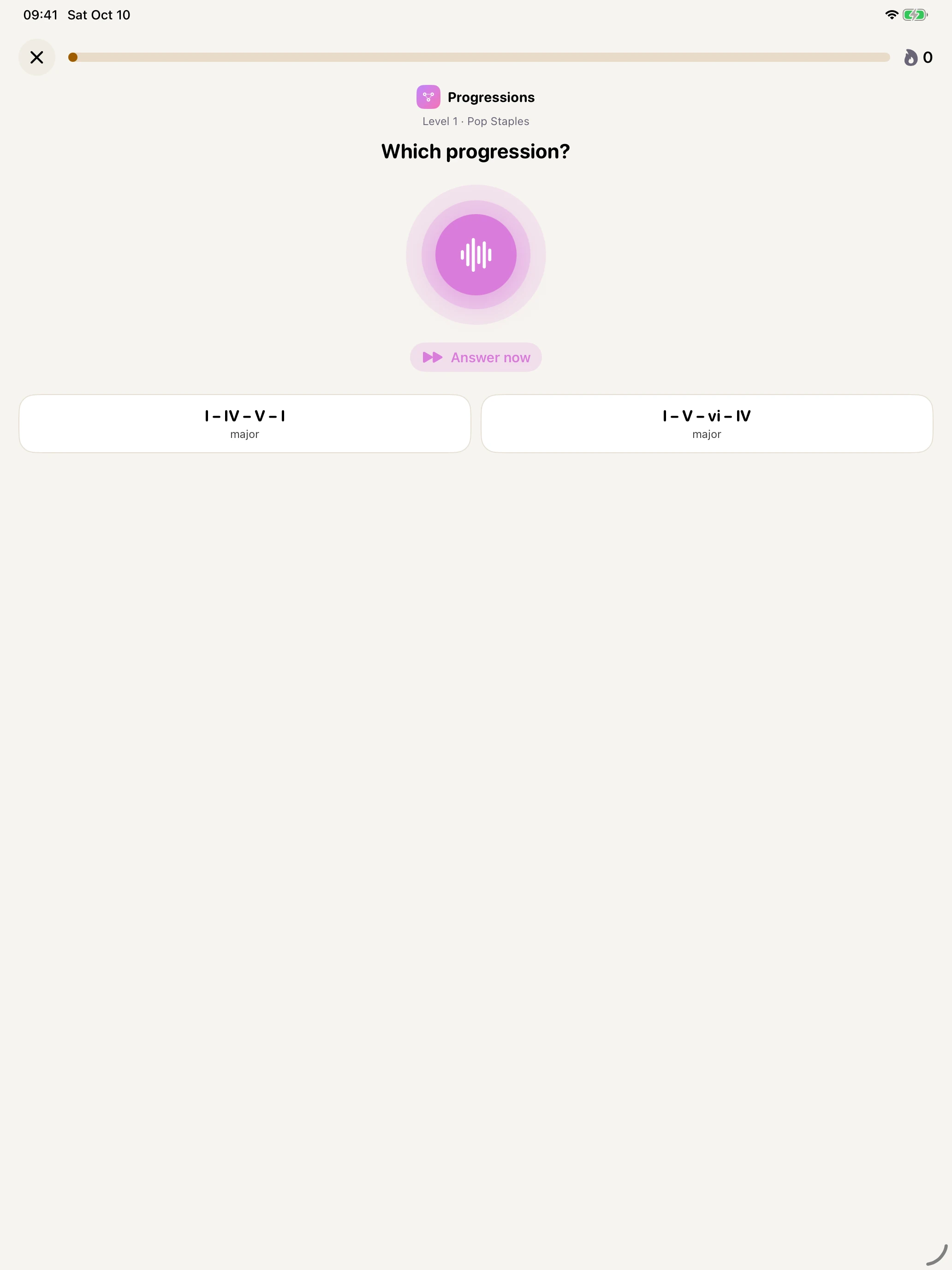
Follow the movement of the harmony.
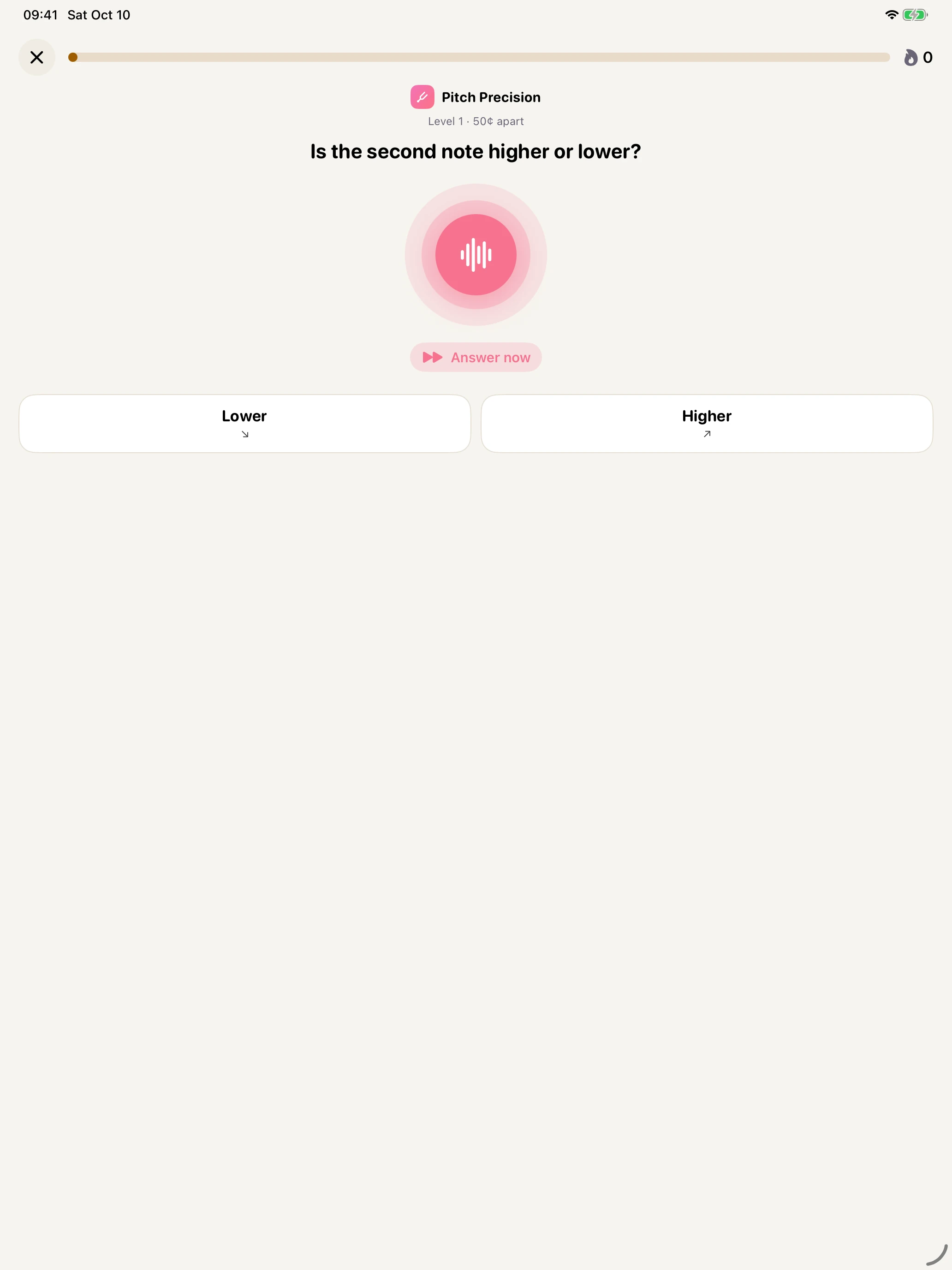
Hear a small difference in tuning.
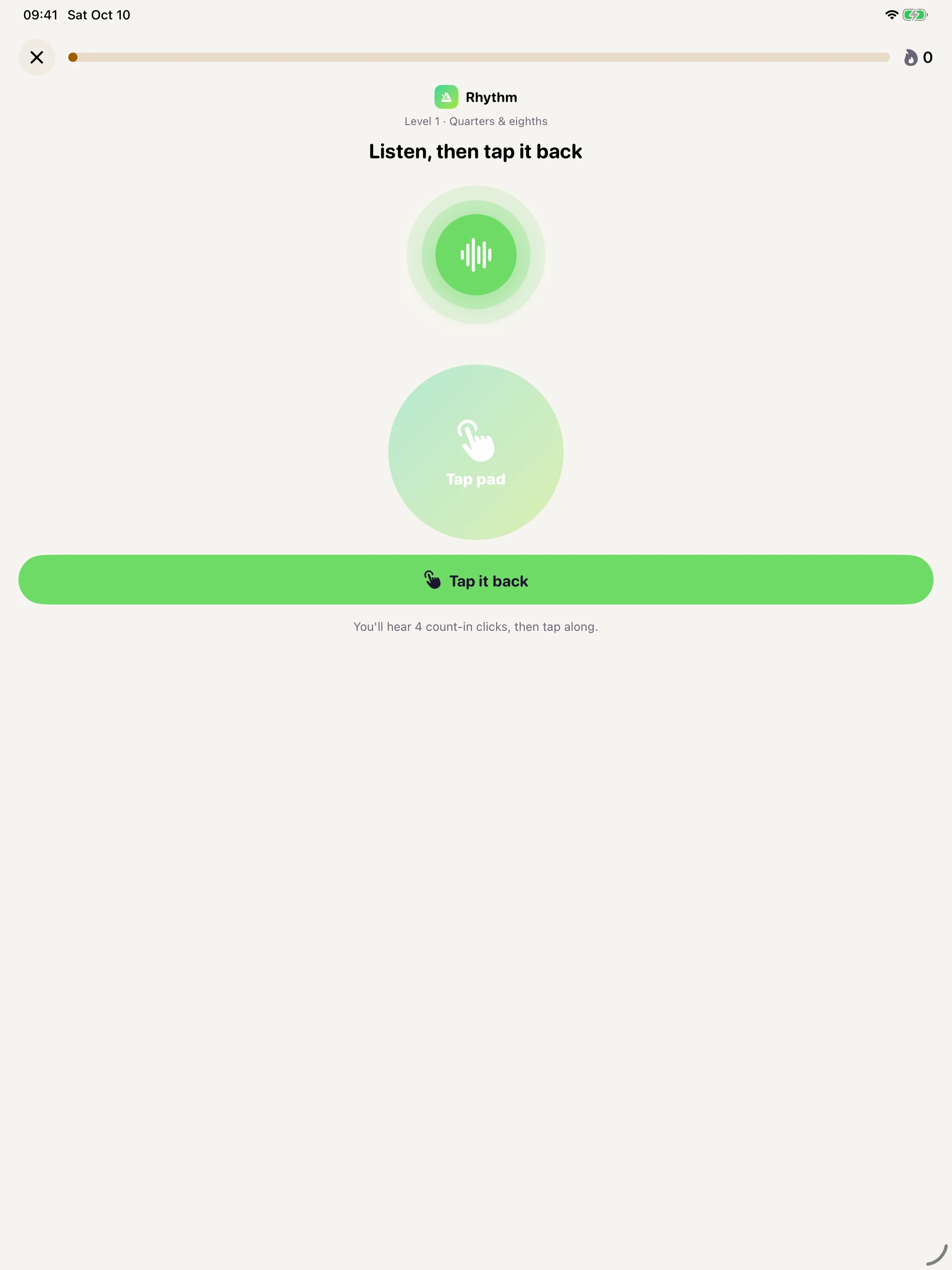
Listen to the pattern, then tap it back.
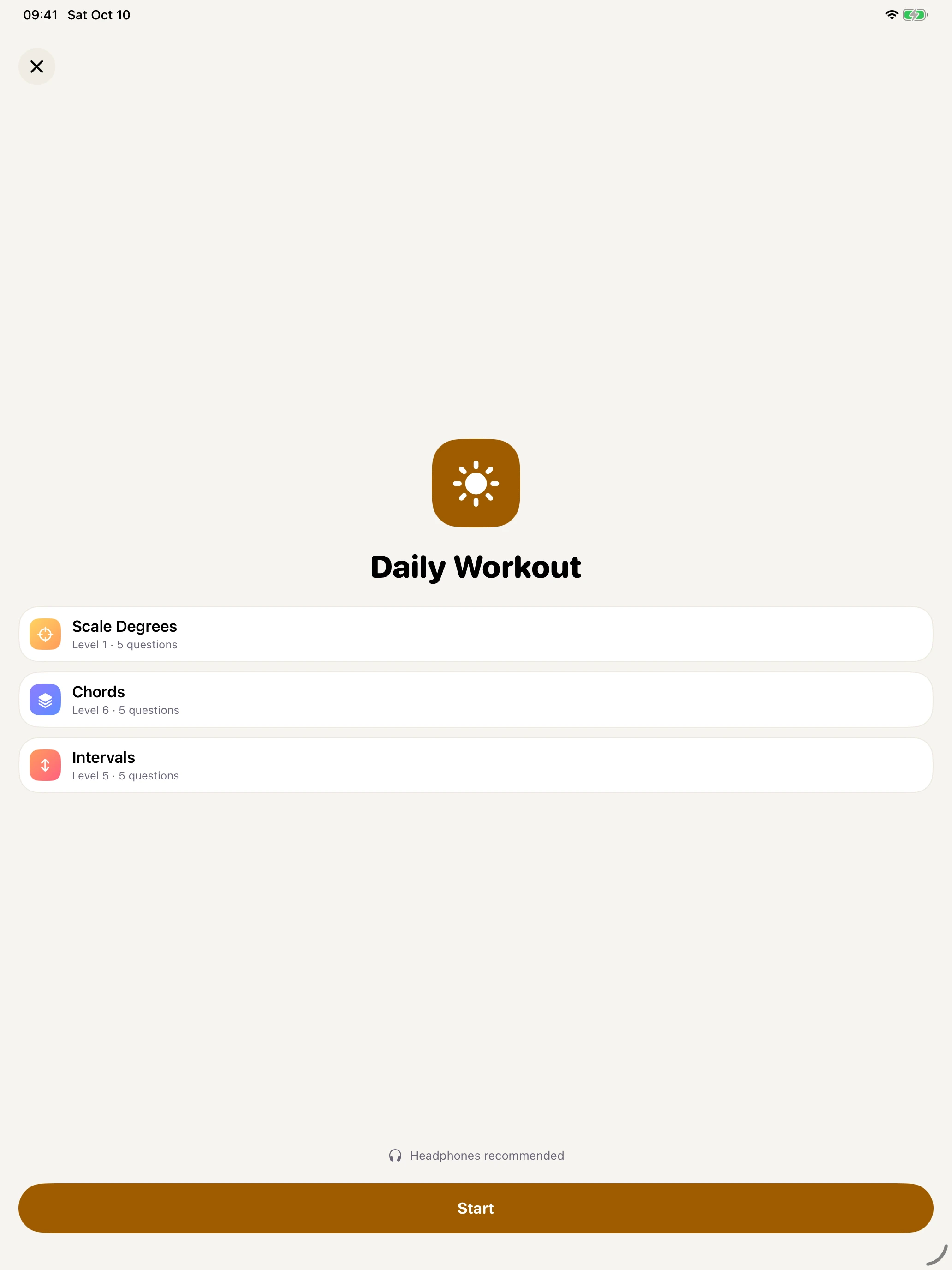
Three short blocks for focused daily practice.
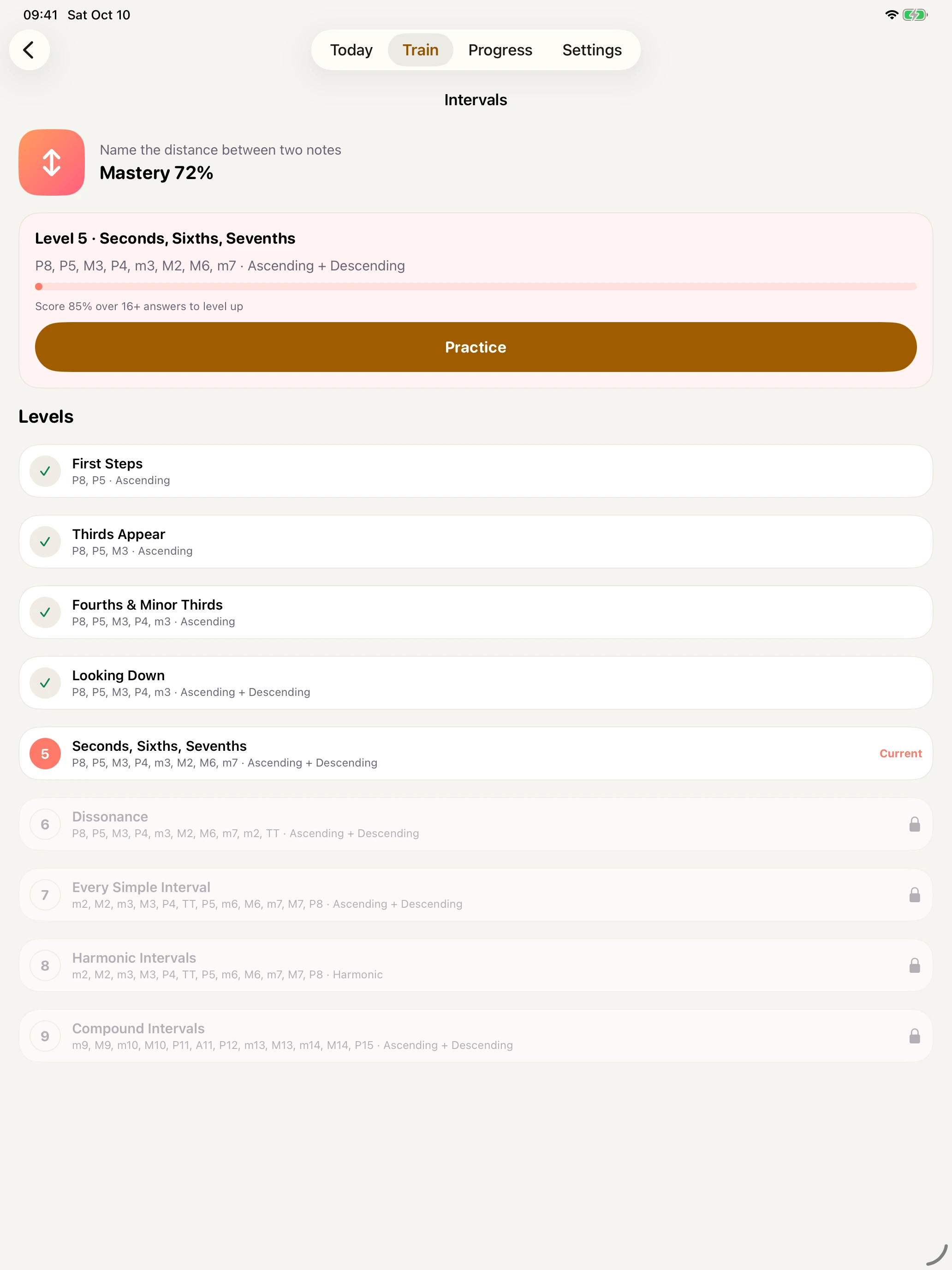
A progressive curriculum with levels you earn.
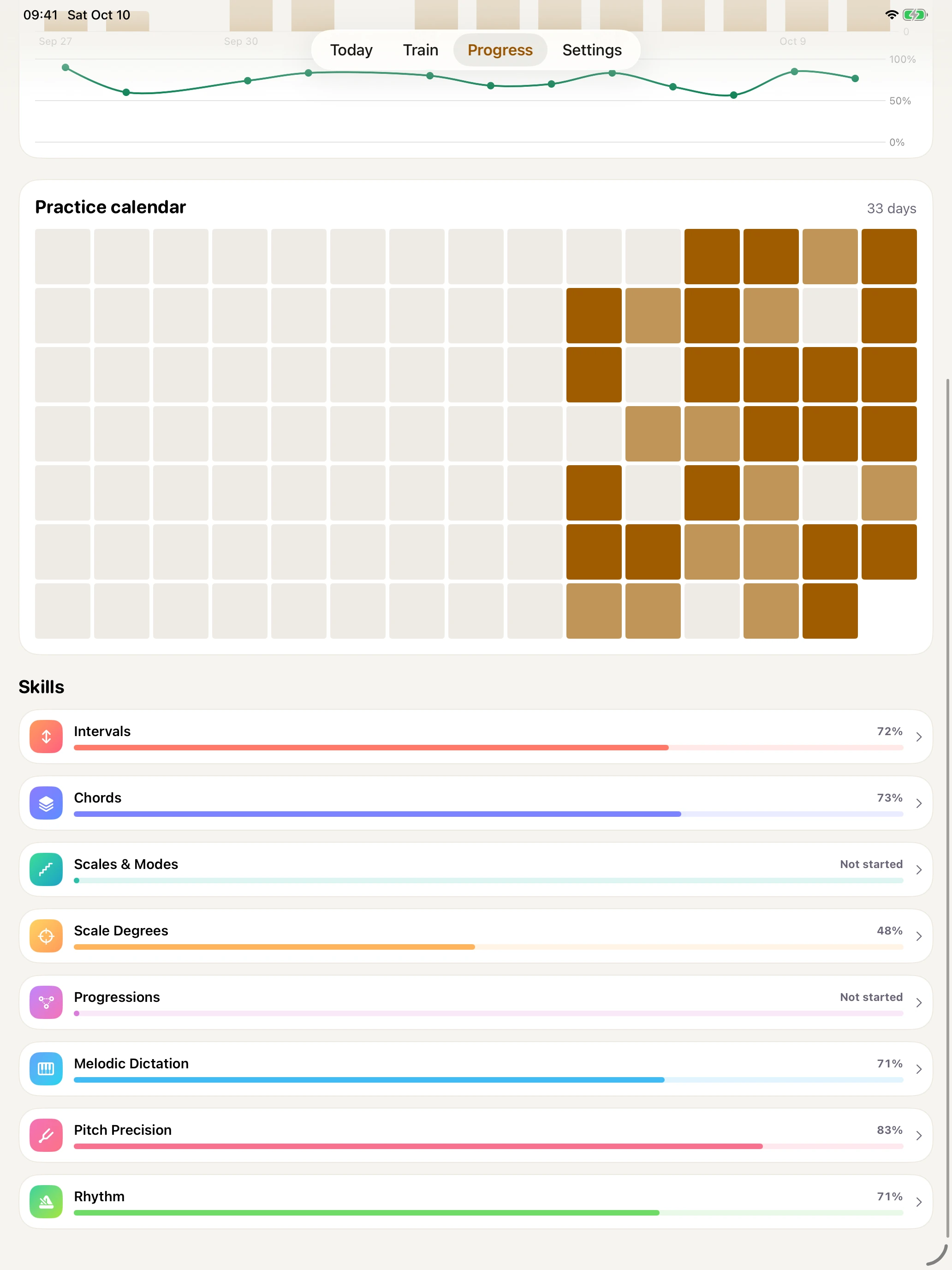
See your activity and mastery across skills.
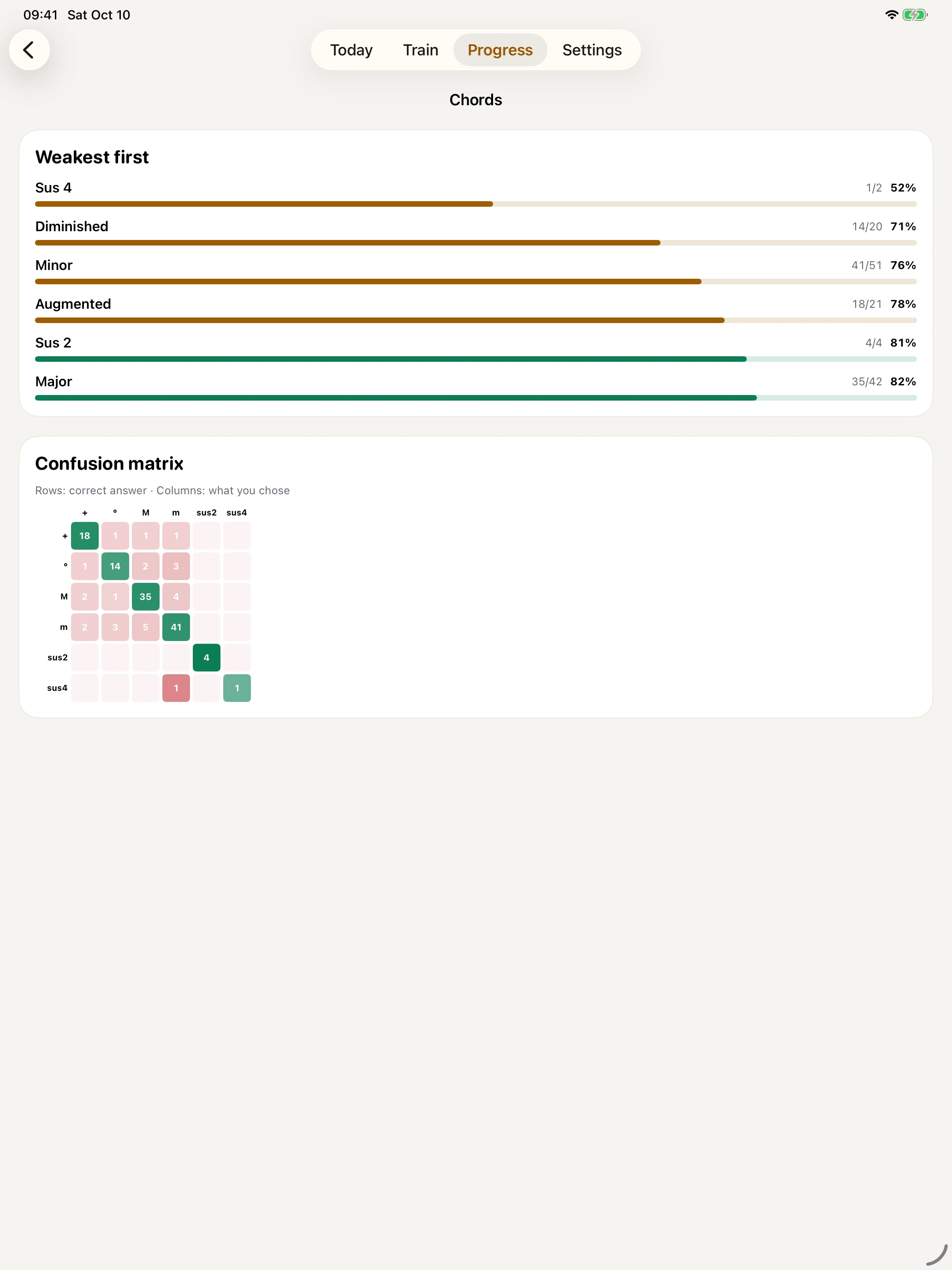
Per-item mastery, with your weakest items first.
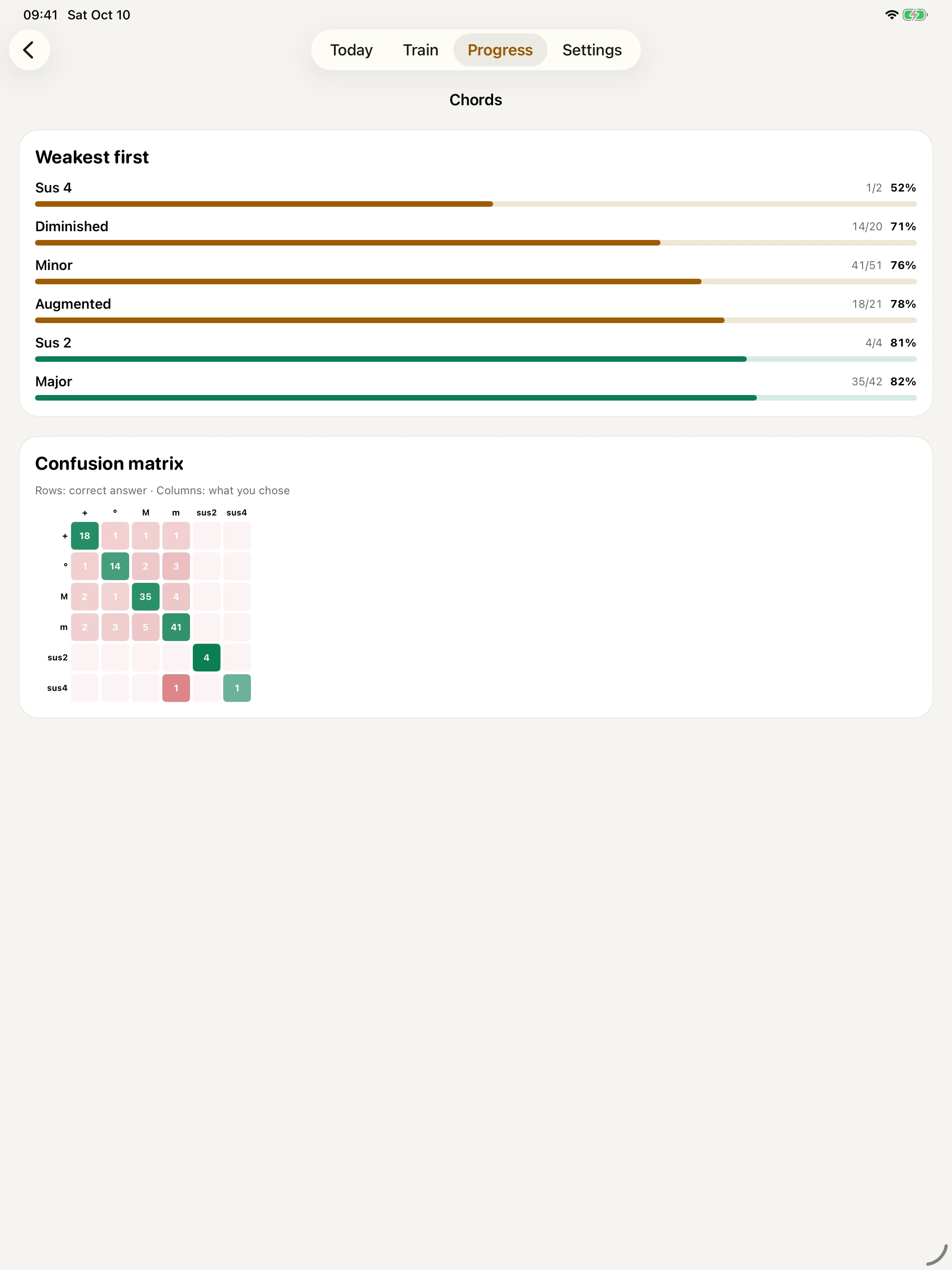
The Pro confusion matrix compares expected and chosen answers.
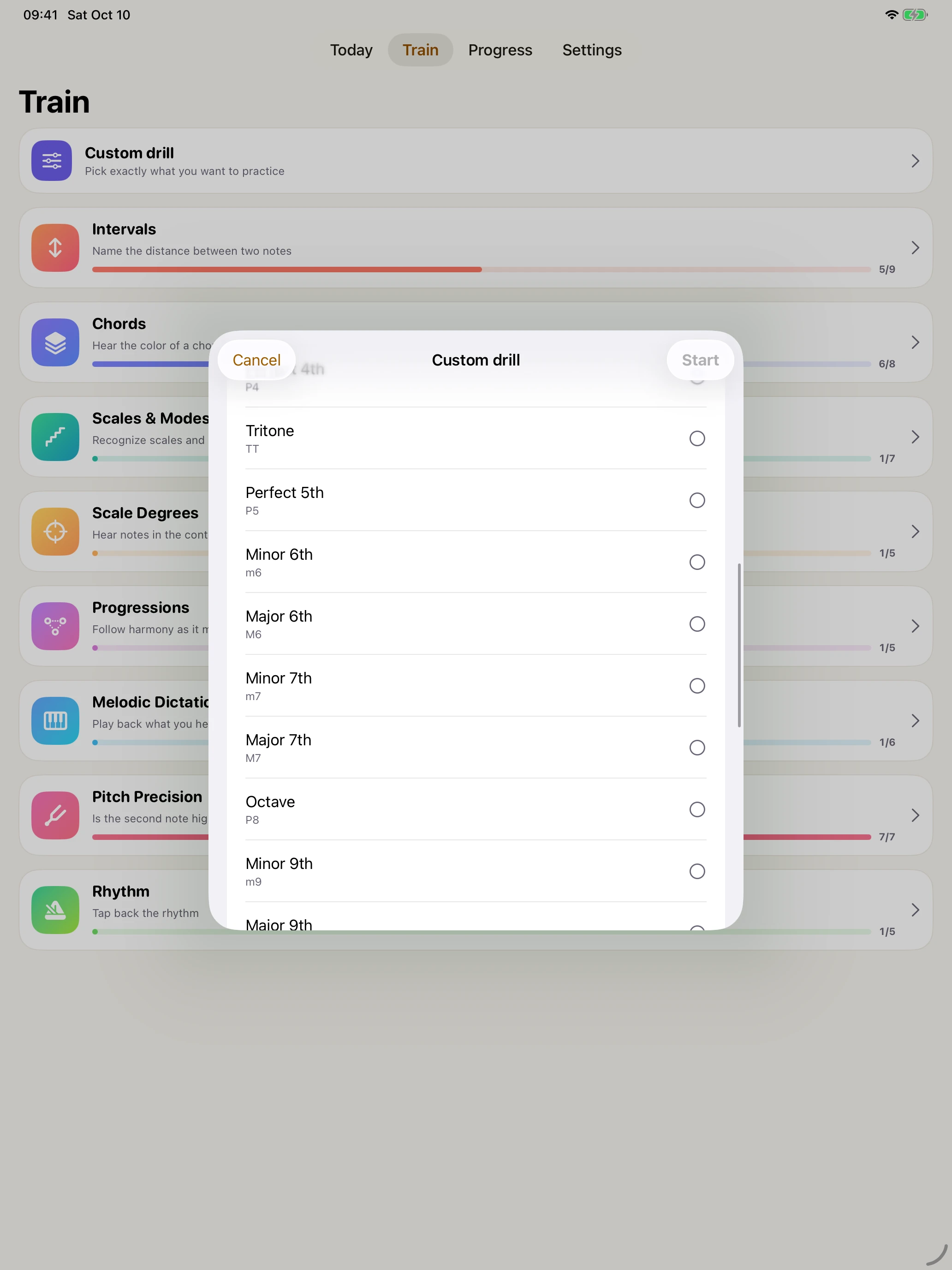
Adjust pitch range, pace, and instrument.
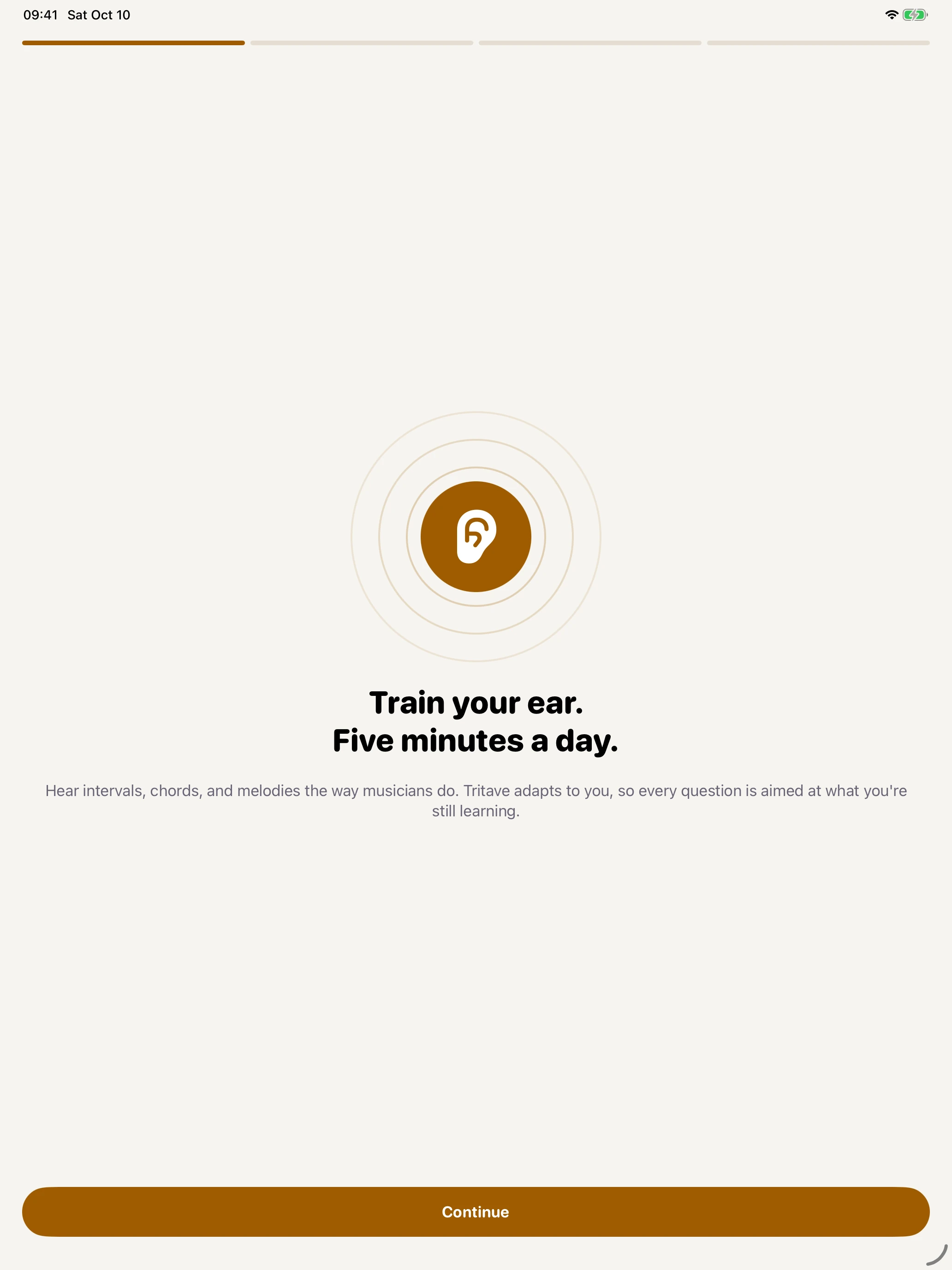
A gentle introduction to daily ear training.
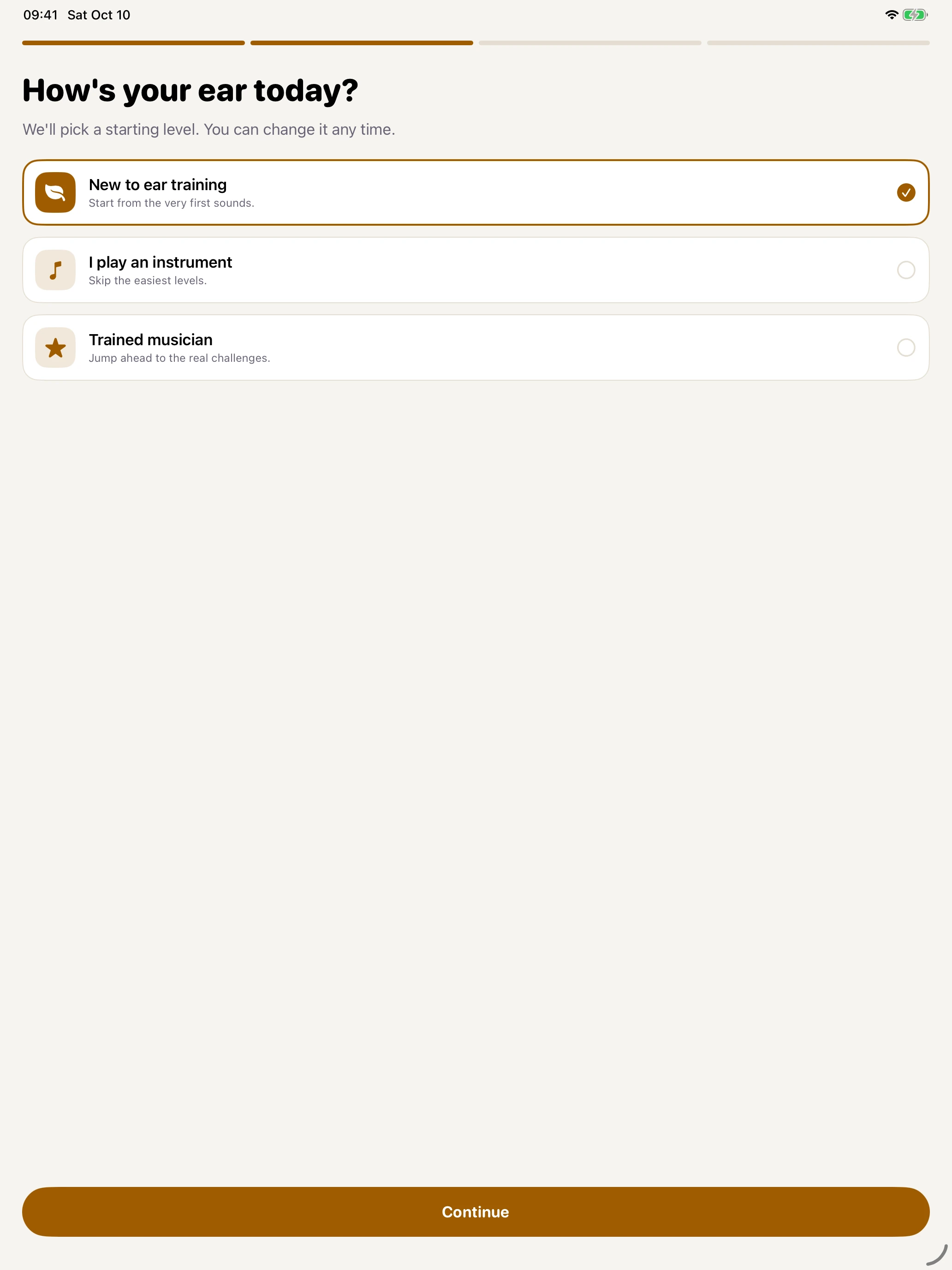
Choose the musical experience that fits you.
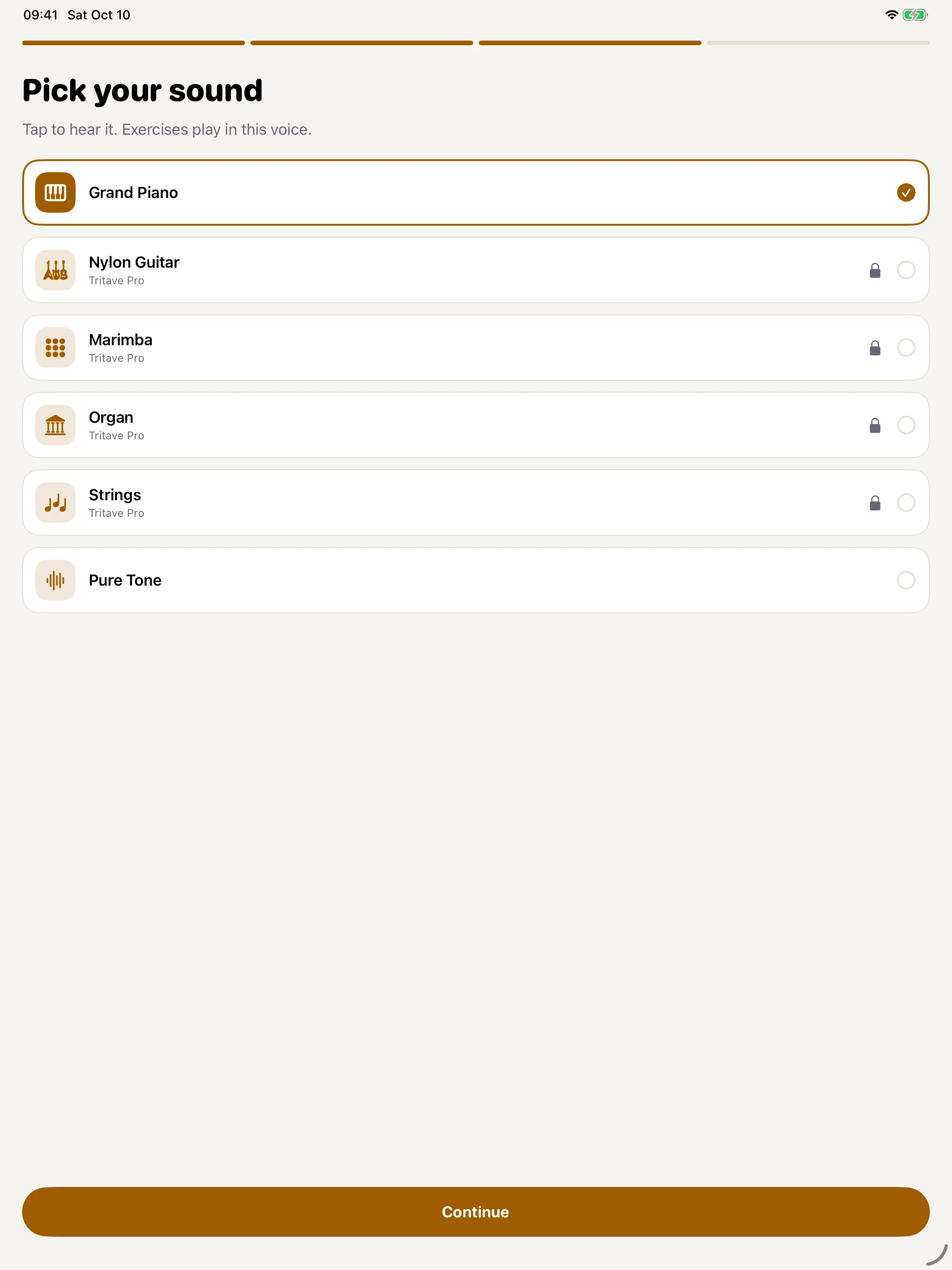
Preview an instrument for your exercises.
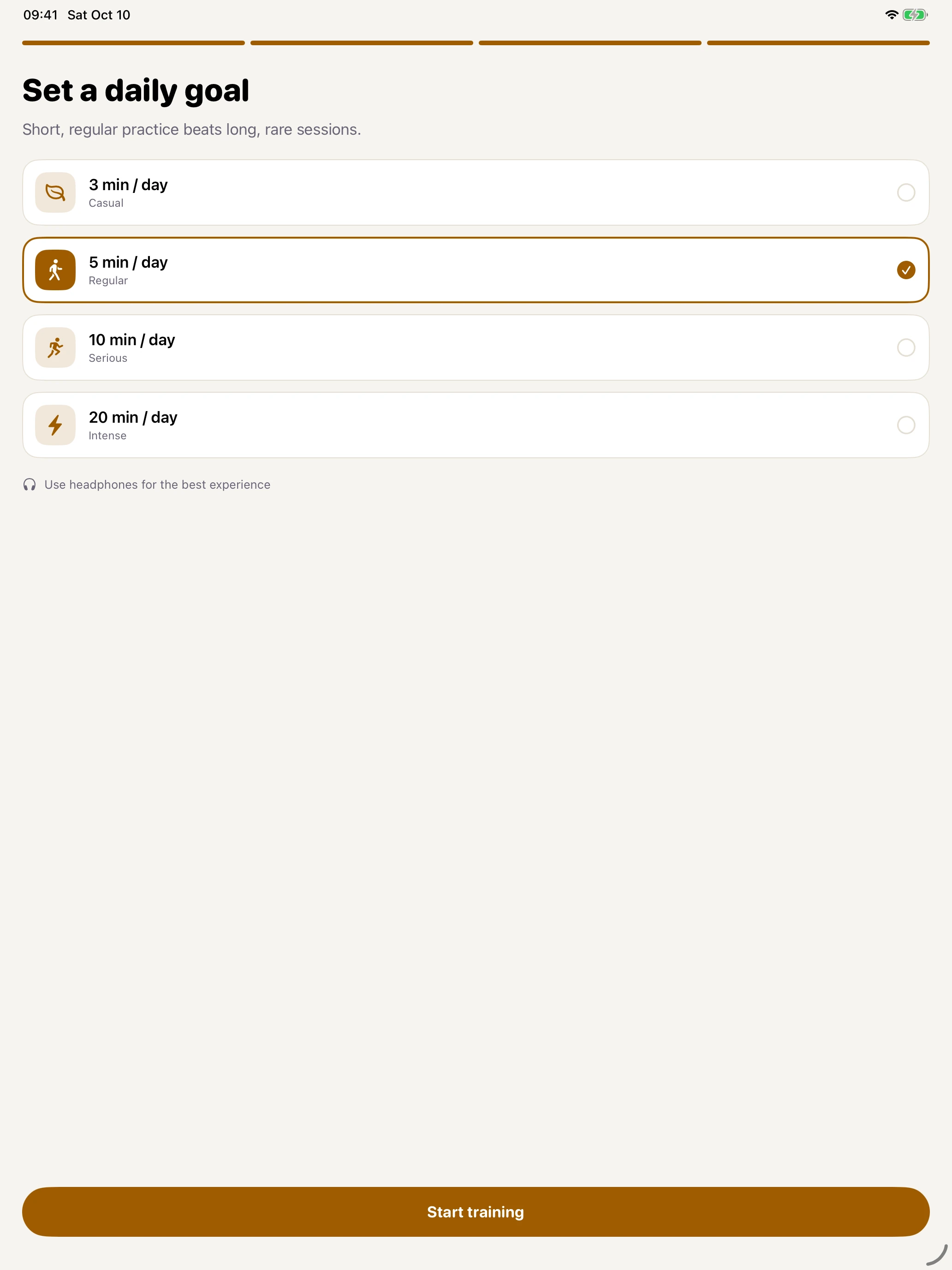
Choose how much time to practise each day.
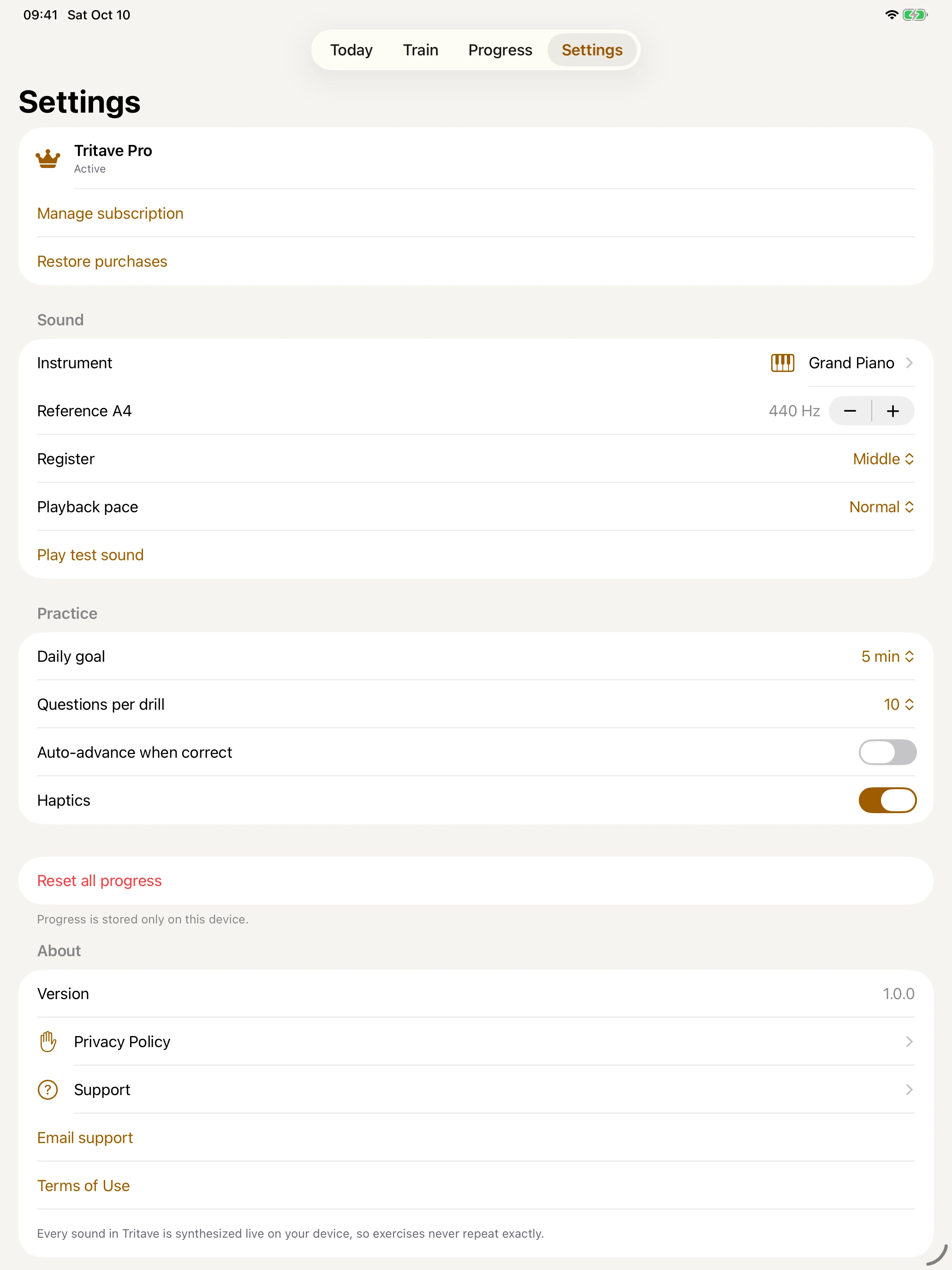
Sound, reference pitch, register, and playback pace.
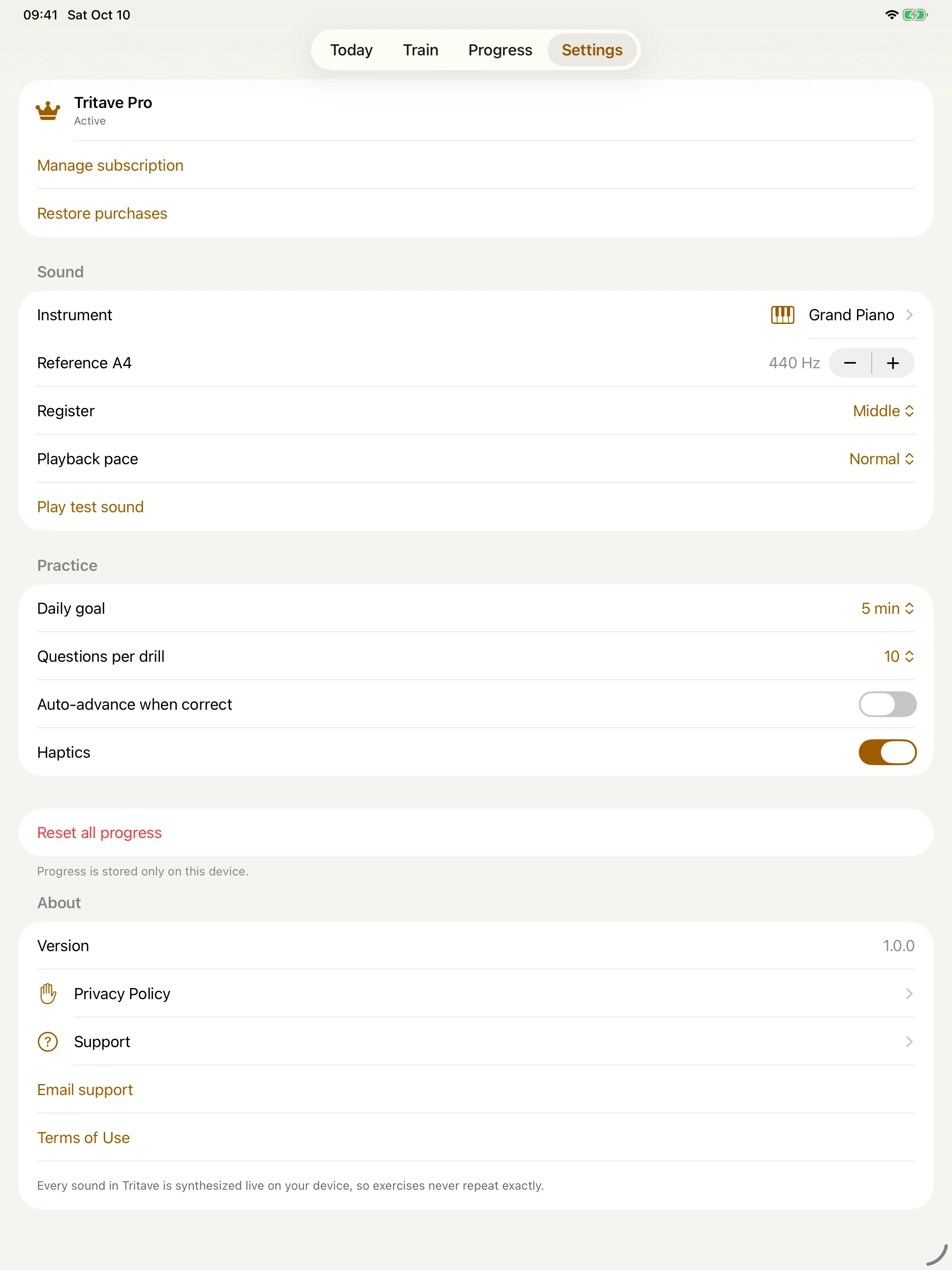
Practice preferences, privacy, support, and terms.
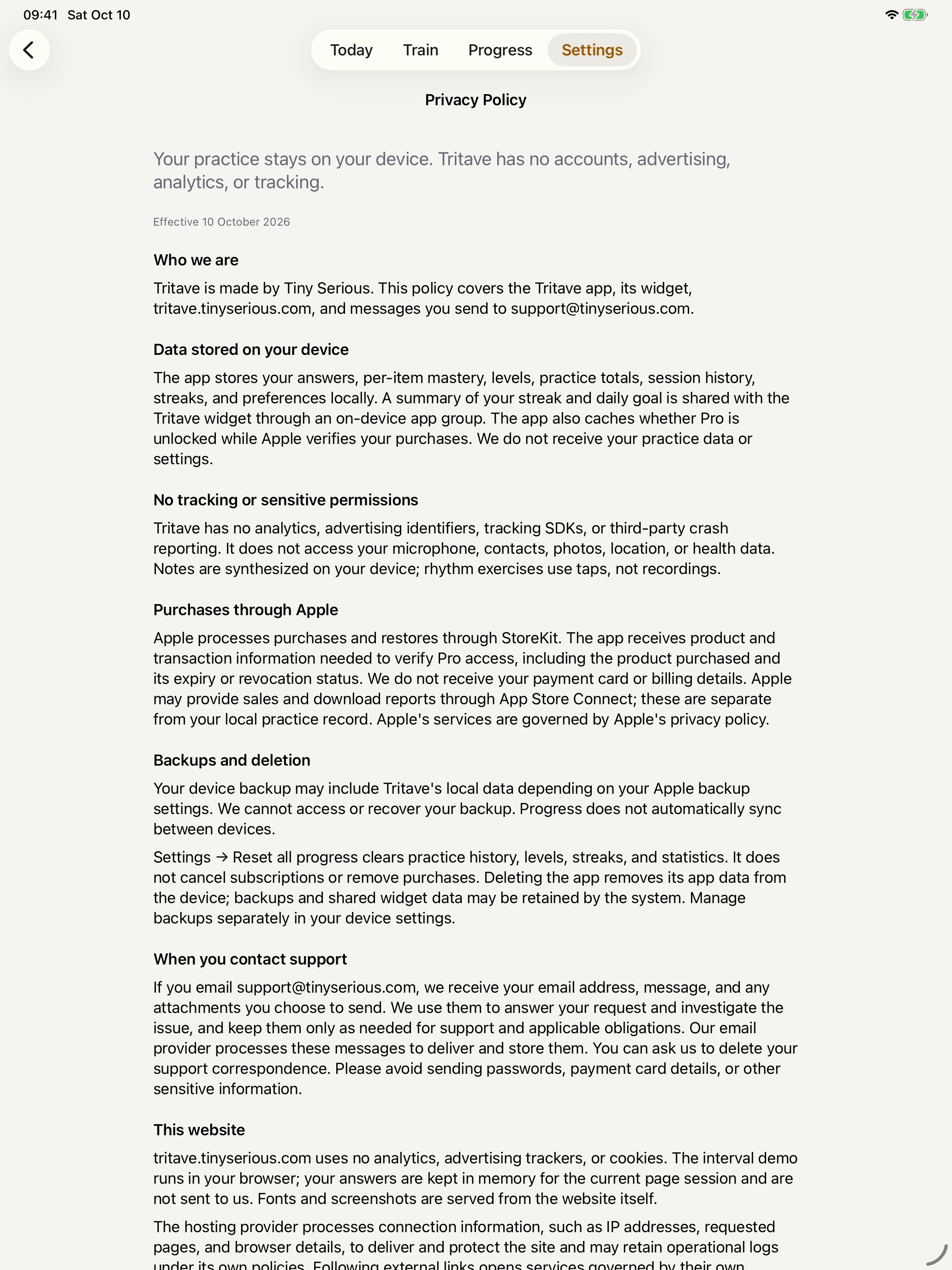
A bundled policy that works offline.
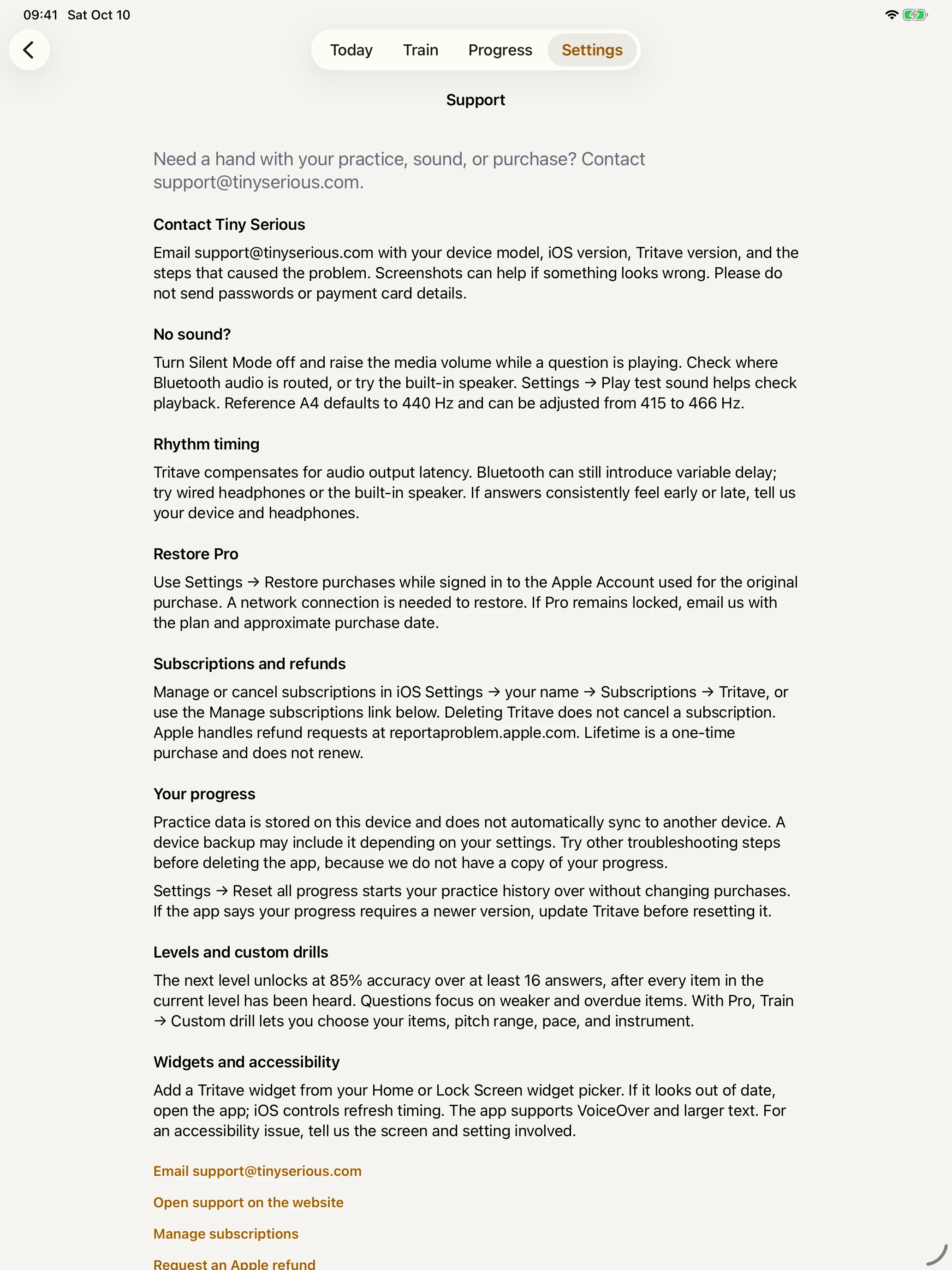
Troubleshooting and a direct email to Tiny Serious.
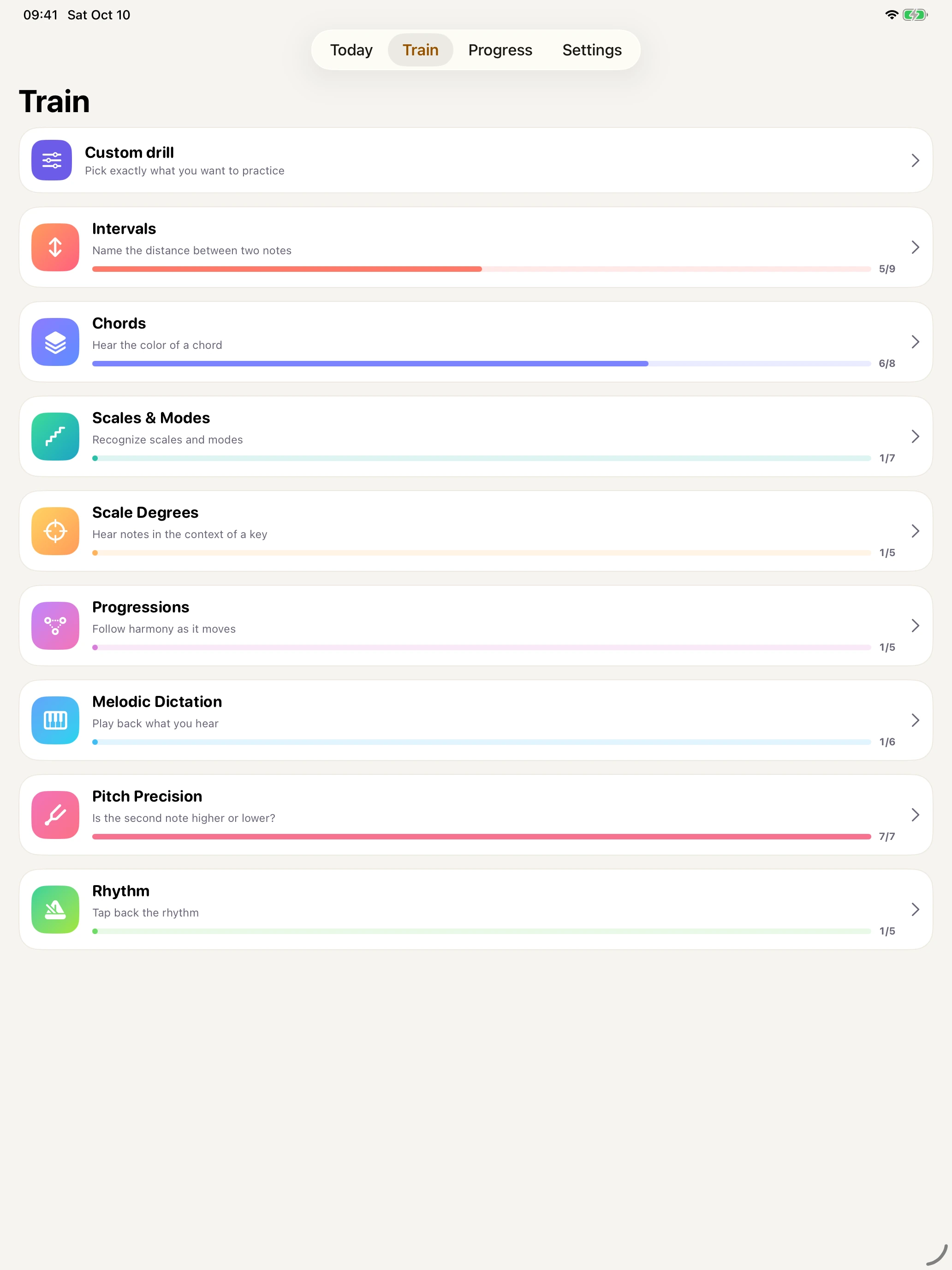
Explore the rest of the exercise library.
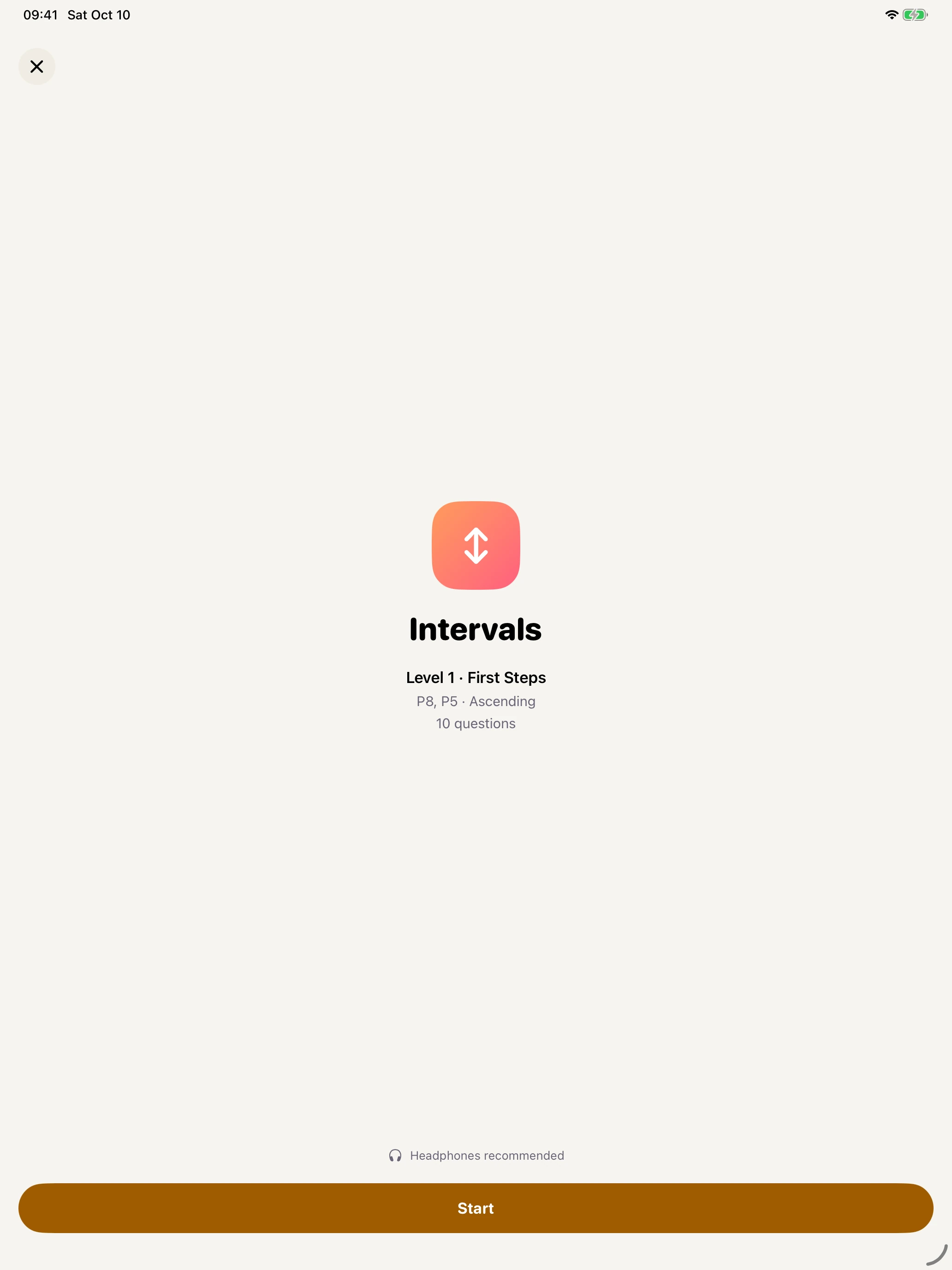
Review the level and question count before starting.
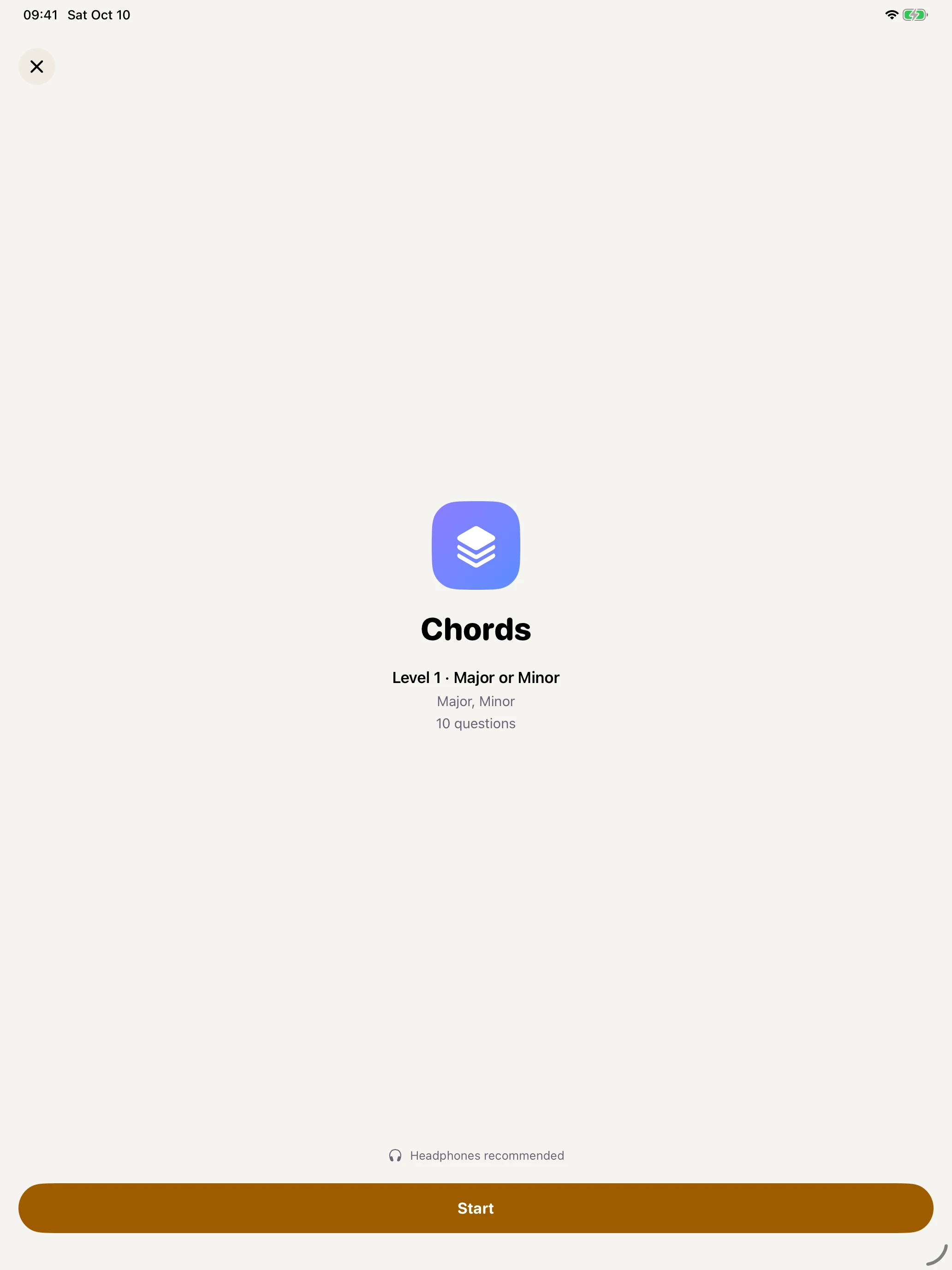
Review the level and question count before starting.
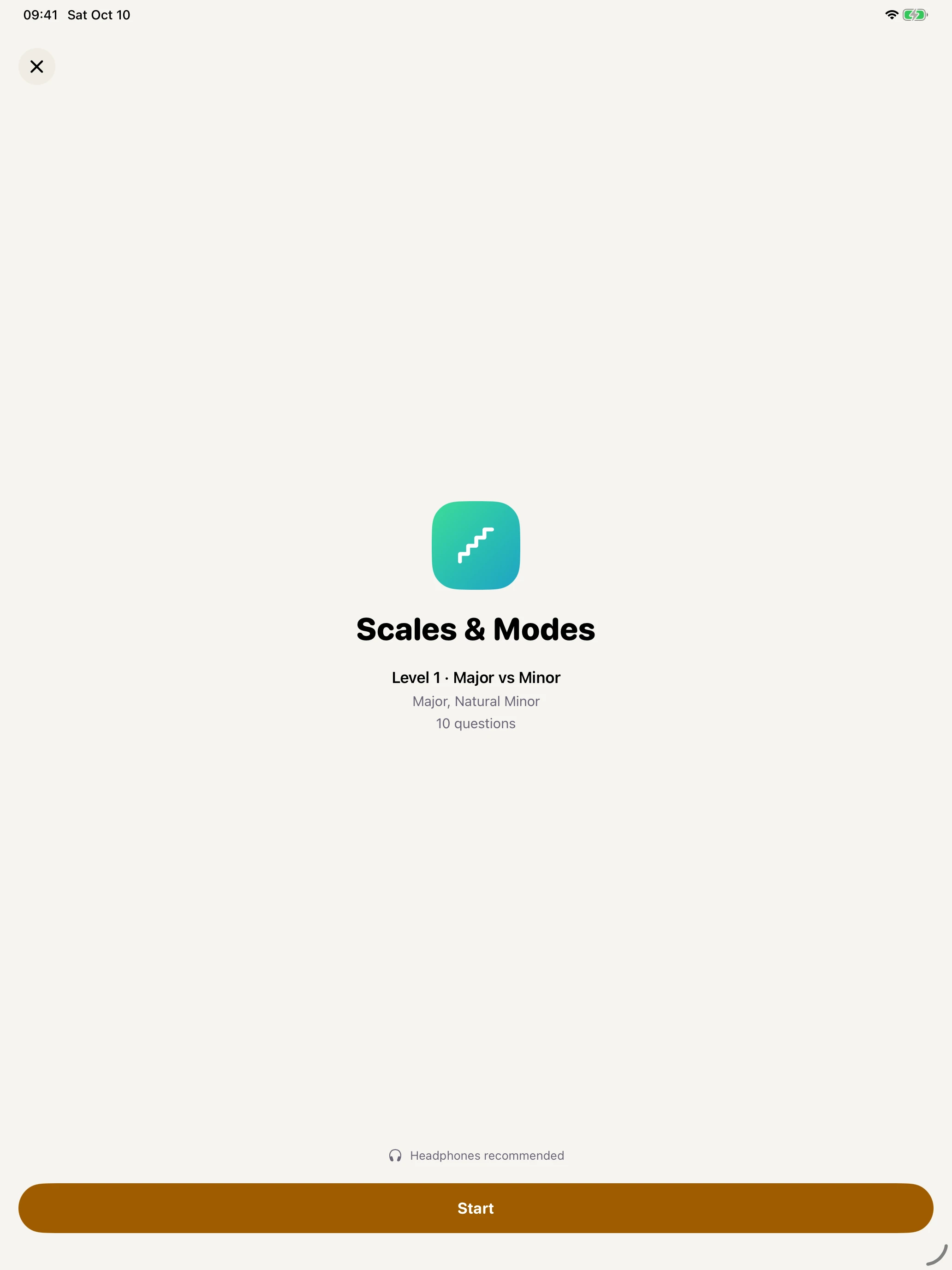
Review the level and question count before starting.
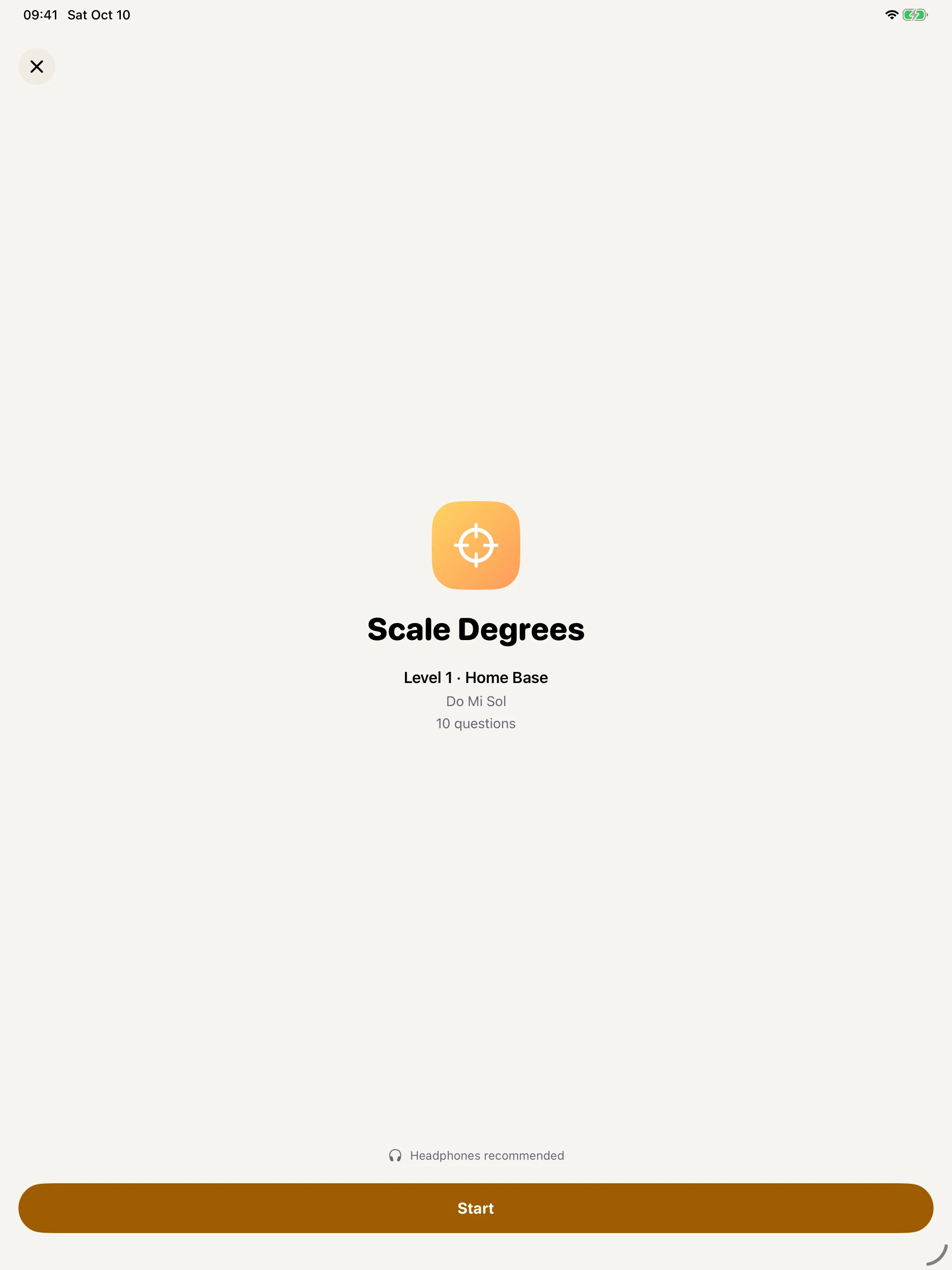
Review the level and question count before starting.
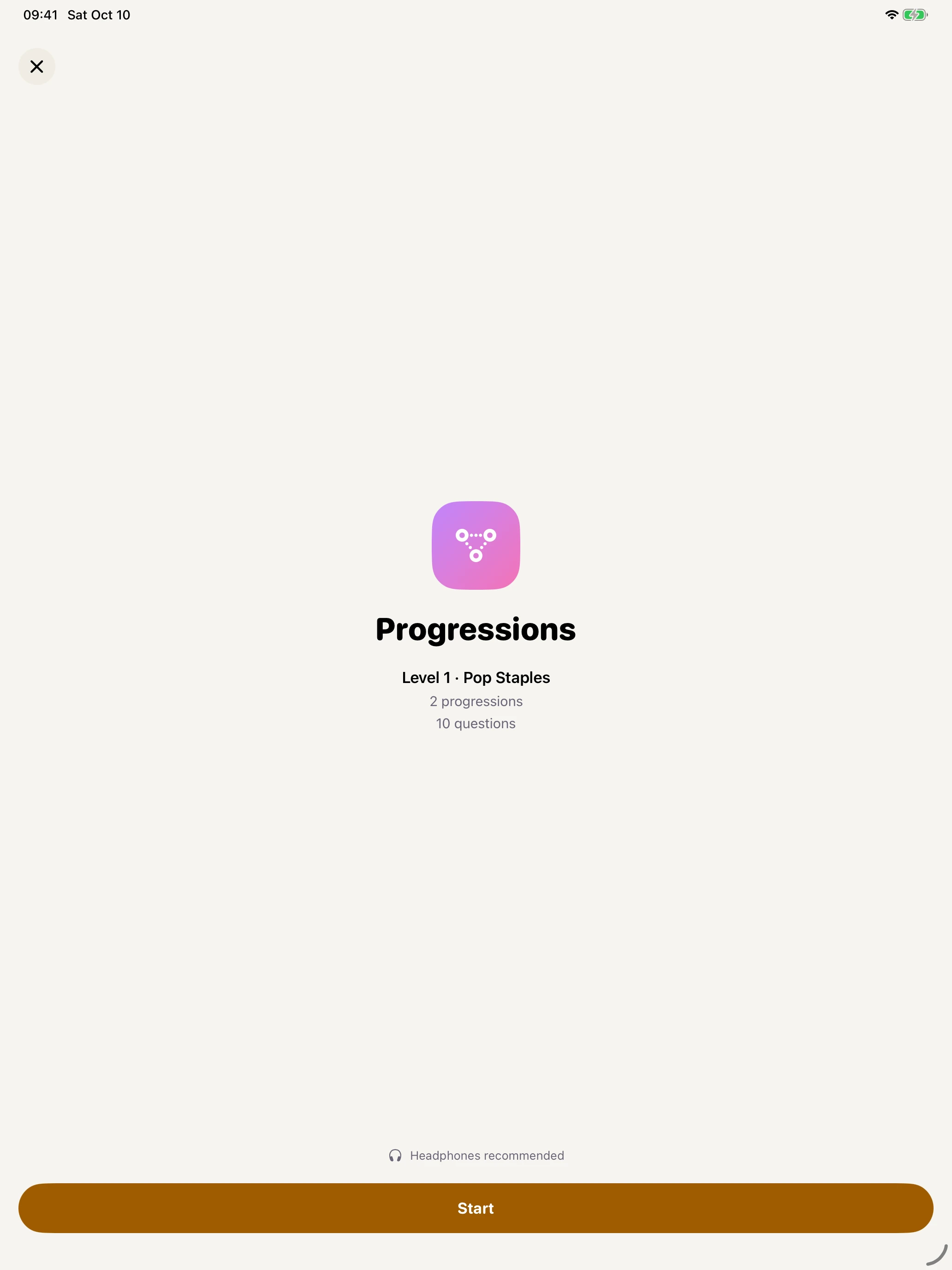
Review the level and question count before starting.
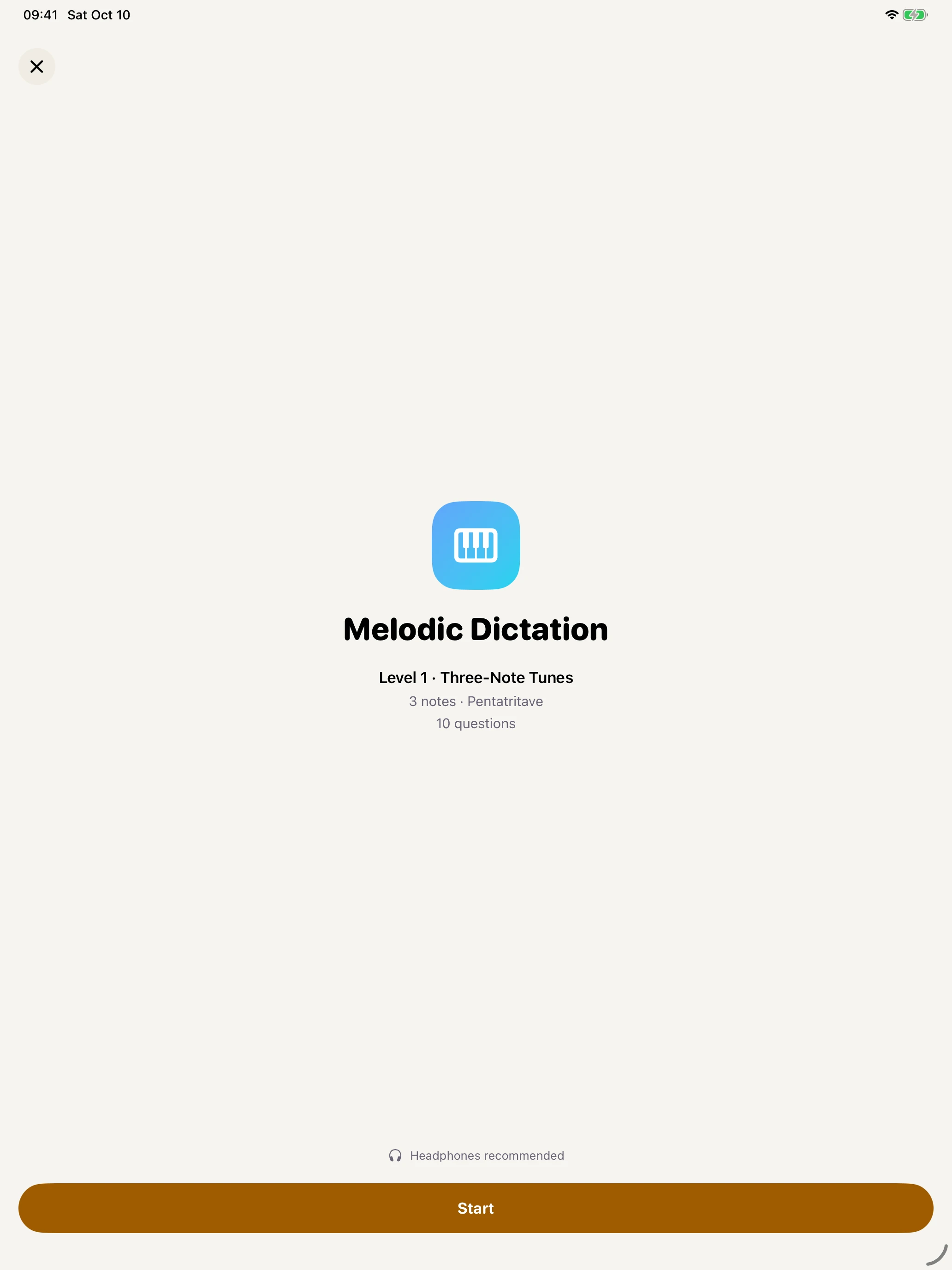
Review the level and question count before starting.
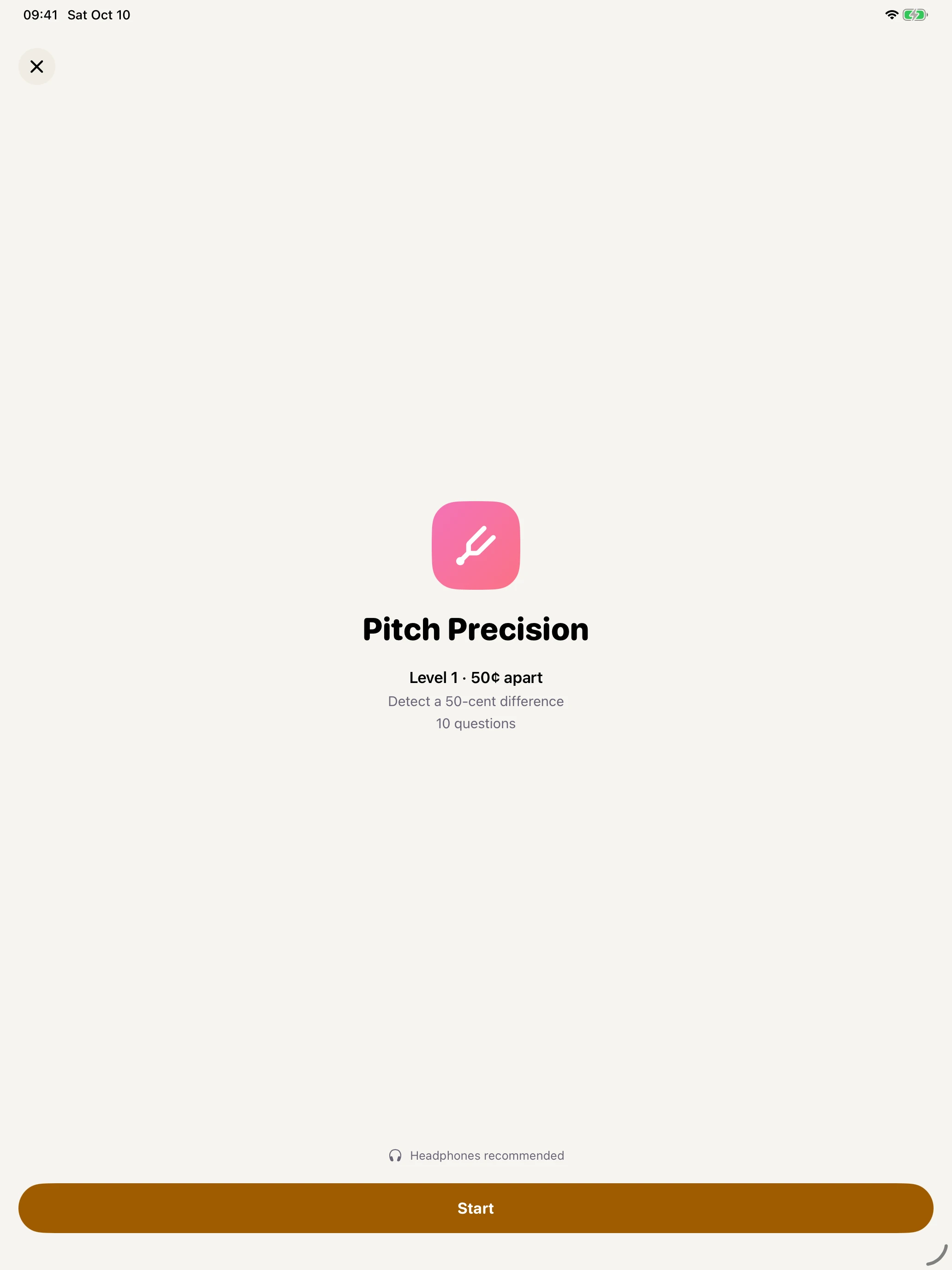
Review the level and question count before starting.
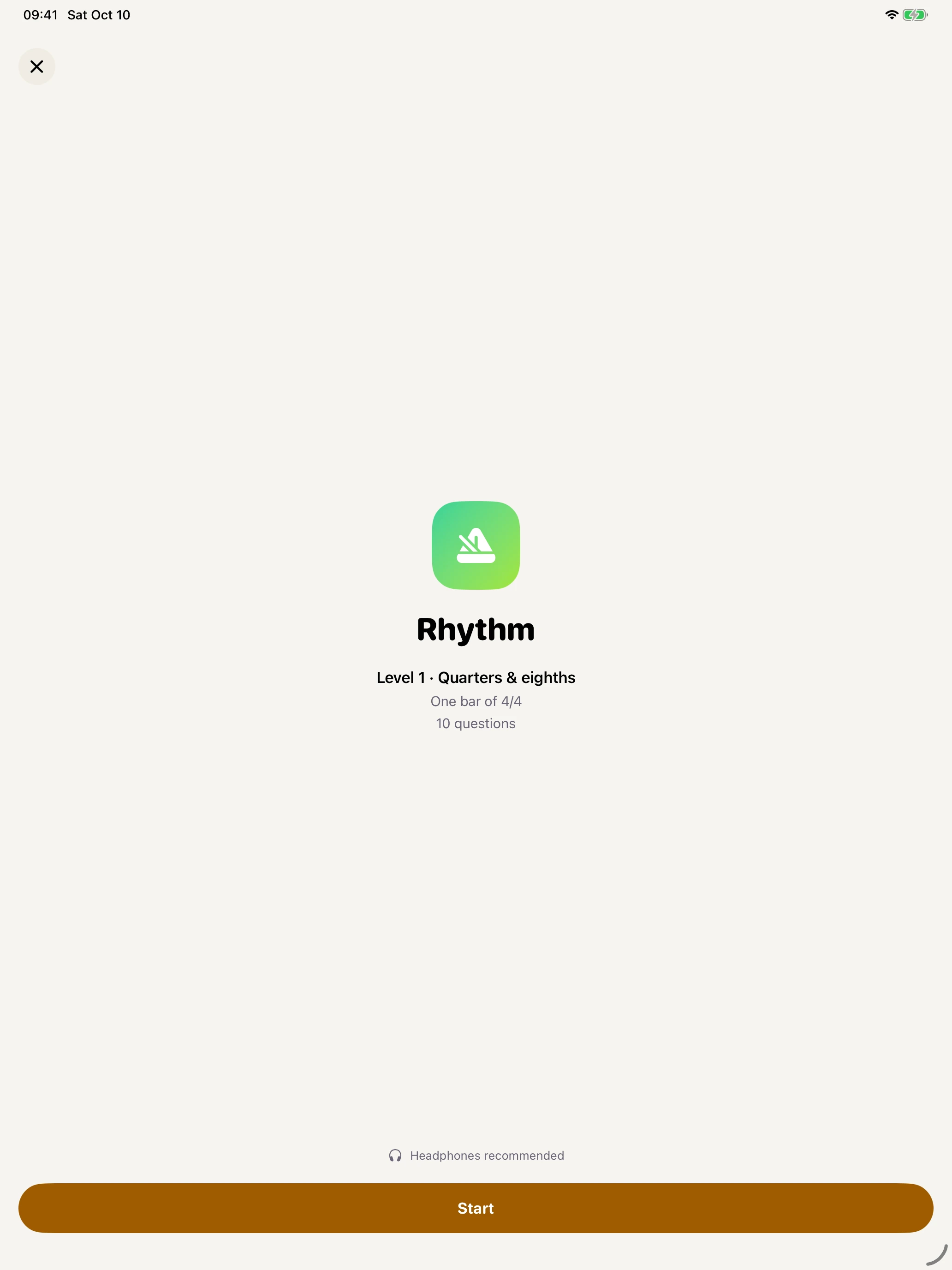
Review the level and question count before starting.
Paywall prices are from Apple’s local StoreKit test configuration. Available plans, prices, and trial eligibility may vary at launch and by region.
Try it now
Listen to two notes, then name the interval. The demo synthesizes its sound in your browser. Nothing to download; headphones help.
Eight exercises
Each one has its own ladder of levels, its own mastery record, and its own idea of which item you're weakest on right now.
Every interval out to a double octave, ascending, descending and harmonic.
9 levels · 4 free17 qualities from triads to altered dominants, with inversions and voicings.
8 levels · 2 free14 scales and modes, heard as a whole rather than spelled out.
7 levelsA cadence sets the key, then you place the note inside it. The functional ear.
5 levels · 1 freeHear the harmony move and name the sequence, not just the chord.
5 levelsPlay back what you heard on a piano keyboard, note for note.
6 levelsSharp or flat, and by how much — graded down to three cents.
7 levels · 2 freeTap the figure back. Scored against the grid with your latency measured out.
5 levels · 1 freeHow it adapts
Tritave brings your weaker sounds and overdue reviews back into practice. Your progress page shows accuracy, activity, and mastery for each skill.
The sound
Hear every exercise on piano, guitar, marimba, organ, strings, or a pure tone. Every note is created on your device as you play.
Try different sounds as your ear improves. Set the reference pitch and playback pace to suit your instrument and the way you practise.
Pricing
Ten levels are free, across five of the eight exercises — enough to find out whether this is how you want to practise.
These planned US prices match the app’s test configuration. Final App Store prices and trial eligibility may differ in your region. Subscriptions renew until cancelled and can be managed in your Apple account settings. The lifetime unlock is a one-time purchase, not a subscription.
Questions
No. Intervals, chords, scales and rhythm are all answered by picking a name or tapping, and nothing asks you to read a staff. Melodic dictation uses a piano keyboard, so you play back what you heard rather than write it down.
No, and be wary of anything that says it will. Absolute pitch is very hard to acquire as an adult. What Tritave builds is relative pitch and functional hearing — recognising an interval, a quality, or a scale degree in context — which is the thing musicians actually use, and which does improve with practice at any age.
Short and often beats long and rare. The default daily goal is five minutes, and the daily workout is three blocks of five questions. Ear training tires quickly; when you start guessing, stop.
Practice and progress tracking work offline, with no account or sign-in. Buying or restoring Pro requires Apple’s services and an internet connection. Privacy and support are also readable inside the app offline.
Progress is saved on your device. Your Apple backup may include it depending on your settings; we never receive it. It does not automatically sync across devices. See the privacy policy.
A tritave is the 3:1 frequency ratio — what the octave's 2:1 is to ordinary tuning, the tritave is to some others. It's the interval you get from the third harmonic, which is also the first one your ear meets that isn't just the same note again.
Yes, with Pro. Custom drills let you choose exactly which items to include, the range, the pace and the instrument — useful when you have one interval or one chord quality that keeps catching you out.
That's the whole method. The app's only job is making sure those five minutes land on what you can't hear yet.